Appendix F - Remote Access
Acterna ANT-5 Page 147
7. If you are connecting to a BN4565/02 or BN4565/03, be sure there is no TZ
environment variable. Do the following:
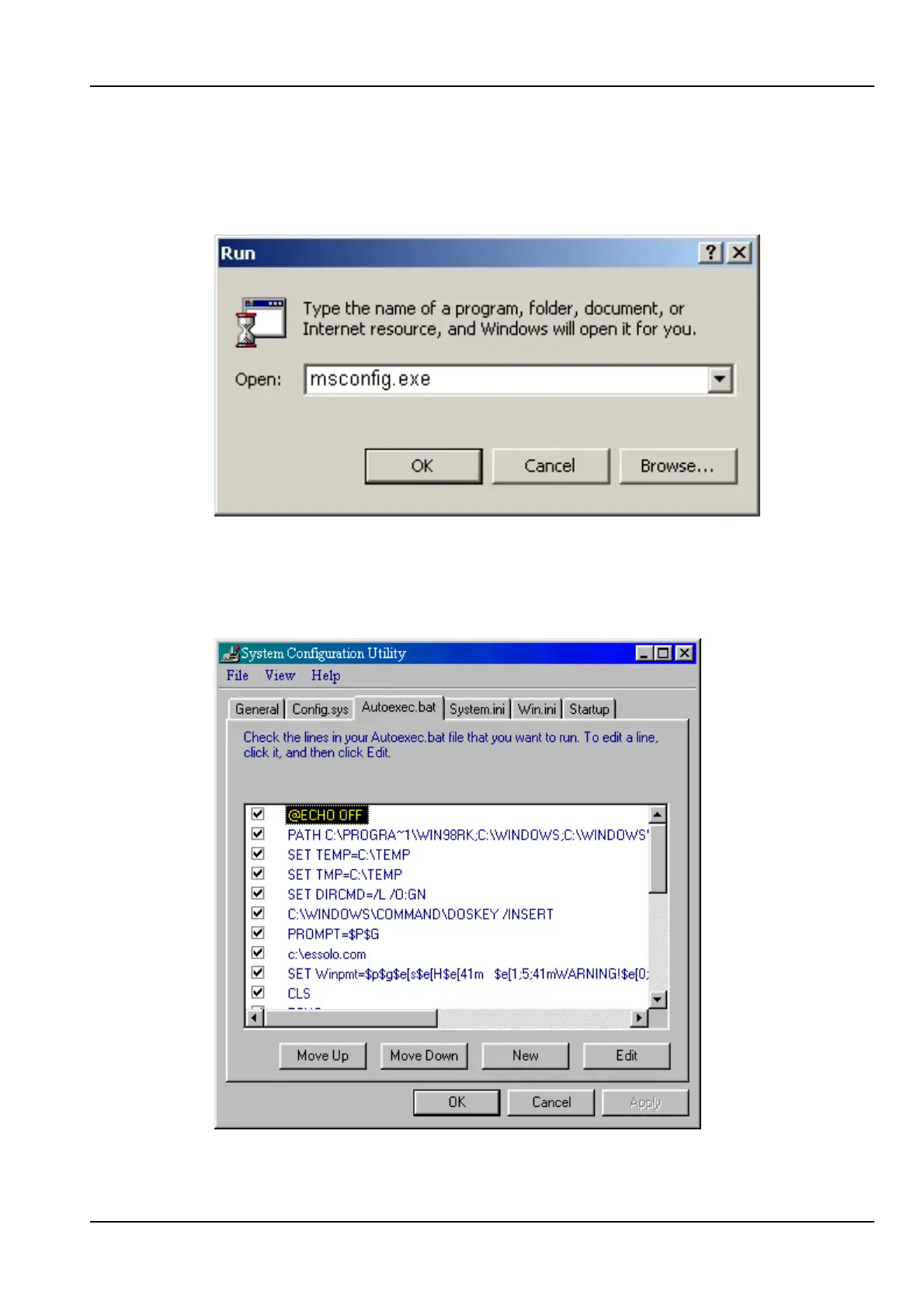
• Select Start > Run.
• In the Run dialog box, type msconfig.exe and click OK. The System
Configuration Utility appears.
• Click the Autoexec.bat tab.
• If there is a statement such as SET TZ=GMT+1 (or similar), delete it.



 To Next Page