EXERCISES - Working With Multiple Objects 41
PageMaker 6.5 Intermediate 2001 Cheltenham Computer Training
FOR USE AT THE LICENSED SITE(S) ONLY
Cheltenham Computer Training 1995-2001 - www.cctglobal.com
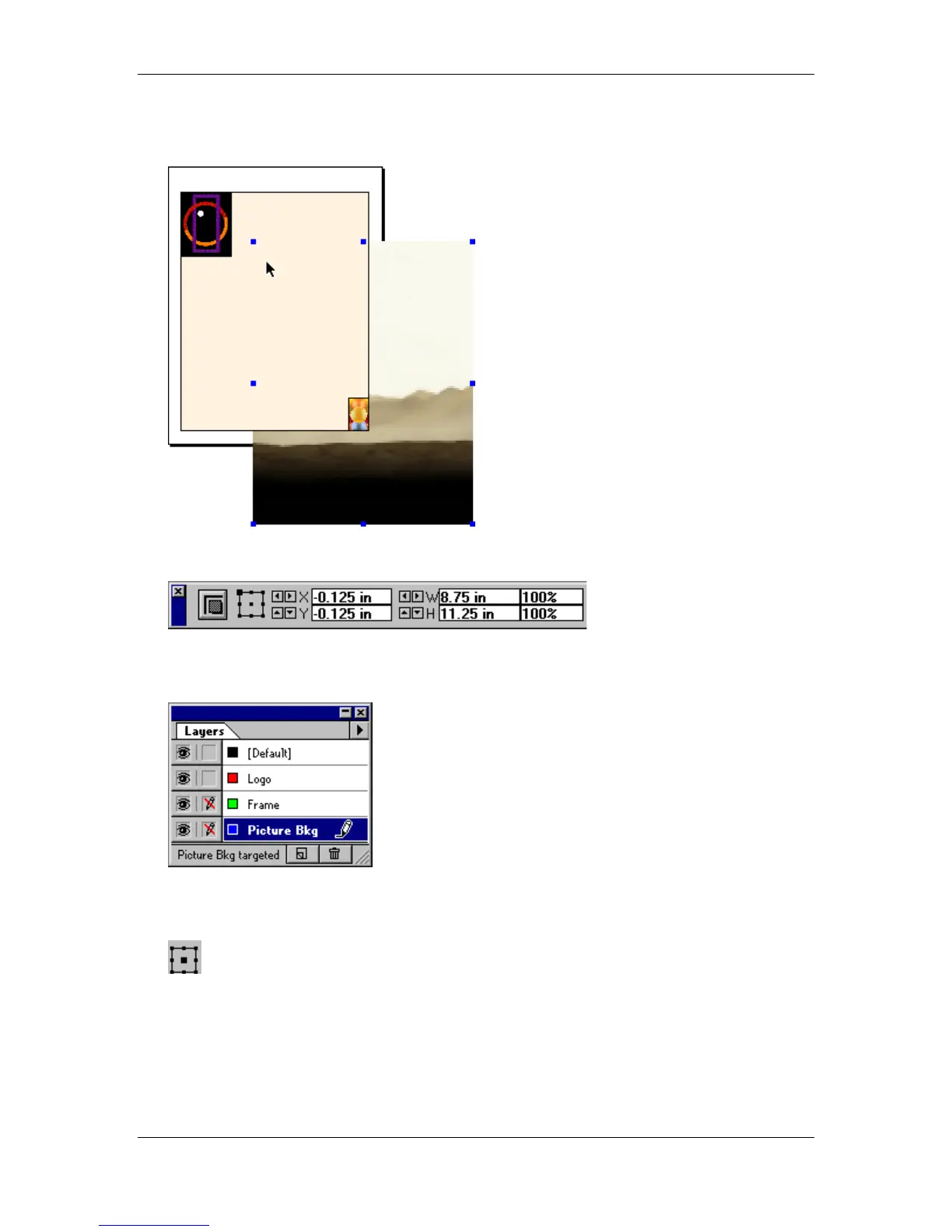
• Click the mouse button and place the image:
• Using the Control palette, enter the following settings:
• Click the Apply button (if needed) to apply your changes.
• Lock the Picture Bkg layer:
• With the Pointer tool, select the Logo image.
• Using the Control palette, select the center Reference point of the Proxy:



 To Next Page