42 Working With Multiple Objects - EXERCISES
2001 Cheltenham Computer Training PageMaker 6.5 Intermediate
FOR USE AT THE LICENSED SITE(S) ONLY
Cheltenham Computer Training 1995-2001 - www.cctglobal.com
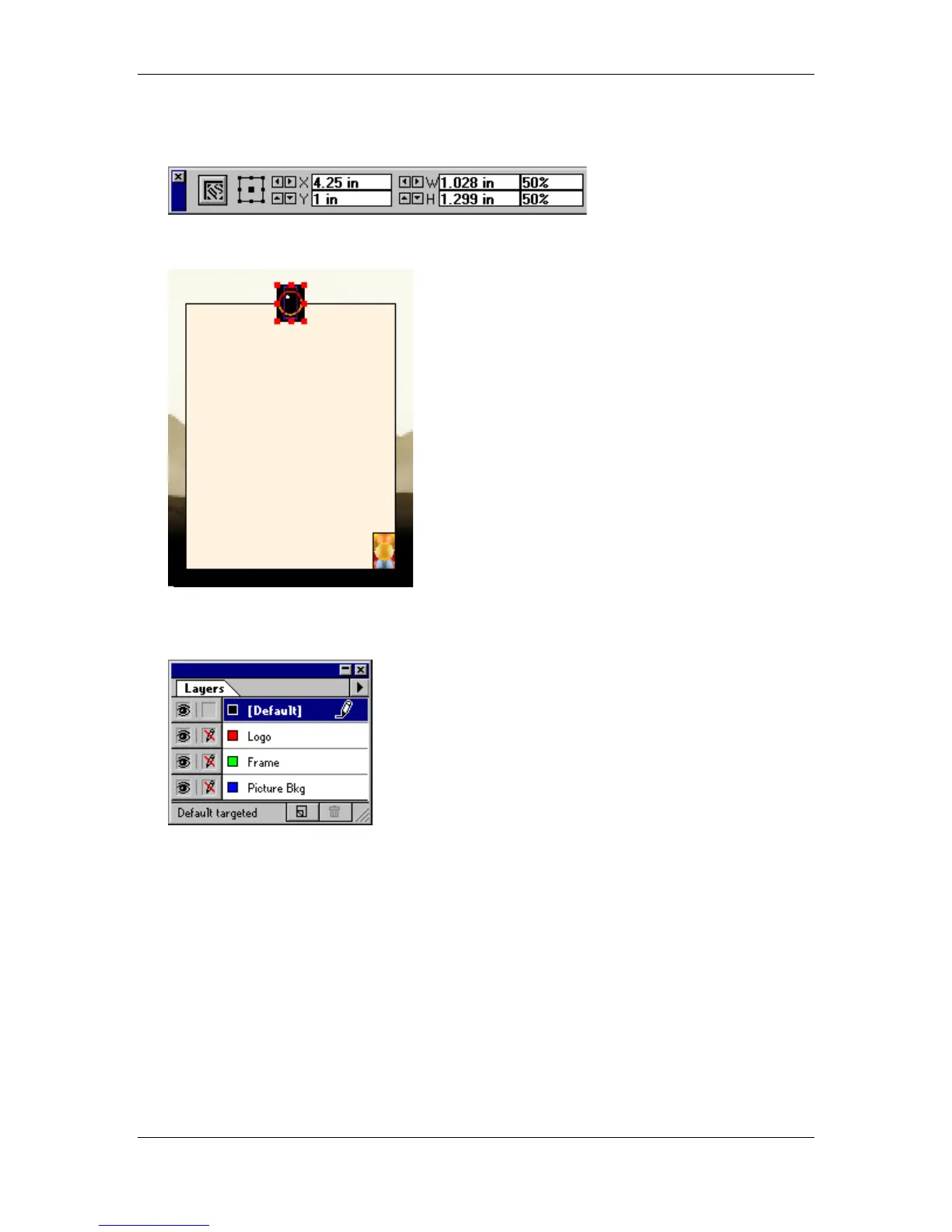
• Enter the following settings:
• Click the Apply button to confirm you settings:
• Lock the Logo layer.
• Select the Default layer:
• Go to page 1.
• Press the Ctrl + S key combination to save your progress.
• Save the publication as the
Intermediate Exercises 7.p65
in the PageMaker 6.5
Intermediate Work Folder.



 To Next Page