36 Tables
2002 Cheltenham Computer Training PageMaker 6.5 Advanced
FOR USE AT THE LICENSED SITE(S) ONLY
Cheltenham Computer Training 1995-2002 - www.cctglobal.com
Using the
Border
Weight
options
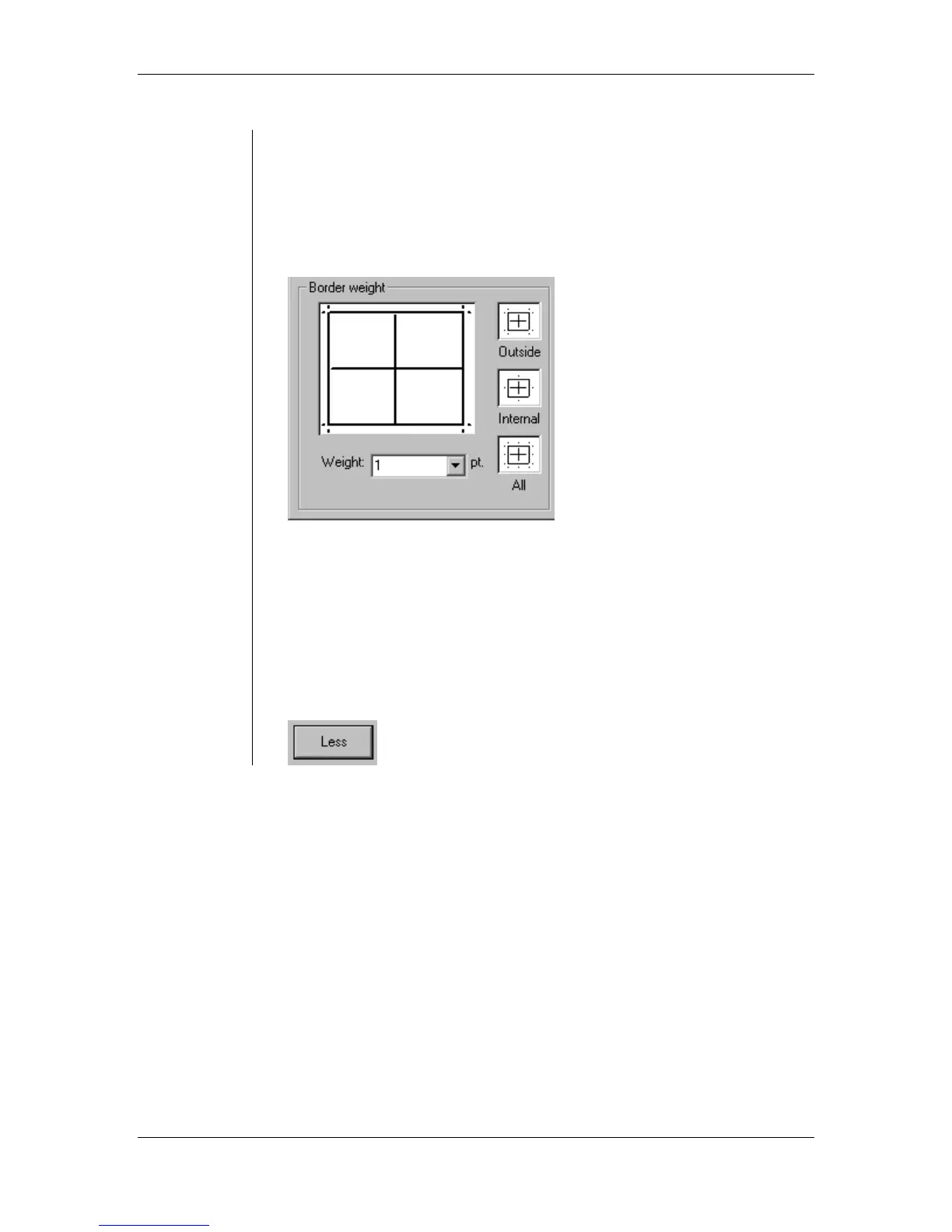
The following are the border weight options you can choose from:
• Outside determines the weight of the borders on the perimeter of the
table.
• Internal determines the weight of the borders within the table.
• All sets with weight of the borders inside and out all at once.
• Weight can be set by selecting a preset in the Weight pop-up menu or
by entering a value from 0 to 36 points:
• If you would like no borders, just select None.
• Remember, that the line weight cannot be bigger than the gutter.
• If you would like no borders, choose None from the weight drop down
list.
Note: Remember that the line weight cannot be bigger than the
gutter.
• Click the Less button to hide the extra options:



 To Next Page