22 Scripts - EXERCISE
2002 Cheltenham Computer Training PageMaker 6.5 Advanced
FOR USE AT THE LICENSED SITE(S) ONLY
Cheltenham Computer Training 1995-2002 - www.cctglobal.com
• Place the picture at the top right corner of the second column on page 15:
• Go to the page 24. Notice the text on the right column is now flowing of the publication page.
Next you will adjust this text to fit the right column and place the remaining text onto page 25.
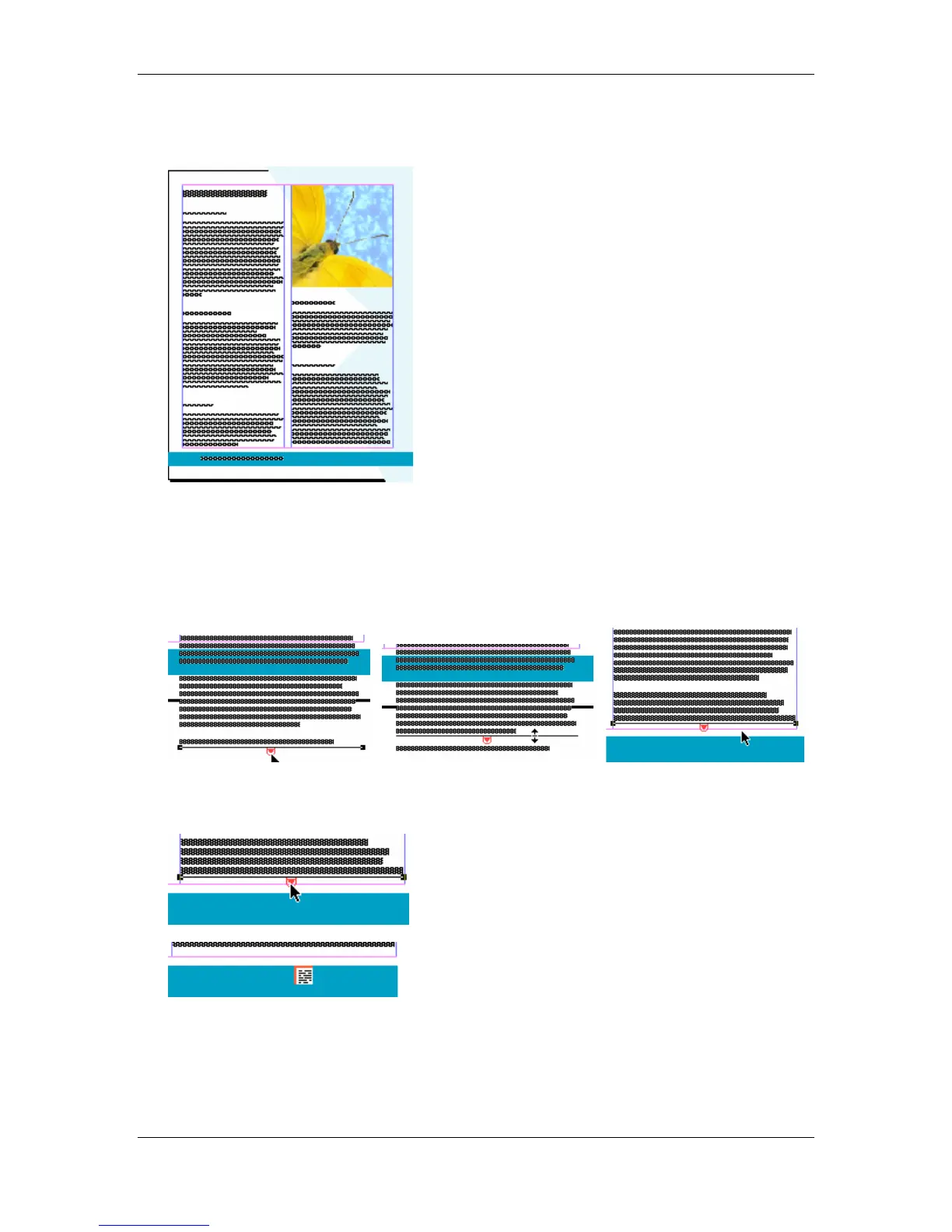
• Using the Pointer tool, select the text in the right column on page 24.
• With the Text Block selected, click bottom Windowshade handle that is flowing of the
publication page and drag the Windowshade handle towards the bottom margin of the
column:
• Click the Red Arrow on the bottom Windowshade handle to transform the pointer into a
Loaded Text icon:



 To Next Page