EXERCISE - Scripts 23
PageMaker 6.5 Advanced 2002 Cheltenham Computer Training
FOR USE AT THE LICENSED SITE(S) ONLY
Cheltenham Computer Training 1995-2002 - www.cctglobal.com
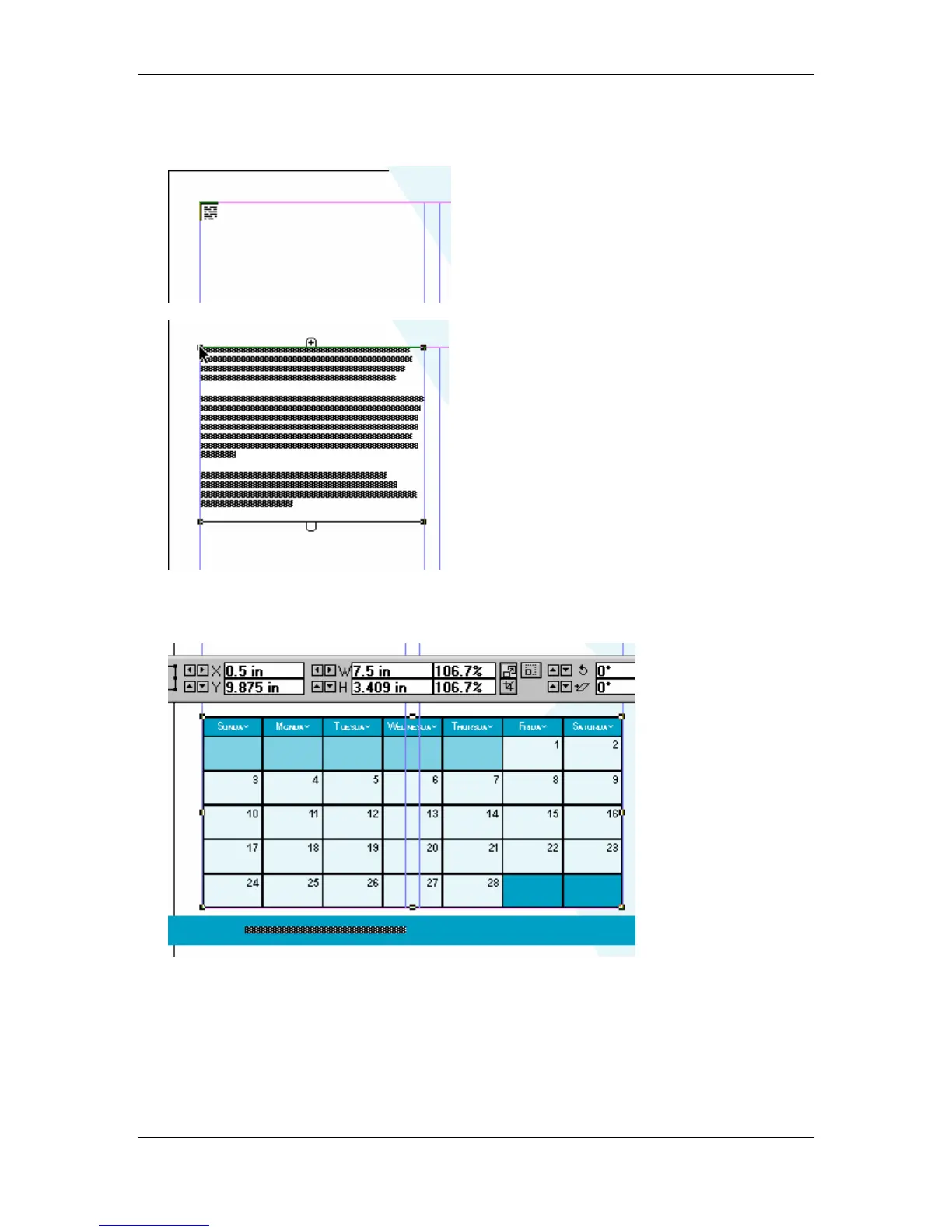
• Place the Loaded Text icon at the top left corner of the left column of page 25 and click the
mouse button to place the loaded text:
• From the Library palette, select the February item and drag it onto page 25.
• From the Control palette, set the image to 106.7% of its original size:



 To Next Page