Radio Test Instruments
Subject to Export Control, see Cover Page for details.
7-6
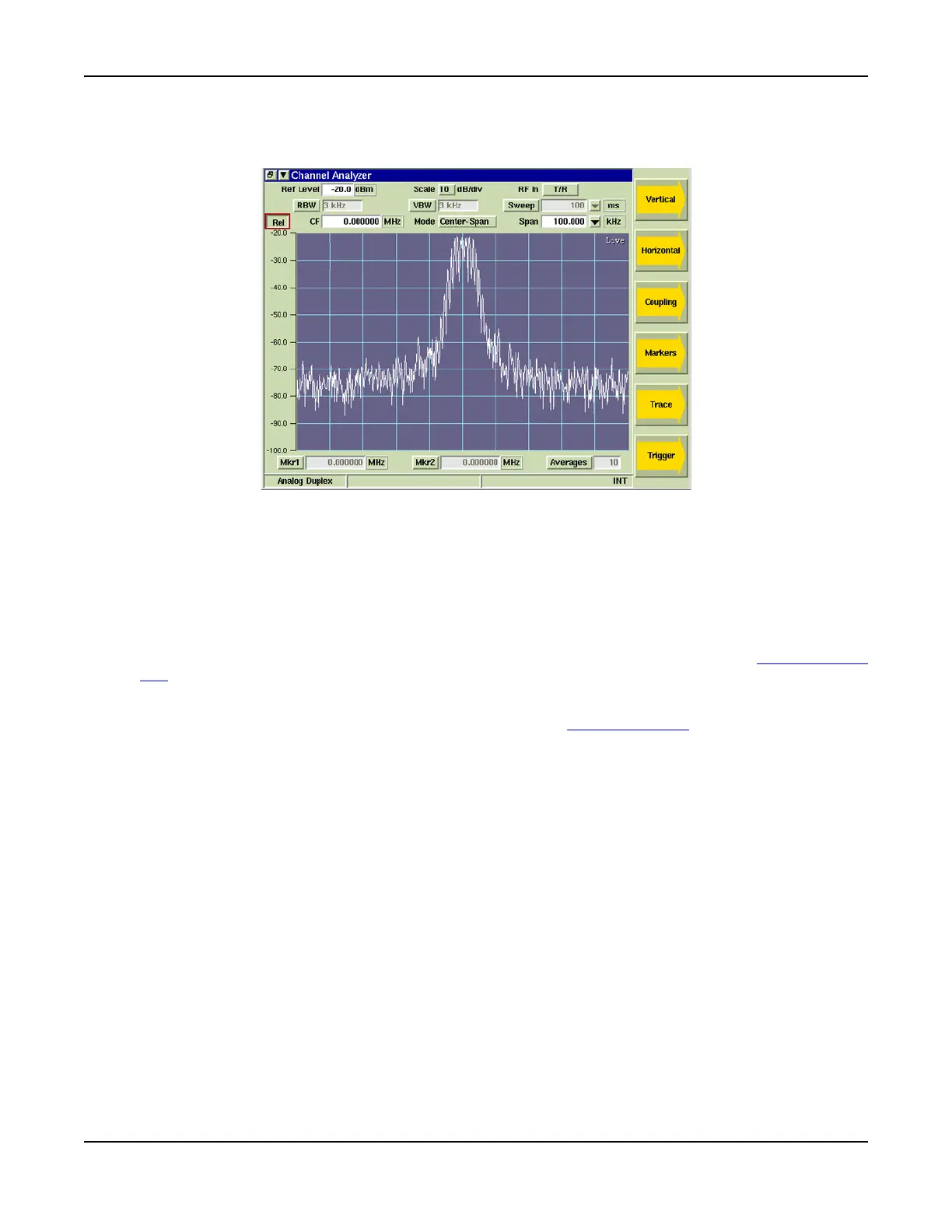
Rel (Relative)
When Rel is selected the value displayed in the CF field is relative to the received frequency.
Fig. 7-7 Channel Analyzer Relative Setting
Span
When Center-Span Mode is selected, signal span can be adjusted by selecting a defined value
from the Span drop-down menu or by selecting the Span data entry field and entering an
arbitrary value. Span can also be adjusted using the [Expand/Contract] Soft Keys.
Mkr1 / Mkr2
The Mkr1 and Mkr2 toggle buttons enable Marker 1 and Marker 2. When Markers are enabled,
marker data fields can be edited to define marker position. Refer to section titled [Markers] Soft
Key for additional information on configuring markers.
Averages
Enables Average measurements. Refer to section titled [Trace] Soft Key for additional
information on Average measurements.













 To Next Page