Test Set Operation
Subject to Export Control, see Cover Page for details.
3-6
BKSP (BACKSPACE) Key
When a numeric entry box or a text box is selected for editing, this key deletes the character or
digit to the left of the position indicator.
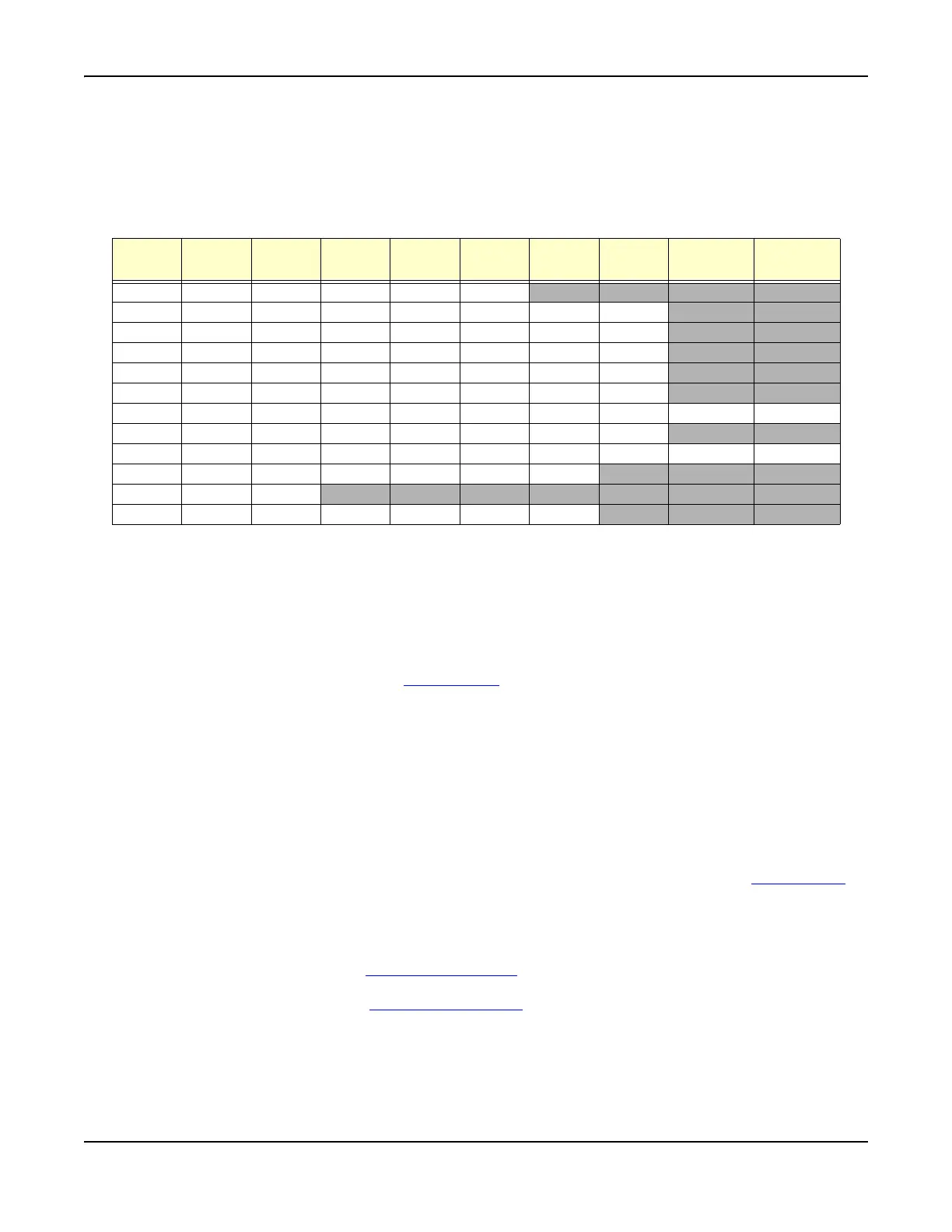
The characters assigned to each Numeric/Alphabetic key are as follows: repeating sequences
are shaded gray.
Rotary Control Knob
The Rotary Control Knob can be used to used to navigate between fields of a selected Tile,
select data from drop-down menus, edit numerical content in data fields and to adjust various
Test Set settings.
Navigating Fields
When a Tile is selected, the Rotary Control Knob moves the cursor from field to field. When the
desired field is reached, press the SELECT Key
to edit the field.
Editing Numeric Entry Boxes
When a numeric entry box is selected for editing, turning the rotary control increases or
decreases the numeric setting. Adjusting the level of significant digits accelerates the response
of the Rotary Control Knob.
Menu Item Selection
When a floating menu or a drop-down menu from a combination settings box is displayed, turning
the Rotary Control Knob scrolls through the active list.
Assigned Functions
The Rotary Control Knob changes settings of functions that are enabled when the ASSIGN Key is
pressed.
ASSIGN Key
Functions such as loudspeaker volume, squelch level and display brightness are adjusted by
assigning the functions to the Rotary Control Knob
. Pressing the ASSIGN Key displays soft keys
for functions applicable to the current operating system. Pressing one of these soft key assigns
the associated function to the Rotary Control Knob. The assignment remains active for a short
time. A bar graph showing the current level as a percentage is displayed on the information bar.
Pressing the ASSIGN Key at any time reinstates the last assigned function.
Key
Label
1st
Press
2nd
Press
3rd
Press
4th
Press
5th
Press
6th
Press
7th
Press
8th
Press
9th
Press
1. ‘ ()1
. ‘ ( )
ABC / 2 a b c A B C 2 a b
DEF / 3 d e f D E F 3 d e
GHI / 4 g h i G H I 4
g h
JKL / 5 j k l J K L 5 j k
MNO / 6 m n o M N O 6 m n
PQRS / 7 p q r s P Q R S 7
TUV / 8 t u v T U V 8
t u
WXYZ / 9 w x y z W X Y Z 9
* / - - + = - & !
- + =
0 (space) O (space) O (space) O (space) O (space)
# / . ( . ) # @ & [ ] ( . ) # @













 To Next Page