Test Set Operation
Subject to Export Control, see Cover Page for details.
3-19
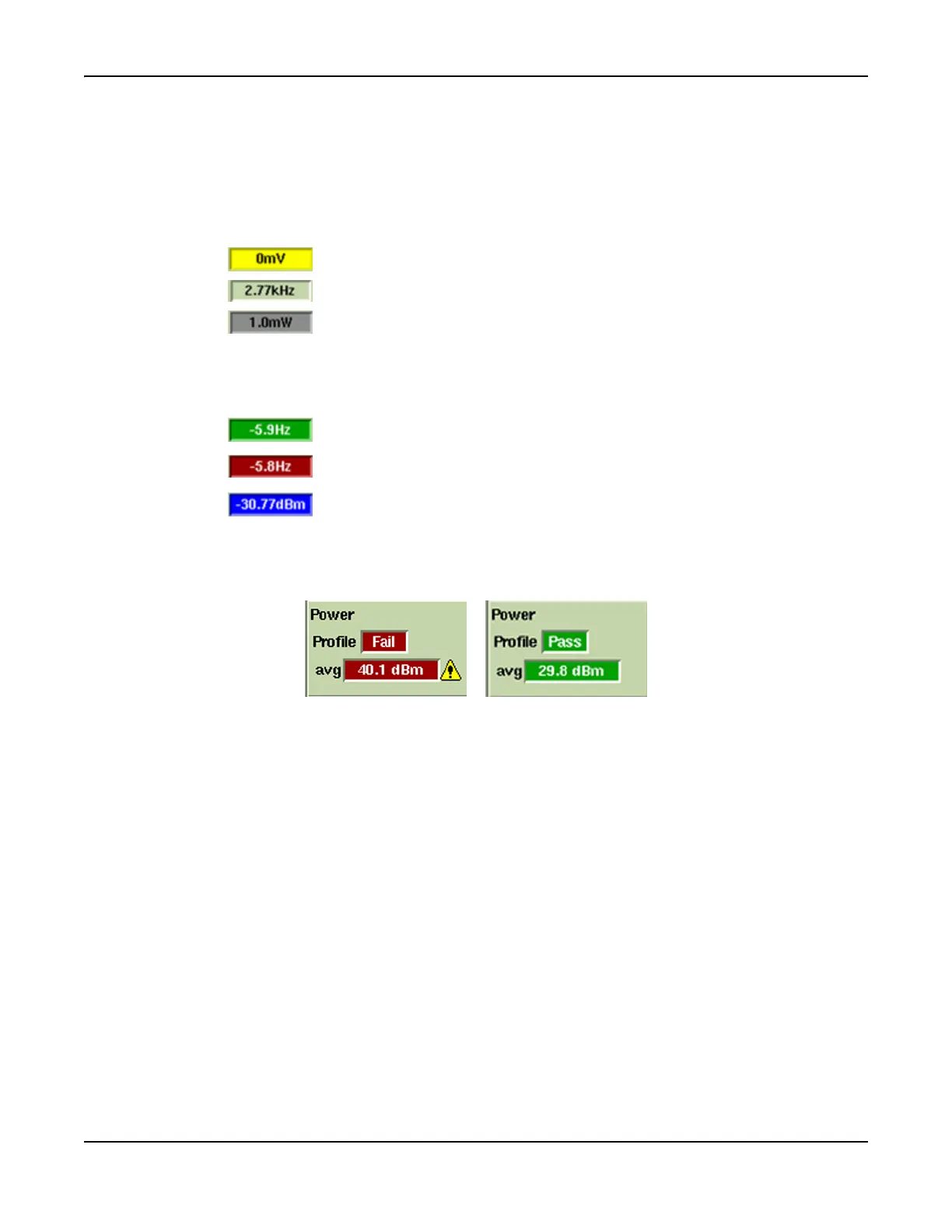
Data Fields Background Color
The background color of the data field provides information relating to the state of the
measurement.
Limits Disabled
The following background colors apply to measurements that do not have upper and lower limits
applied:
Limits Enabled
The following background colors apply to measurements that have upper and lower limits
applied:
Pass or Fail Indicators
When the results of a test have no single value, such as Digital Radio burst profiles, the result is
shown simply as Pass or Fail with a GREEN or RED background respectively.
Fig. 3-14 Pass/Fail Indicators
Indicates field is SETTLING.
Indicates reading is VALID.
Indicates reading is INVALID.
Indicates ACQUIRED reading is within set limits.
Indicates PASS in Pass/Fail conditions.
Indicates ACQUIRED reading is ABOVE set upper limit.
Indicates FAIL in Pass/Fail condition.
Indicates ACQUIRED reading is BELOW set lower limit.













 To Next Page