Omni Switch/Router Chassis and Power Supplies
Page 1-13
OmniS/R-9 and OmniS/R-9P
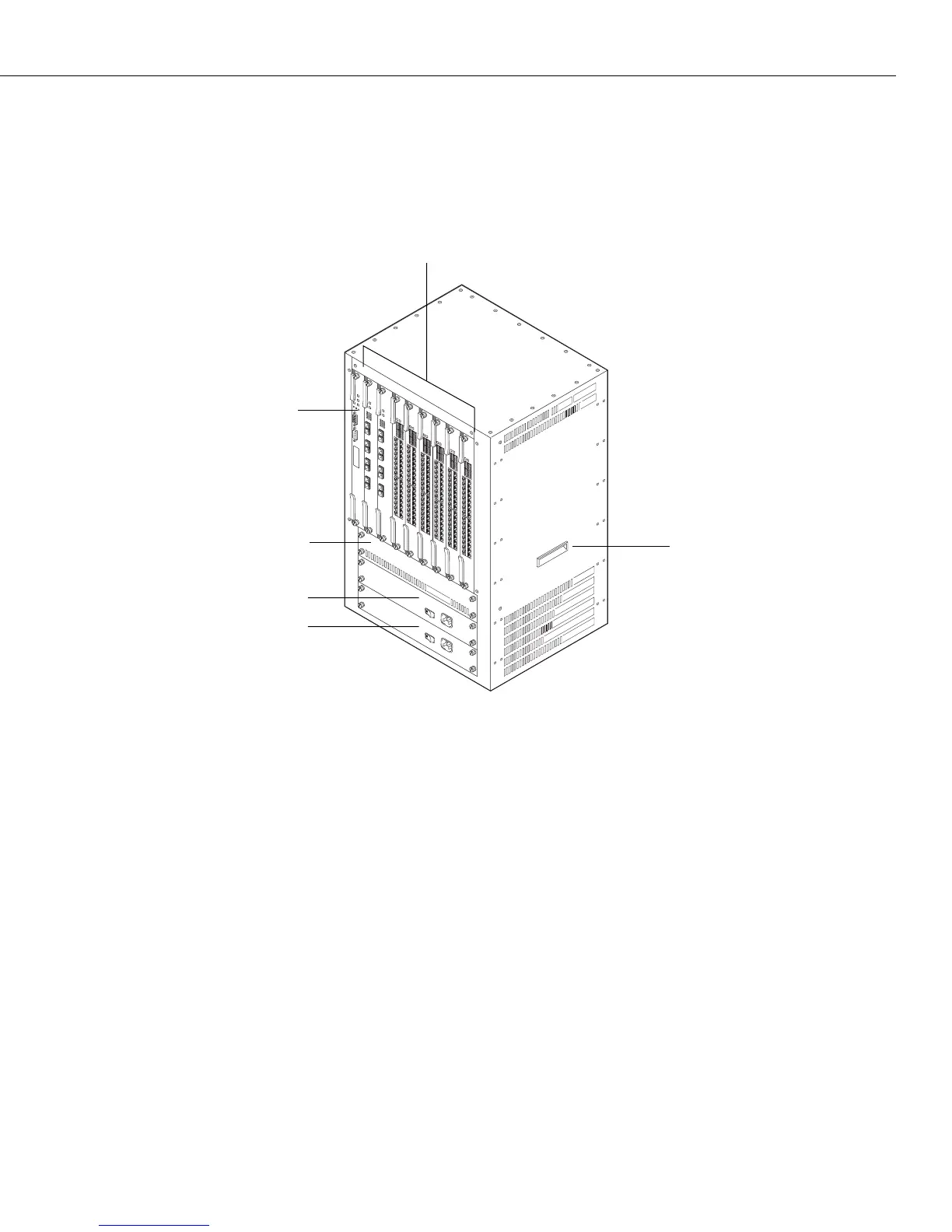
The OmniS/R-9 and OmniS/R-9P chassis have nine slots for an MPX and switching modules
(see figure below). Slots are numbered from 1 to 9 starting with the left-most slot. Slots for
two power supplies are located at the bottom of the chassis. A separate, removable fan tray
containing four fans is located above the power supply module bays.
The OmniS/R-9
A fully loaded OmniS/R-9 weighs nearly 100 lbs. Therefore, it is recommended that if you are
rack-mounting the chassis you use a rack mount shelf instead of just brackets. Using a shelf
will ensure that the weight of the chassis can be supported. In addition, the OmniS/R-9
contains side handles to make lifting and installation easier.
The OmniS/R-9 uses the
MPX. Slot 1 is reserved for the MPX; you cannot install a switching
module in Slot 1. You can install a switching module in Slot 2 (if an MPX is installed in Slot 1)
or an MPX. When dual-redundant MPXs are installed, one of them must be installed in Slot 1
and the other in Slot 2. Slots 3 through 9 are reserved for switching modules.
♦ Important Note ♦
You must have an
MPX acting as the management
module; you cannot use any version of the MPM. See
Chapter 2, “The Omni Switch/Router MPX,” for more
information on the MPX.
Fan Tray
Lifting Handle
Omni Switch/Router
Management Processor
Module (MPX)
PS1 (Power Supply 1)
PS2 (Power Supply 2)
Switching Modules


 To Next Page
 Loading...








