Priority VLANs
Page 19-73
Priority VLANs
Prioritizing VLANs allows you to set a value for traffic based on the destination VLAN of pack-
ets. Traffic with the higher priority destination will be delivered first. VLAN priority can be set
from 0 to 7, with 7 being the level with the most priority.
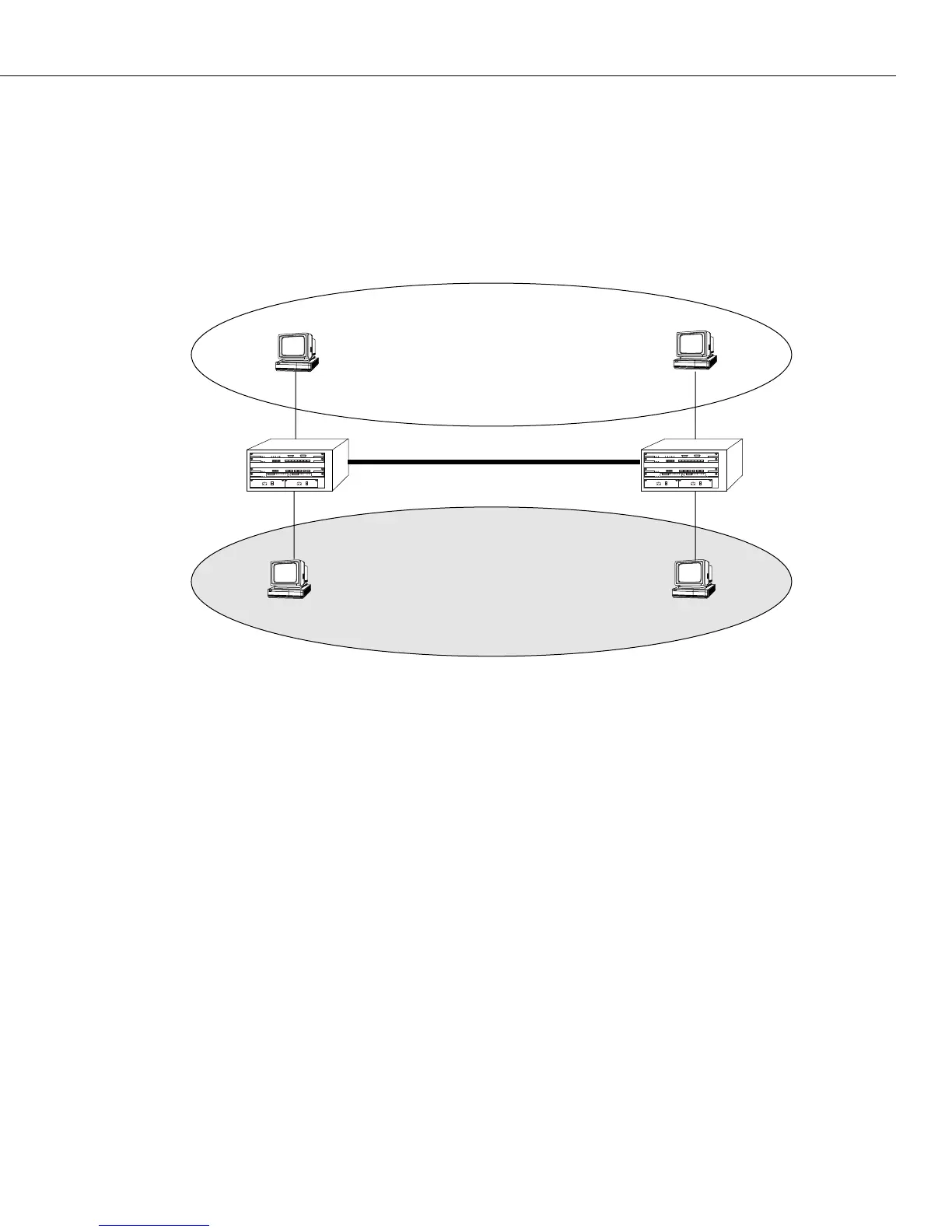
The following diagram illustrates this idea:
In the above diagram, traffic from Client 3 in VLAN 2 (with a priority of 7) to Client 2 takes
precedence over traffic from Client 1 in VLAN 1 (with a priority of 0) to Client 4.
Group priority can be set when creating a group using the
crgp command. For more informa-
tion on the crgp command, see Creating a New Group on page 19-18.
Group priority can modified or viewed using the
prty_mod and prty_disp commands, detailed
below.
Mammoth vs. Kodiak Priority VLANs
Although the range of VLAN priority is 0-7, the Mammoth based modules only supports two
levels of priority. In other words, 0-3 is one level and 4-7 is another. Future releases will
expand the number of priority levels.
Kodiak based modules support up to 4 levels of priority (0-1, 2-3, 4-5, 6-7). These two
different implementations of the VLAN priority are not compatible. Kodiak based prior-
ity VLANs can be used with other Kodiak based priority VLANs. This is true for Mammoth
based VLANs as well.
12345678
123456
12345678
123456
Switch A
Switch B
Client 1
Client 2
Client 4
Client 3
VLAN 1
VLAN 2
(Priority 0)
(Priority 7)



 To Next Page
 Loading...







