Auto-Sensing 10/100 Ethernet Modules
Page 3-15
Auto-Sensing 10/100 Ethernet Modules
Alcatel’s Omni Switch/Router 10/100 Ethernet modules can be used to connect networks with
a mix of 10 Mbps and 100 Mbps workstations or as a network backbone.
The following Omni Switch/Router 10/100 and Fast Ethernet modules are available:
•
ESX-K-100C-32W Advanced switching module with thirty-two (32) auto-sensing 10/100
Mbps desktop connections using RJ-45 ports.
This module is described and illustrated in the following sections.
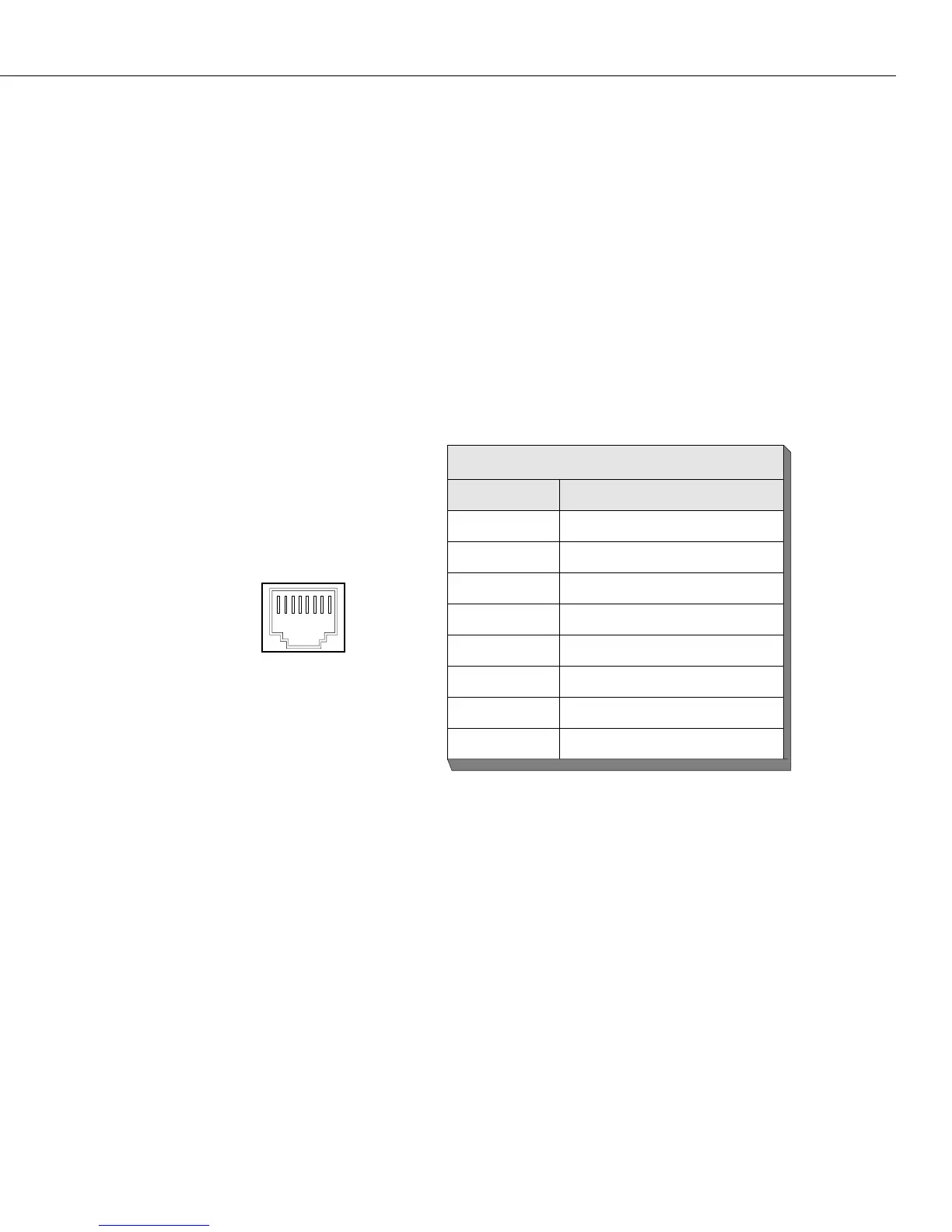
Ethernet RJ-45 Pinouts
The figure and table below illustrate the pinouts used on RJ-45 ports in Omni Switch/Router
10/100 Ethernet modules.
ESX-K-100C-32W
The ESX-K-100C-32W Omni Switch/Router 10/100 Ethernet switching module contains 32 ports
that each support a fully switched 10 or 100 Mbps connection in full- or half-duplex mode.
This module offers high density 10/100 connectivity for desktop connections. Each port can
auto-sense the connection speed and automatically switch at that speed. You configure
whether you want to use the auto-sensing functionality through the 10/100cfg command.
By default, each port is configured to operate in half-duplex, auto-sensing mode. You can
configure full-duplex mode on each port through
10/100cfg. Auto-sensing may be disabled to
allow you to manually configure ports through the 10/100cfg command. An additional soft-
ware command, 10/100vc, allows you to view the current line speed and link mode of each
port connection. The 10/100cfg and 10/100vc commands are described in Chapter 15, “Manag-
ing Ethernet Modules.”
Ethernet RJ-45 Specifications
Pin Number Standard Signal Name
1 RD +
2 RD –
3 TD +
4, Not Used
5 Not Used
6 TD –
7 Not Used
8 Not Used
18



 To Next Page
 Loading...







