B13 BETTER (B13 BEST APPEARANCE) WASHING MACHINE SERVICE HANDBOOK
139
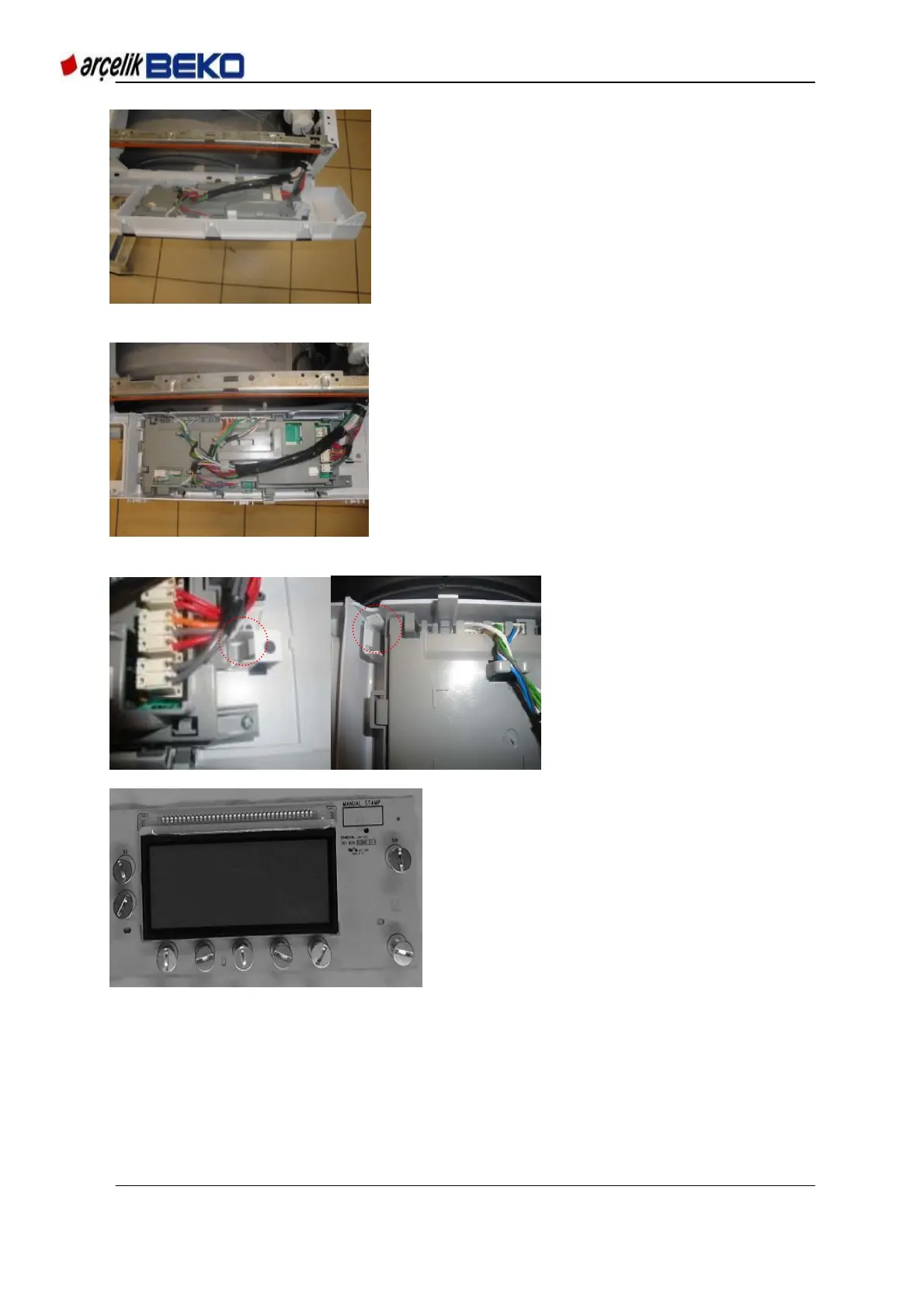
Picture 15.1 Panel detachment 5
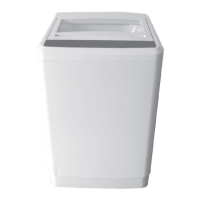
Picture 15.17 Panel detachment 6
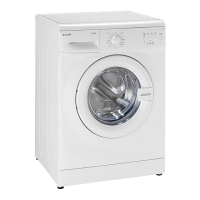
Picture 15.18 Panel detachment - 7
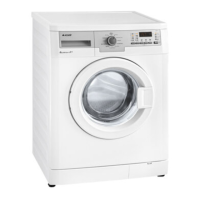
Picture 15.19 Panel detachment - 8
4 screws connecting the card
holder to the panel (shown in
Picture 15.17) will be removed
after these processes.
Following this, snaps shown in
Picture 15.18 (total 7 pieces)
are released to take the card
holder out of the panel
assembly.
Panel assembly is removed
from the body as shown in
Picture 15.19.


 To Next Page