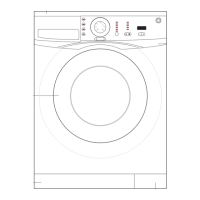
B13 BETTER (B13 BEST APPEARANCE) WASHING MACHINE SERVICE HANDBOOK
99
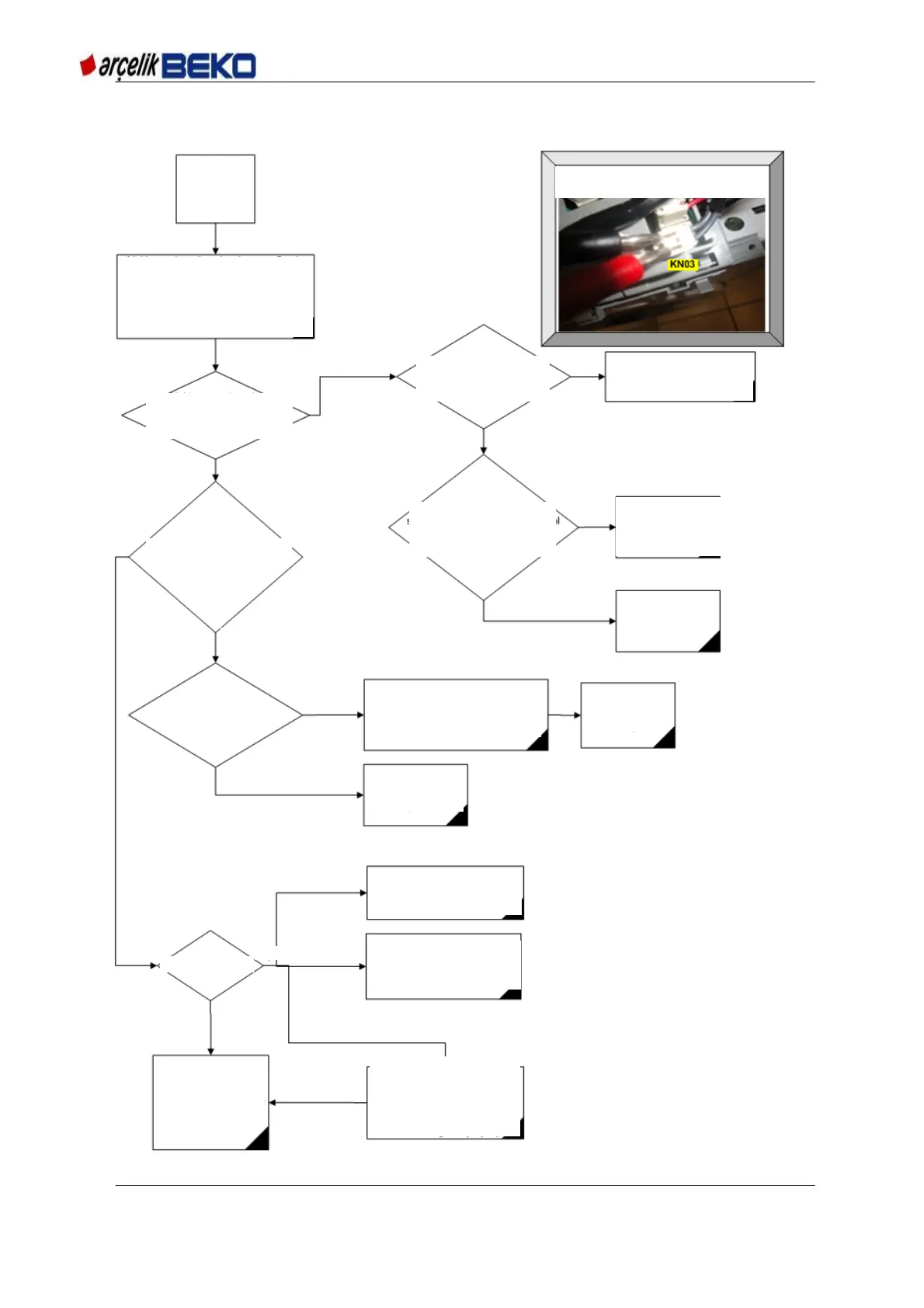
12.2 Machine does not operate
Listen to
customer's
complaint
PICTURE_1: Mains connector is taken out from
the card to measure supply voltage
Close the machine door if it is open. Go to
Service mode. To enter Service mode,
Machine is turned off by "on/off" button; while
the "1st aux. func." button and the "2nd aux.
func." button are pressed at the same time,
machine is turned on by the "ON / OFF"
button.
Is there 220 VAC between tips
1and 2 (gray-gray) of Parasite
filter?
Check the mains cable and fuses.
Replace mains cable if damaged.
Are the display and programme
selection key LEDs energized
when you turn on the machine?
Is the front door locked? Check by
trying to open the door.
Remove the mains connector to
check if there is energy on the
socket.
PICTURE: first_1
Check the cable between
parasite filter card, make
sure that sockets are
seated well.
Replace the control
card
See the error code. Is
there E9 error code?
Safety key cannot be locked. Check the
cabling between the control card and
safety card.
Replace the dafety
key. Try again.
Door triac was open
circuited. Replace the
control card
1) Carry on testing machine
functions in Service mode
OR
2) To find out the error code suiting
to customer complaints, go to error
codes page.
Is there any error
OR
3) Switch the machine back to
customer mode again and operate.
Wait until the error causing problem
for the customer to occur. Try to see
the error cdoe while the programme
is running.
Go to the related error
code page. Perform
controls related to error
code
No
No
No
No
No
Yes
Yes
Yes
Yes
Yes
Yes
No


 To Next Page