B13 BETTER (B13 BEST APPEARANCE) WASHING MACHINE SERVICE HANDBOOK
37
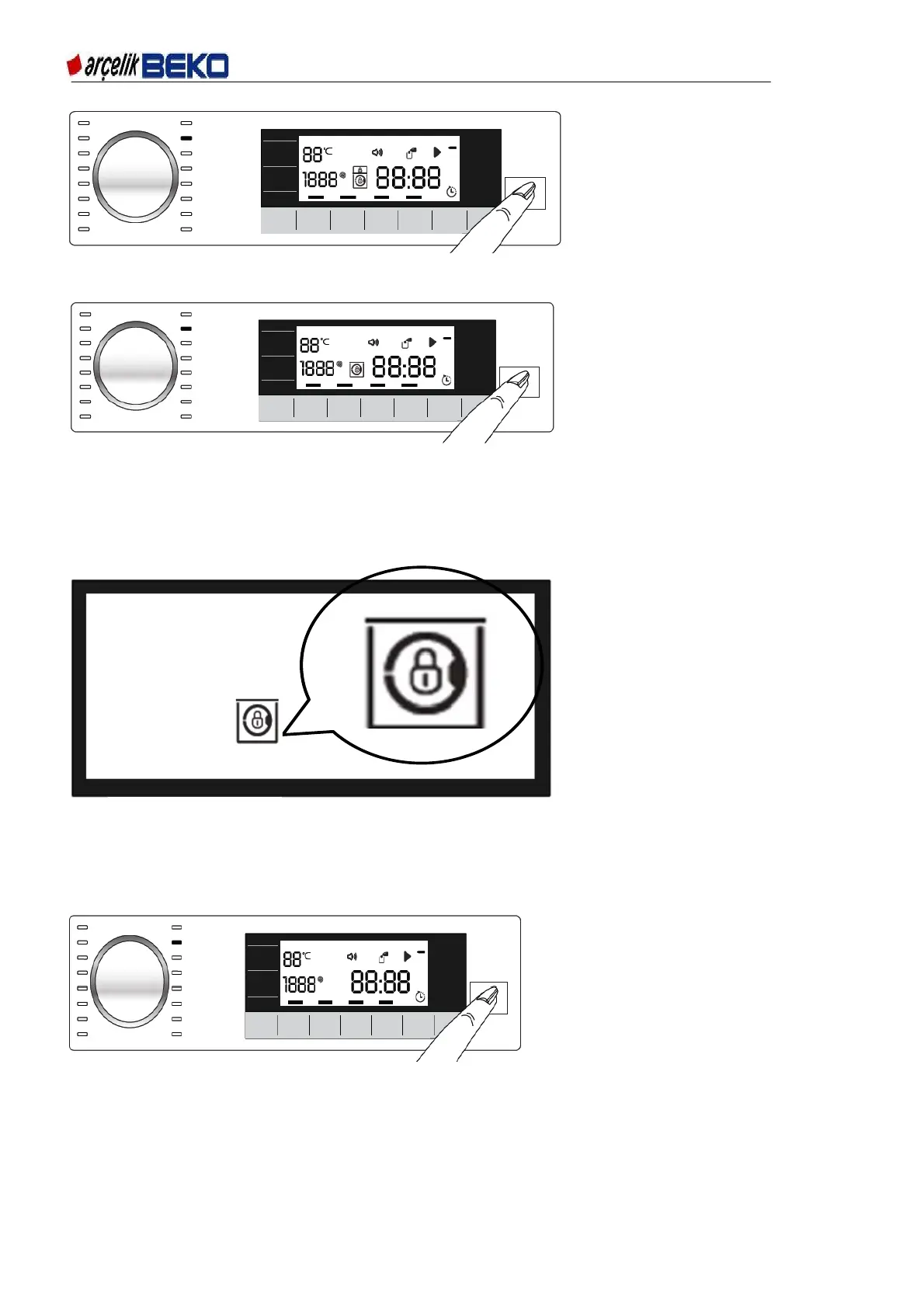
Figure 6.17
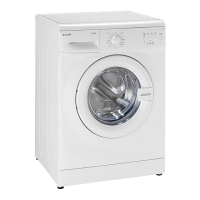
3 Loading door is locked. The door lock symbol appears on the display after the loading door is locked.
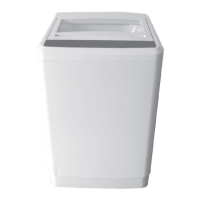
Figure 6.18
4 Programme follow-up indicator lights on the display will show the current programme step.
6.15. Loading door lock
There is a locking system on the loading door of the machine that prevents opening of the door in cases
when the water level is unsuitable.
"Door Locked" symbol appears on the display when the loading door is locked.
6.16. Changing the selections after a programme has started
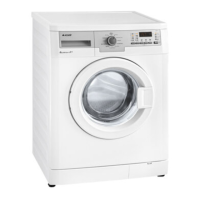
Adding laundry after the programme has started: If the water level in the machine is suitable when
you press Start / Pause button, loading door symbol will flash on the display until the loading door
is opened and will disappear when the loading door is opened.
Figure 6.20
If the water level in the machine is not suitable when you press Start / Pause button, the loading
door symbol remain lit on the display.
Fi
ure 6.19


 To Next Page