B13 BETTER (B13 BEST APPEARANCE) WASHING MACHINE SERVICE HANDBOOK
38
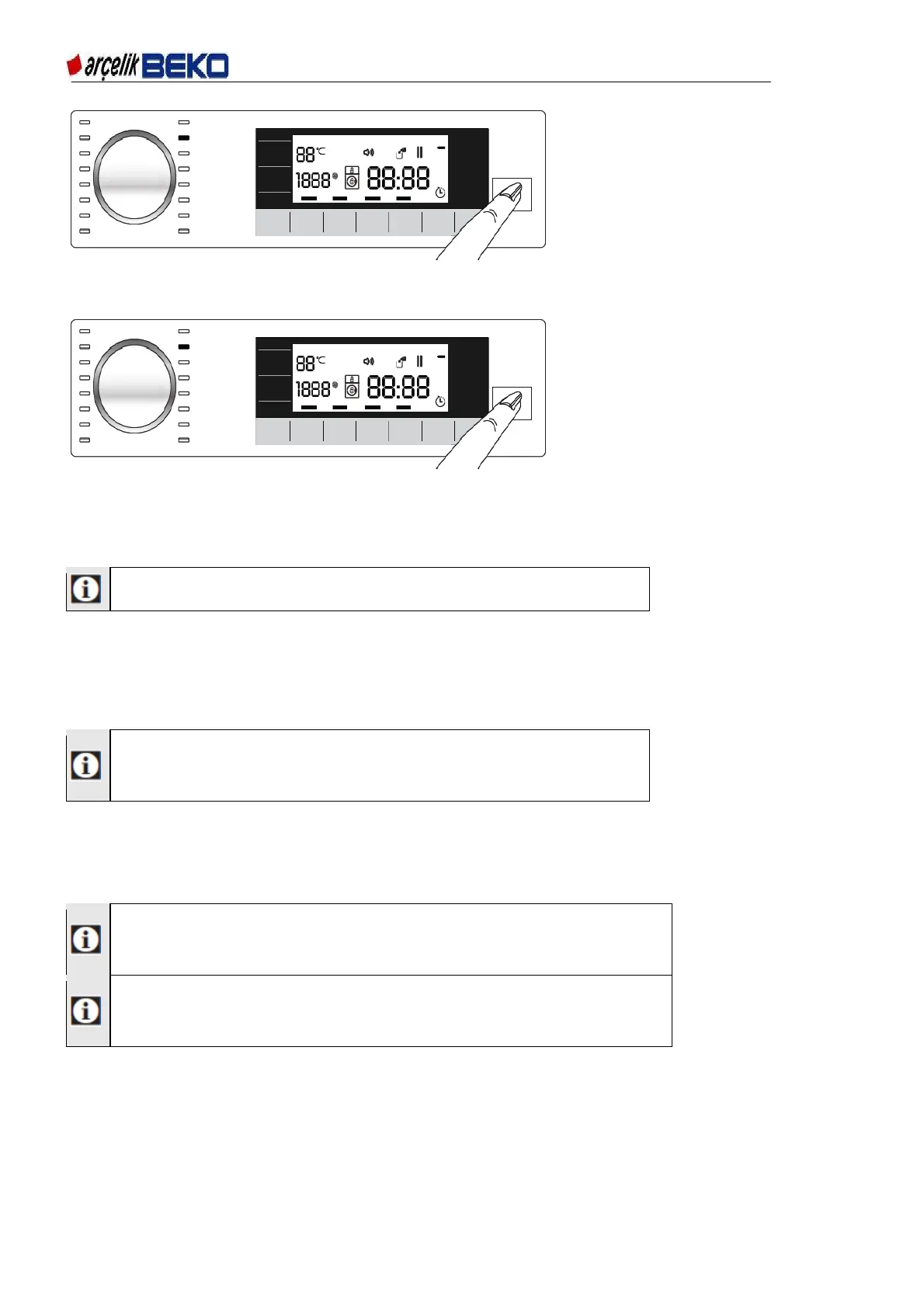
Figure 6.21
Switching the machine to pause mode:
Press Start/Pause button to pause the machine, the pause symbol will flash on the display.
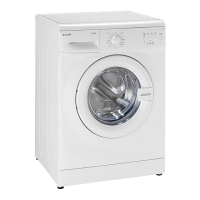
Figure 6.22
Changing the programme selection after a programme has started:
The programme change is not allowed when the current programme is running.
You can select the new programme after switching the current programme to pause mode.
The selected program starts anew.
Changing the auxiliary function, speed and temperature
Depending on the step the programme has reached, you can cancel or activate the auxiliary
functions. See, "Auxiliary function selection". You can also change the speed and temperature
settings. See, "Spin Speed selection" and "Temperature selection".
The loading door will not open if the water temperature in the
machine is high or the water level is above the
door opening.
6.17. Child lock
With the Child Lock function, you can prevent children from tampering with the machine. Thus you
can avoid any changes in a running programme.
You can switch on and off the machine with On / Off button when the
Child Lock is active. When you switch on the machine again,
programme will resume from where it has stopped.
When the child lock is enabled, an audio warning will be given if the
buttons are pressed. Audio warning will be canceled if the buttons are
pressed 5 times consecutively.
To activate the Child Lock:
Press and hold Auxiliary Function button 2 for 3 seconds. After the "CL 3-2-1" countdown on
the display is over, "Child Lock Enabled" symbol appears. Once this warning is displayed, 1st
Auxilliary Function may be released.
To deactivate the Child Lock:
Press and hold Auxiliary Function button 2 for 3 seconds. After the countdown as “CL 3-2-1” on
the display is over, "Child Lock Enabled" disappears from the display.


 To Next Page