Page A–48
DuRApulse GS4 AC Drive User Manual – 1st Ed, Rev A - 10/20/2017
Appendix A: Accessories
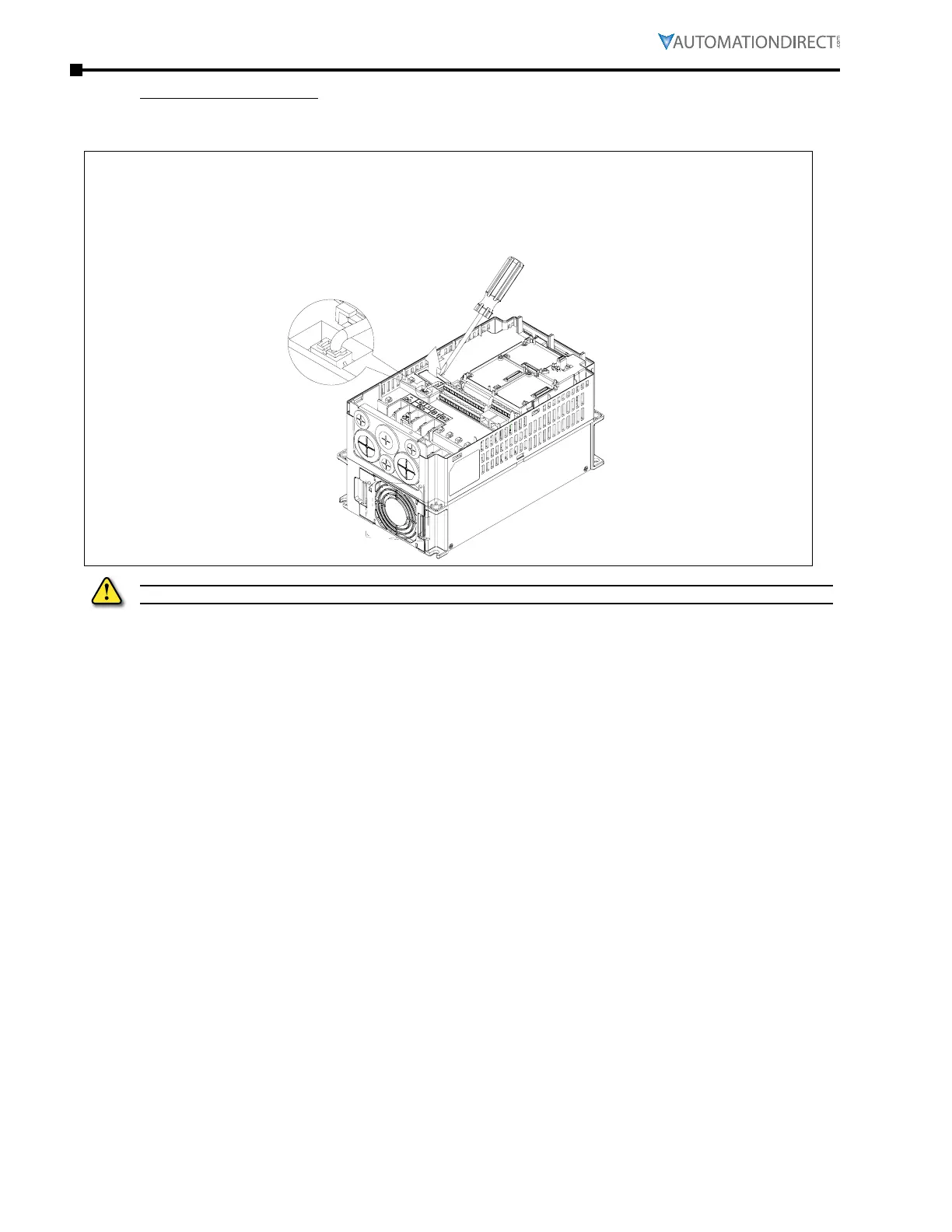
Fan Removal (continued)
frame b&C
Applicable models:
GS4-27P5, GS4-2010, GS4-2015, GS4-2020, GS4-2025, GS4-2030,
GS4-4010, GS4-4015, GS4-4020, GS4-4025, GS4-4030, GS4-4040
Disconnect the power terminal with slotted screwdriver to remove the fan cover.
Remove poWeR fRom dRIve pRIoR to INstAllAtIoN ANd/oR RemovAl of AccessoRIes.



 To Next Page
 Loading...

