Add IP Solutions
Task list: Install the TN802B in IP Trunk mode
SI Installation and Upgrades 641
June 2004
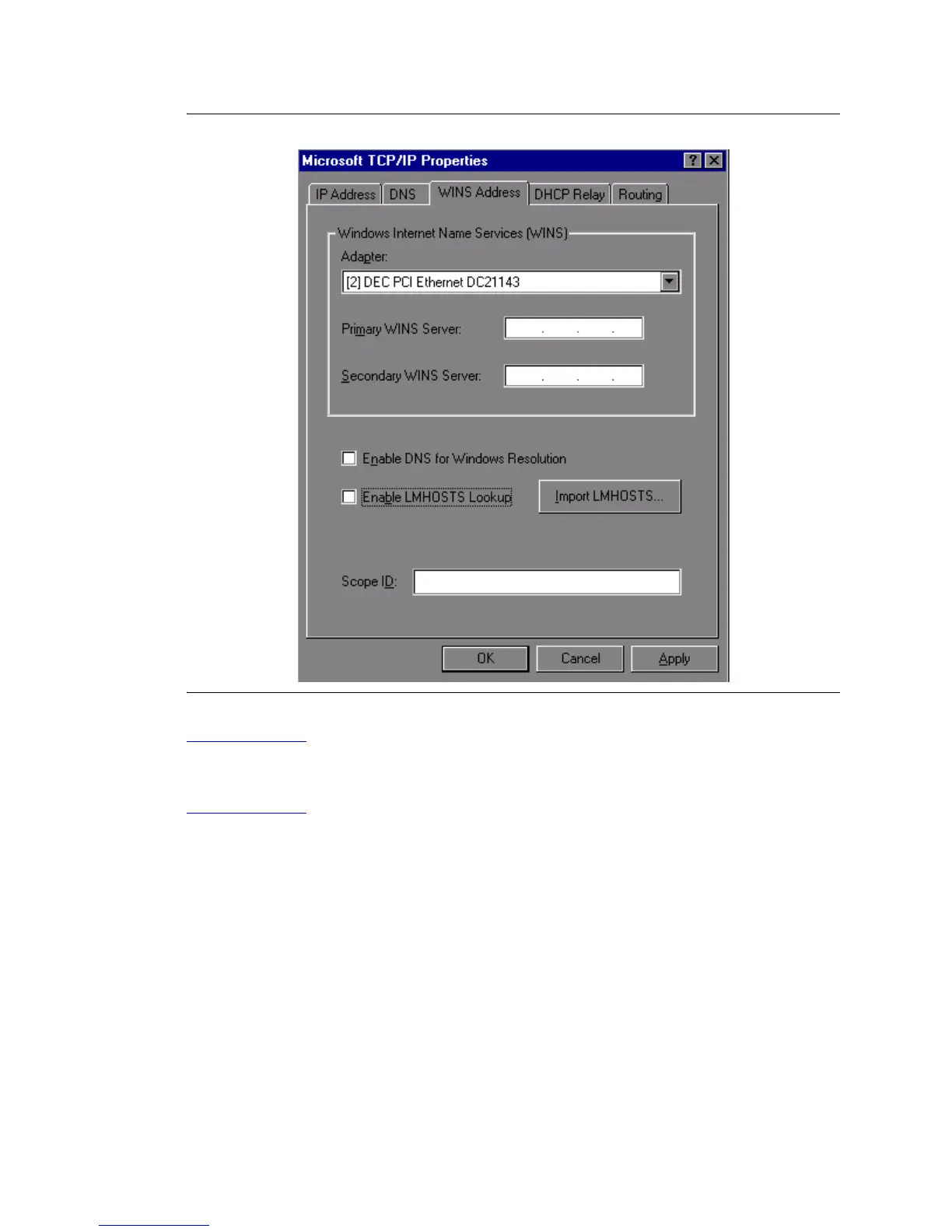
Figure 255: TCP/IP Properties Window - WINS Address
Return to Task List
Check Network Services
Return to Task List
When the server restarts, make sure that the required network services have started correctly. If you see
an error dialog box, then the network services did not start correctly. Also, check the NT Event Log.
1 Click on My Computer > Control Panel > Network > Services. Make sure that the following
services are listed:
—
Computer Browser
— Microsoft Internet Information Server 2.0
— NetBIOS Interface
— RPC Configuration
— Server
— Workstation



 To Next Page