101
Telephone mode
Dialling a number from the ad-
dress book
Use this function to select a telephone
number in an address book entry and to
call this number.
! In the Telephone main menu, select
the entry
Call from address book.
The address book entries which have
a telephone number are displayed.
! Turn the rotary control/ push button
and then press the rotary control/
push button to select the desired entry.
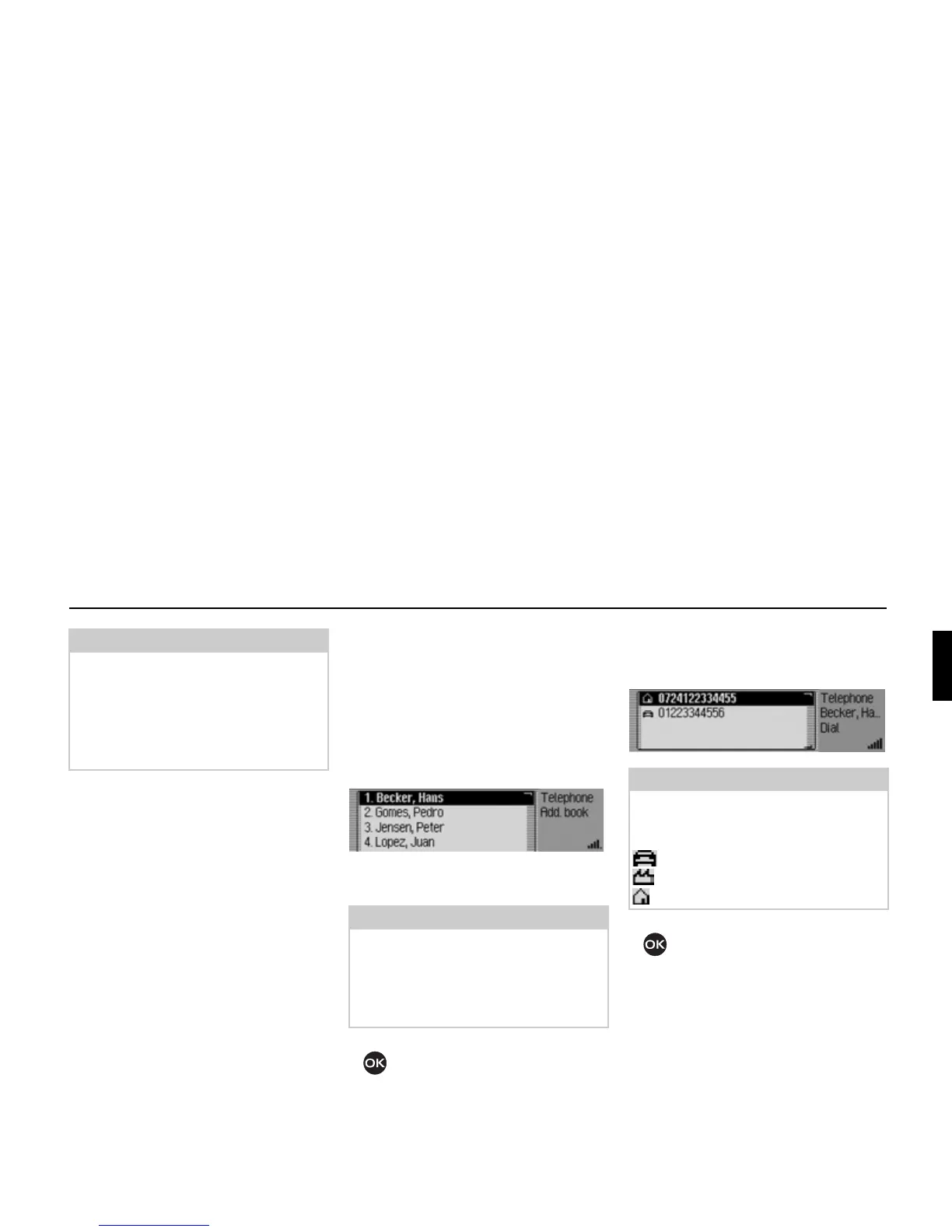
If several telephone numbers have been
saved in the address book entry the fol-
lowing appears on the display.
! Turn the rotary control/ push button
and then press the rotary control/
push button to select the desired
number.
The connection will be established.
Note:
Some mobile phones (mobile phone
only) are so quick to terminate the con-
nection at the busy tone that you will
not hear it. The menu from which the
call was started is then displayed again
immediately.
Note:
If there are more than 10 entries in the
address book, for which one or more
telephone numbers are stored, the data
input menu for locating the required
name appears.
5058
Note:
Up to three telephone numbers are dis-
played and marked with different sym-
bols:
stands for mobile phone number.
stands for business number.
stands for private number.
5059















 To Next Page