140
Internet (WAP) function
Terminating WAP connection
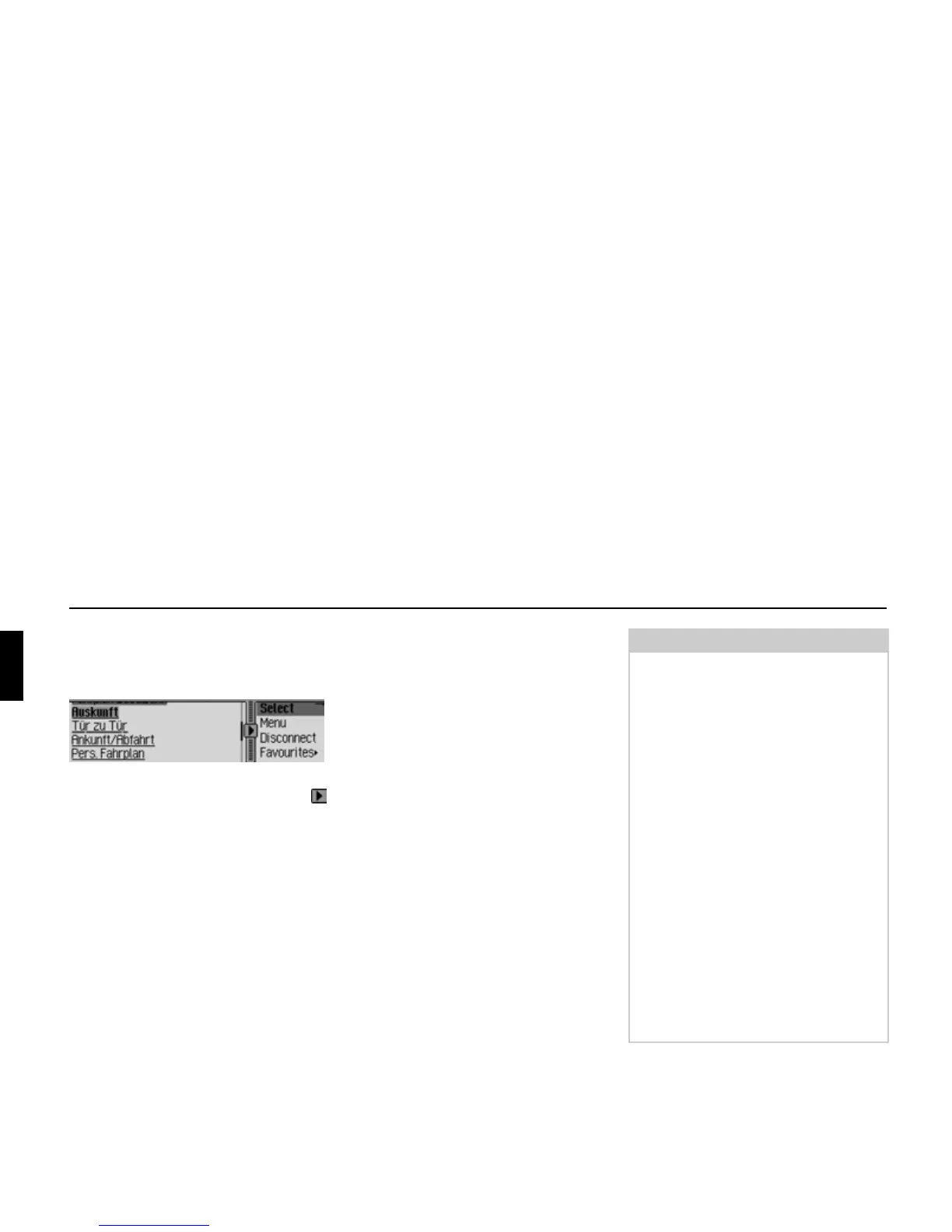
You can terminate an existing WAP
connection.
You can see that a connection exists
from the lines above and below the
symbol.
There are two ways to terminate the
WAP connection:
! Select the Disconnect entry as described
in “Terminating WAP connection” on
page 138.
or
! The WAP connection is terminated
automatically (if inactive) after the
time set in the profile.
Opening WAP fast access func-
tion
The WAP fast access list contains the
last 20 WAP addresses selected or en-
tered in the WAP browser.
You may:
• Save entries to the Favourites.
• Save entries in the address book.
• Protect the fast access entries, i.e. the
entry will not be deleted when the
maximum number of entries is
reached. The oldest unprotected entry
will be deleted.
• Delete individual fast access entries.
• Delete the entire fast access list.
• Change or restore the address for the
Beckerclub.
5202
Notes:
• The order in which WAP addresses are
displayed is described as follows.
First is always the link leading you to
the BeckerClub (link cannot be dele-
ted).
If you have already connected to the
BeckerClub once before, a link that
will take you directly to the logbook
functions is displayed second.
In second/third place is the address
entered or selected most recently.
This is followed by the protected ent-
ries. After the protected entries, as
many as possible of the other WAP
addresses that were entered or selec-
ted are displayed.
• If the address has a heading, this is dis-
played in the fast access function. If
there is no heading, the URL is dis-
played, without the preceding “http://”.















 To Next Page