193
Settings
Software update
A software update for your Cascade can
be carried out by inserting a CD. New
functions for your Cascade can be pro-
vided by means of a software update.
! Insert the software update CD into the
CD slot with the printed side up.
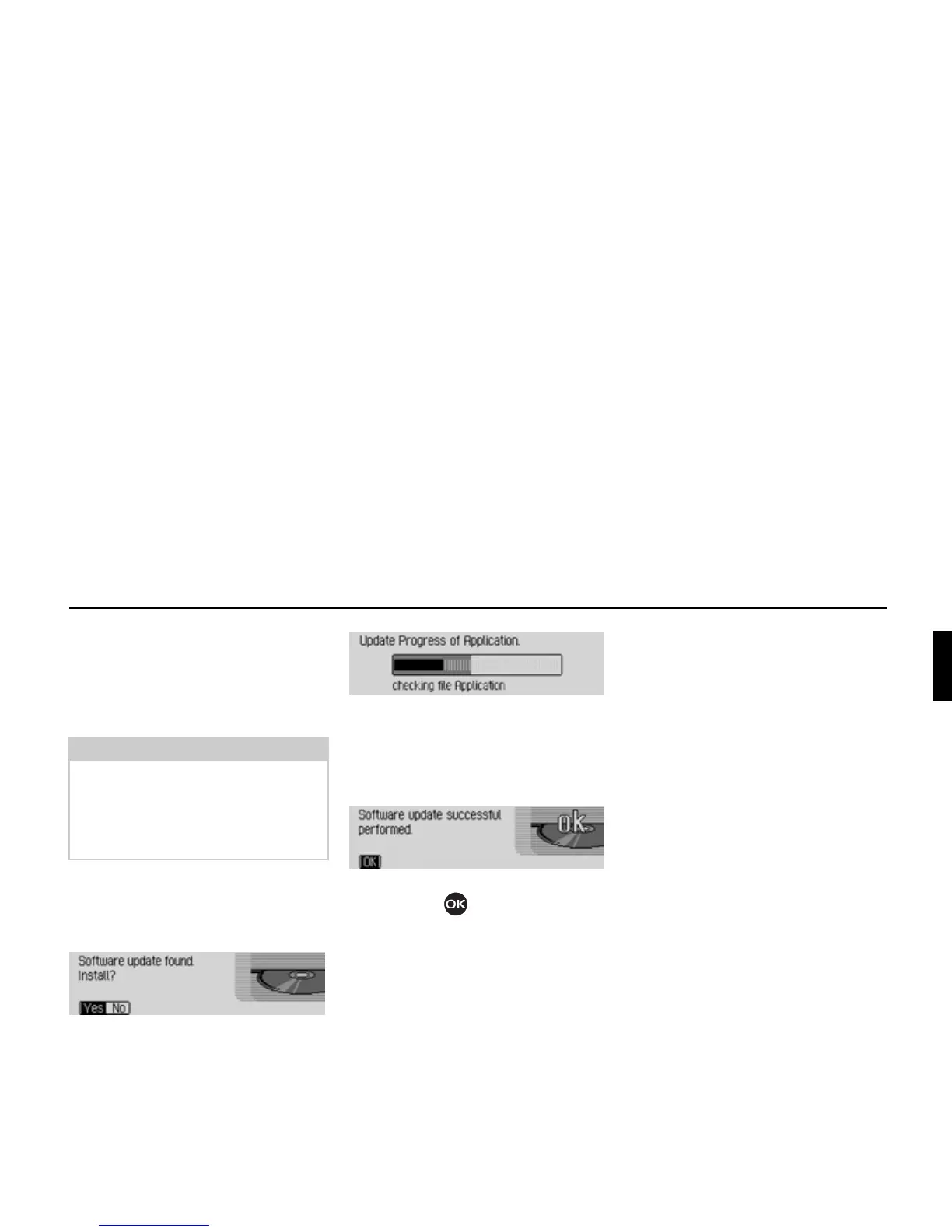
After a short time, the following display
appears:
! Select Yes to install the update or No to
continue without updating.
The software update starts when
Yes is
selected.
A progress indicator informs you of the
progress of the installation.
The following message appears once the
update has been completed successfully.
! Press the right-hand rotary control/
push button or wait for the menu
to disappear automatically after a few
seconds.
The Cascade switches itself off briefly
and then back on again.
The software update is now complete.
Note:
Before carrying out an update, switch
the vehicle ignition on and leave it on
during the update.
The Cascade cannot be used during the
software update.
7026
7027
7028















 To Next Page