138
Internet (WAP) function
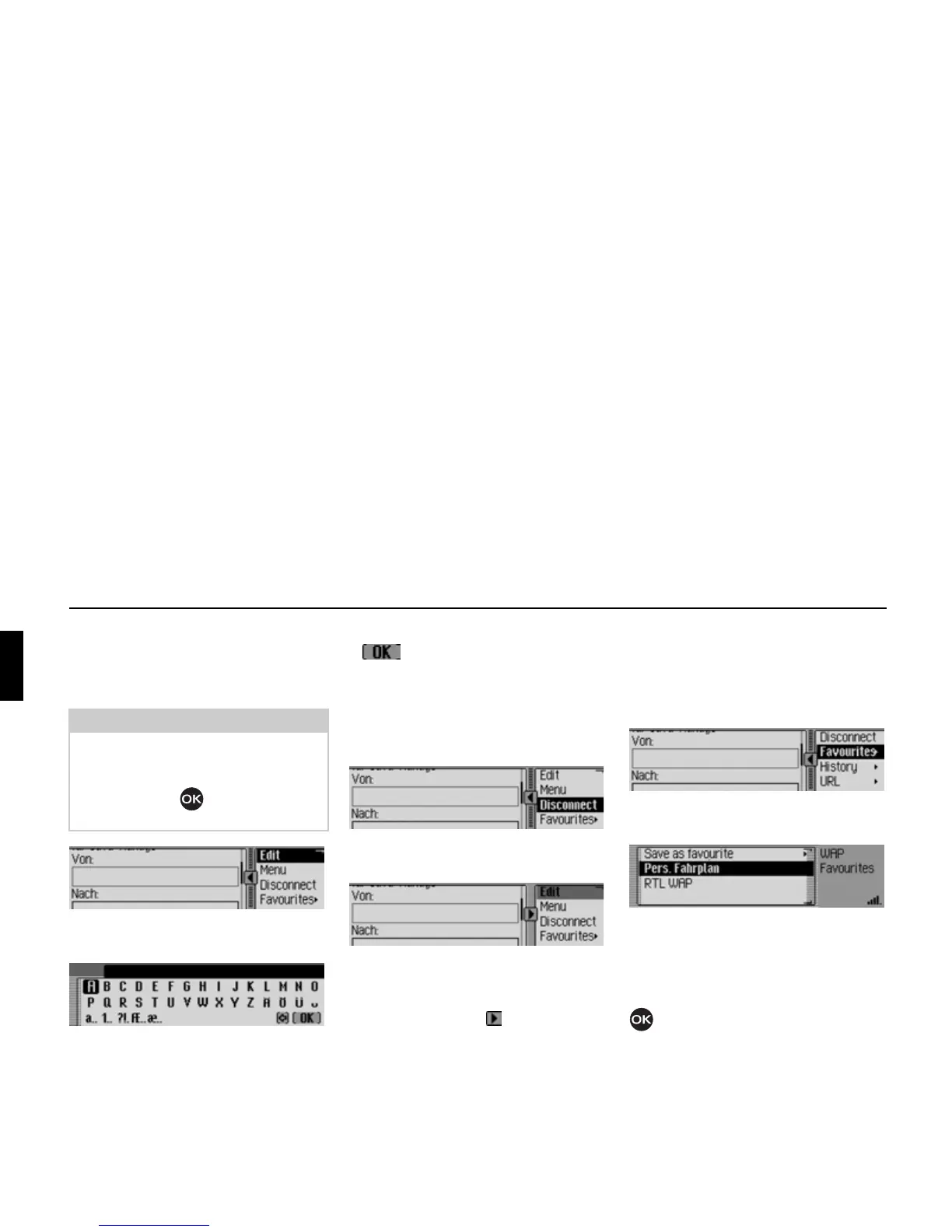
Text input
In some cases it may be necessary to en-
ter information, e.g. into a form, on
a WAP page.
! In the Browser menu, select the Edit
entry.
The Entry menu is displayed.
! Enter the desired text. Please refer to
the instructions on entering data in
“Data entry menus” on page 13.
! Confirm your entry by selecting the
symbol.
The entry is displayed in the WAP page.
Terminating WAP connection
You can terminate the WAP connection.
! In the Browser menu, select the Discon-
nect
entry.
The WAP connection is terminated. You
can see that a connection has been termi-
nated from the fact that there are no lines
above and below the symbol.
Favourites
Using this function you can save the cur-
rent page to the list of favourites or open
a page that has already been saved to this
list of favourites.
! In the Browser menu, select the Fa-
vourites
entry.
The list of favourites is displayed.
You can then select one of the entries in
the Favourites list by turning and then
pressing the rotary control/push button
. The system then immediately at-
tempts to open the corresponding WAP
page.
Note:
If the cursor in the browser area is loca-
ted in a text box, Edit is displayed in the
Browser menu. Pressing the rotary con-
trol/push button then opens the in-
put menu.
5203
5204
5205
5206
5207
5208















 To Next Page