177
Settings
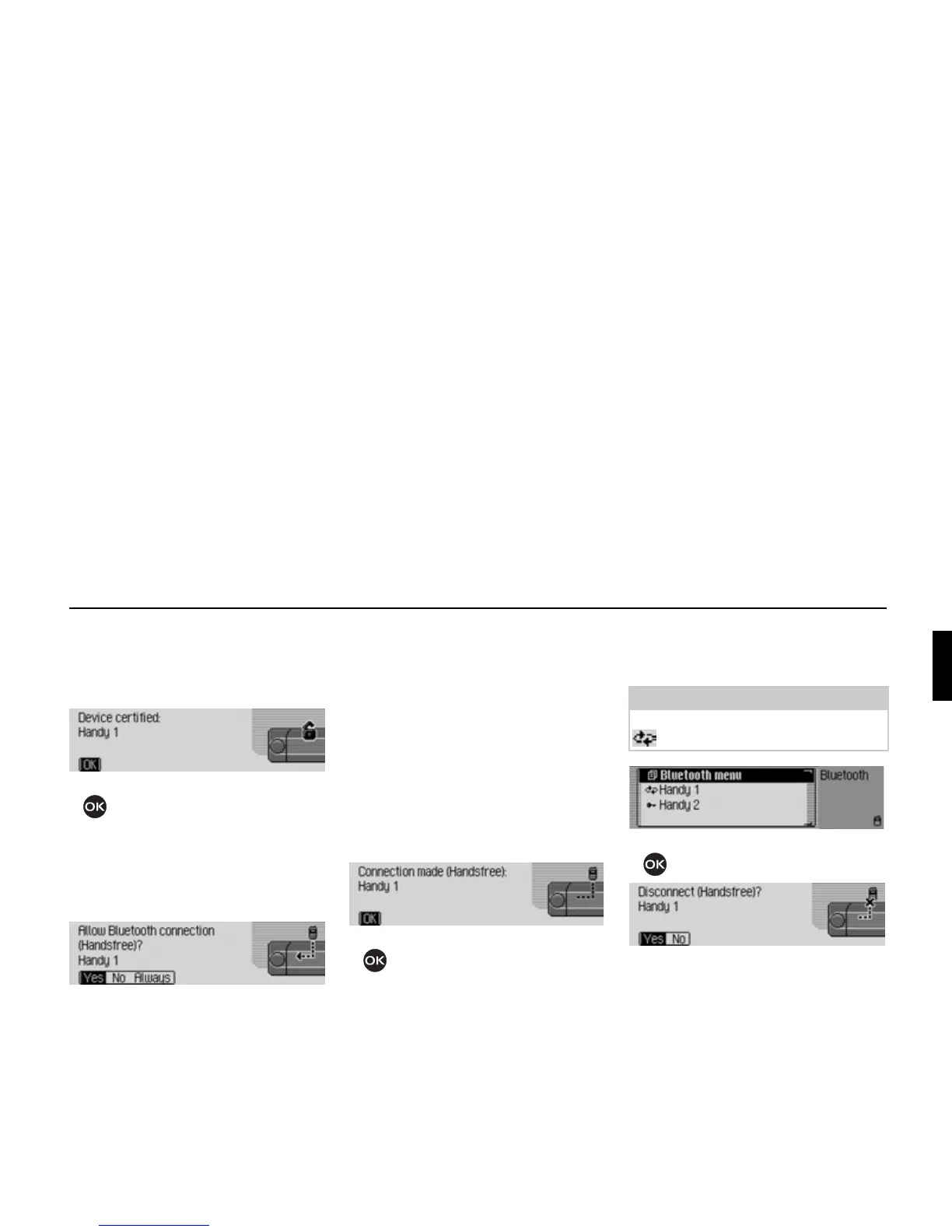
If the connection to the external device
is established successfully, another
signal tone can be heard and the
following message appears.
! Press the rotary control/push button
.
If the connection is terminated by the
external device after authentication, the
device list will be displayed.
If the connection is not terminated, the
following message will appear.
! Select between Yes, No and Always.
• Yes
Connection to the external device is
allowed.
•
No
Connection to the external device is
rejected.
•
Always
Connection to the external device is
allowed. The function described in
“Always allow connection” auf
Seite 172 will also be activated.
Further connection requests will be
accepted without a query.
If the connection to the external device
is established successfully, another
signal tone can be heard and the
following message appears.
! Press the rotary control/push button
.
A connection has now been established
to the external device.
Disconnecting devices
! Select the device to be disconnected
from the device list.
! Press the rotary control/push button
.
! Select Yes to disconnect or No not to
disconnect.
If
Yes is selected, the Cascade will
disconnect the required device.
7042
7039
7040
Note:
A connected device is identified by the
symbol.
7031
7043















 To Next Page