136
Internet (WAP) function
Internet (WAP) function
With WAP you can view current infor-
mation from the Internet. This informa-
tion appears in a format specially de-
signed for the display capabilities of the
Cascade.
Establishing a WAP connection
! First select a profile matching the SIM
card as described in “Access profiles”
on page 147.
You can establish a WAP connection in
the following way.
! Enter a URL as described in “Entering
a URL” on page 147.
or
! Select an entry from the Favourites list
as described in “Favourites” on
page 145.
or
! Select an entry from the fast access list
as described in “Opening WAP ad-
dress directly” on page 141.
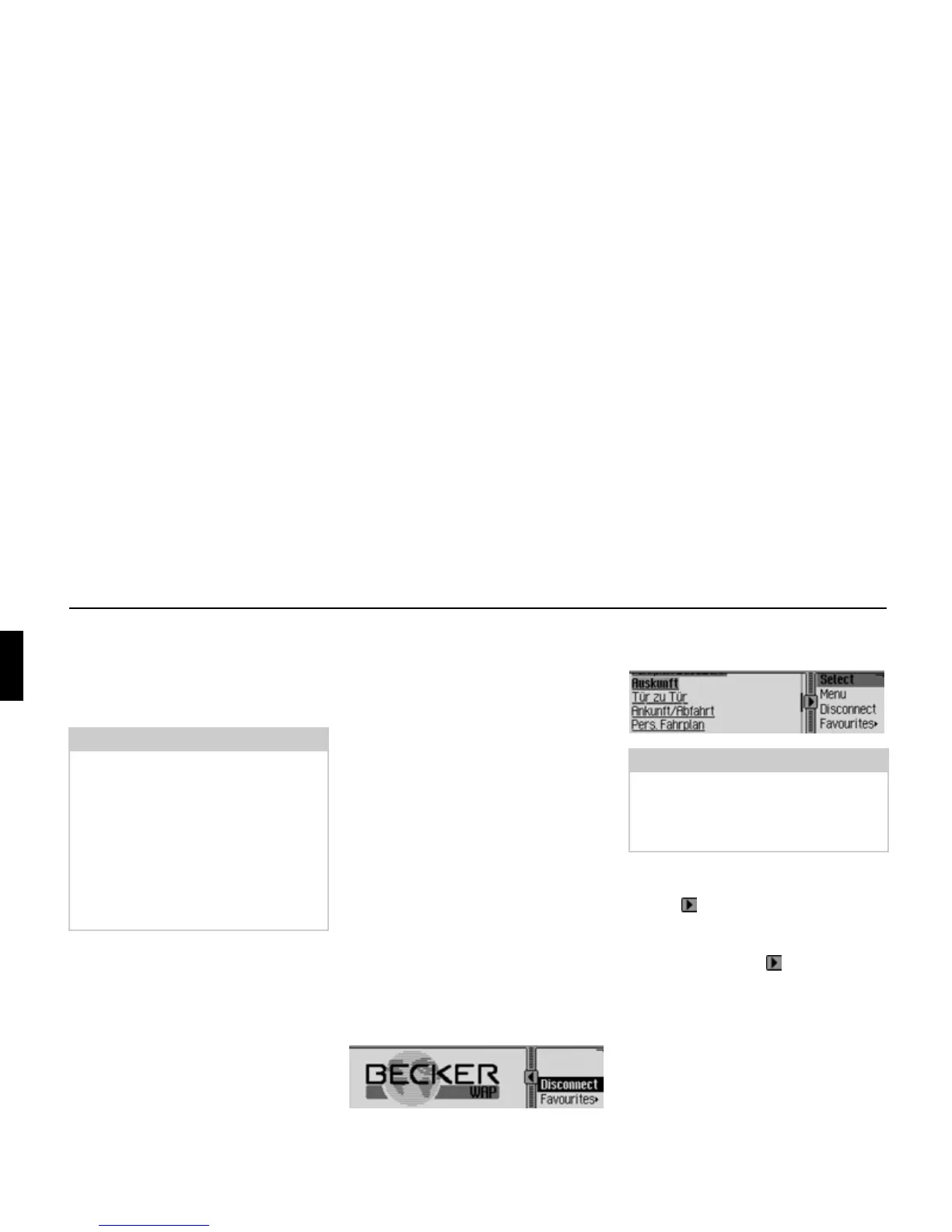
After a short time, the Becker logo is
displayed.
The WAP page for the selected address
is then displayed, if this is possible.
You can see that a connection exists
from the stationary lines above and be-
low the symbol.
If data is being sent or received, the lines
above and below the symbol move.
Notes:
• The functions described in this sec-
tion are not available for a mobile
phone equipped with Bluetooth®
wireless technology that is connected
via the hands-free system.
• Internet access may require registration
with a network operator or provider.
We cannot guarantee the accessibility
of WAP pages.
5201
Note:
The provider’s home page may be dis-
played instead.
The page displayed by the Cascade de-
pends on the provider used.
5202















 To Next Page