187
Settings
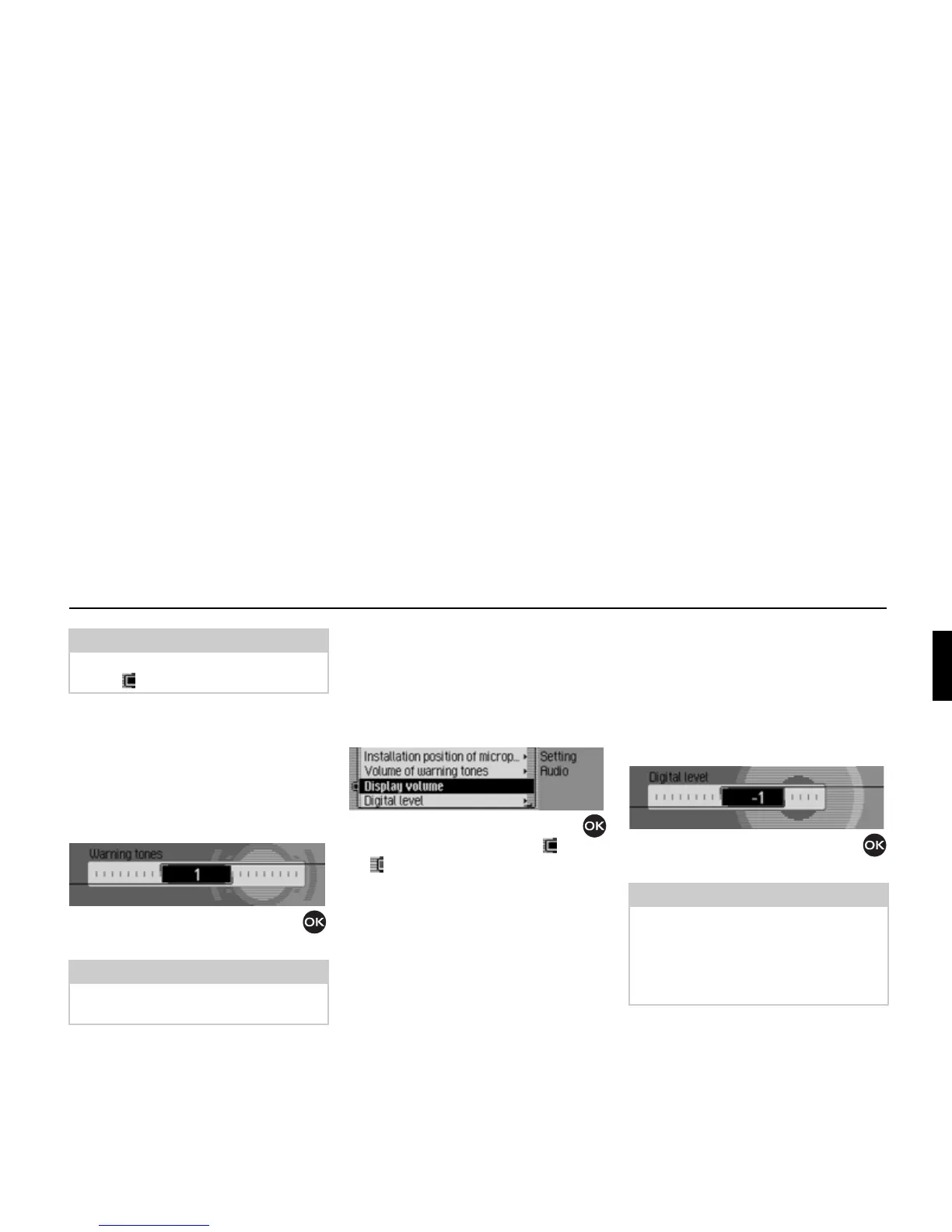
Volume for acoustic signals
You can change the volume for acoustic
signals.
! Select Audio in the system settings.
! Select Volume of warning tones.
! Turn the rotary control/push button
to select the required value.
Displaying the volume
You can activate/deactivate the display of
a change in volume in graphics format.
! Select Audio in the system settings.
! Select Display volume.
! Turn the rotary control/push button
to switch the function on ( ) or off
().
Digital level
You can adapt the volume level of digital
audio sources (CD and all MP3 sources)
to analogue audio sources (radio).
! Select Audio in the system settings.
! Select Digital level.
! Turn the rotary control/push button
to select the required value.
Note:
Only one of the two settings can be
active ( ) at one time.
Note:
A low value indicates a low volume for
acoustic signals.
7017
7018
Note:
A setting of “0” indicates no decrease in
volume.
A setting of “10” indicates a significant
decrease in the volume of the digital
audio source.
7019















 To Next Page