65
Radio mode
• Reception optimisation
Accesses the selection menu for
reception optimisation. See “Recep-
tion optimisation” on page 72.
•
Adaptive bandwidth control
You can switch bandwidth control on/
off. See “Bandwidth control” on
page 73.
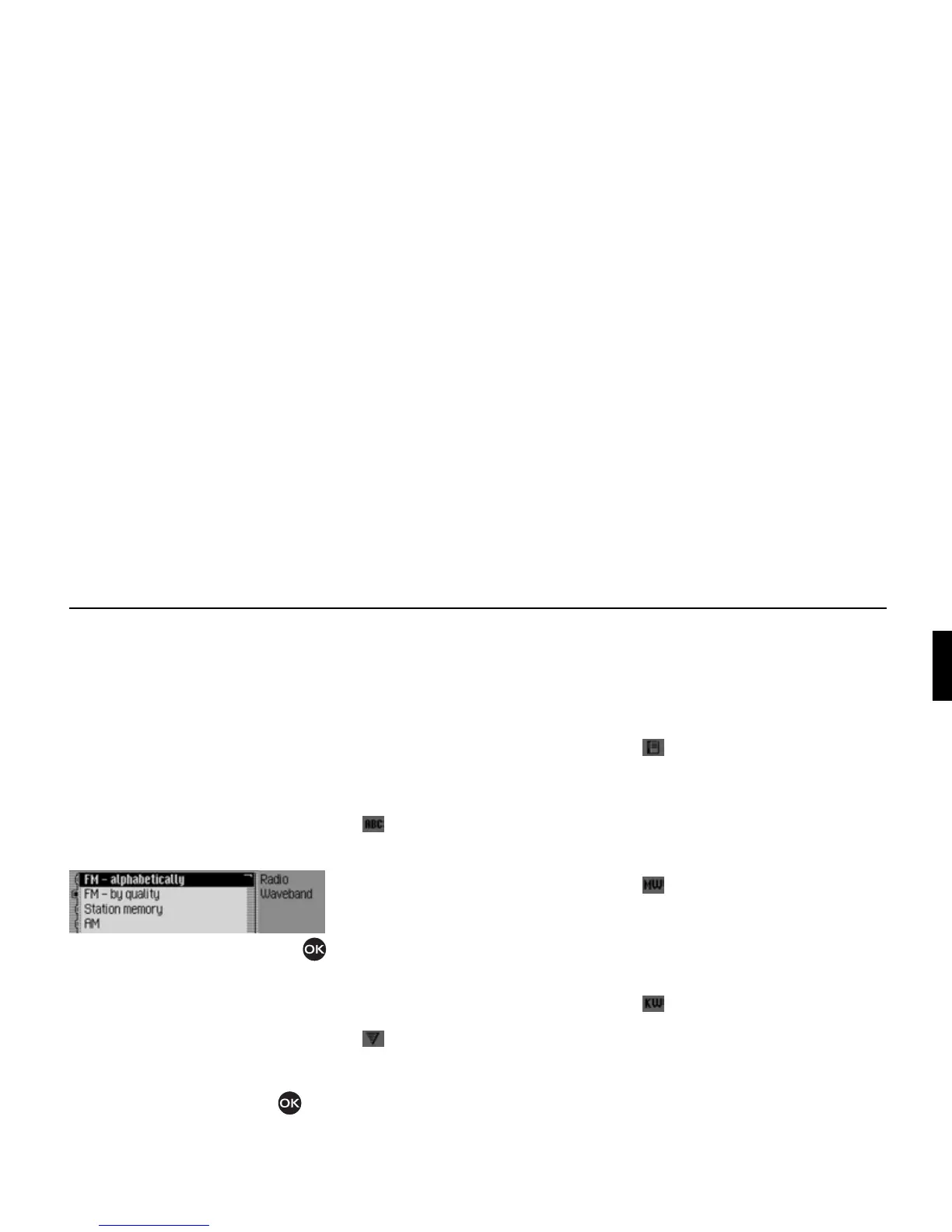
Selecting a waveband
! In the Radio main menu, select Wave-
band
.
! Turn the rotary control/push button
to select one of the following options:
FM - alphabetically,
FM - by quality,
Station memory,
AM or
Short wave
! Confirm your selection by pressing
the rotary control/push button .
The selected waveband is set.
•
FM - alphabetically
If an FM station was selected previ-
ously, it will remain selected or, if an
AM station was selected, the last FM
station selected will be set.
The Fast Access menu appears. All
receivable stations which are not fil-
tered out, appear in the list in alpha-
betical order.
The waveband set is indicated by the
symbol in the status display.
•
FM - by quality
If an FM station was selected previ-
ously, it will remain selected or, if an
AM station was selected, the last FM
station selected will be set.
The Fast Access menu appears. All
receivable stations which are not fil-
tered out, appear in the list in order of
quality.
The waveband set is indicated by the
symbol in the status display.
•
Station memory
The last station set is retained.
The station memory, which can store
up to 20 FM and AM waveband sta-
tions, is displayed.
The waveband set is indicated by the
symbol in the status display.
See “Station memory” on page 77.
•
AM
The last medium wave station selected
is set.
The status display appears.
The waveband set is indicated by the
symbol in the status display.
•
Short wave
The last short wave station selected is
set.
The status display appears.
The waveband set is indicated by the
symbol in the status display.
3002















 To Next Page