128
Mail messages
Saving number to SIM card
You can save the sender’s phone number
to the SIM card.
! In the SMS Options menu, select the
Save no. on SIM card entry.
Proceed as described in “Saving number
to SIM card” on page 124.
Editing
You can edit/add to the SMS message
and then send this again or save it.
! In the SMS Options menu, select the
Edit entry.
You can now edit/add to the text of the
SMS as described in “Composing SMS”
on page 129 and then send it.
If you do not want to send the text imme-
diately after editing it, you can press
.
When the next prompt appears, select
Yes to save the edited text or No if you do
not want to save the changes.
Deleting all SMS
You can use this to delete all the SMS
messages in the fast access function.
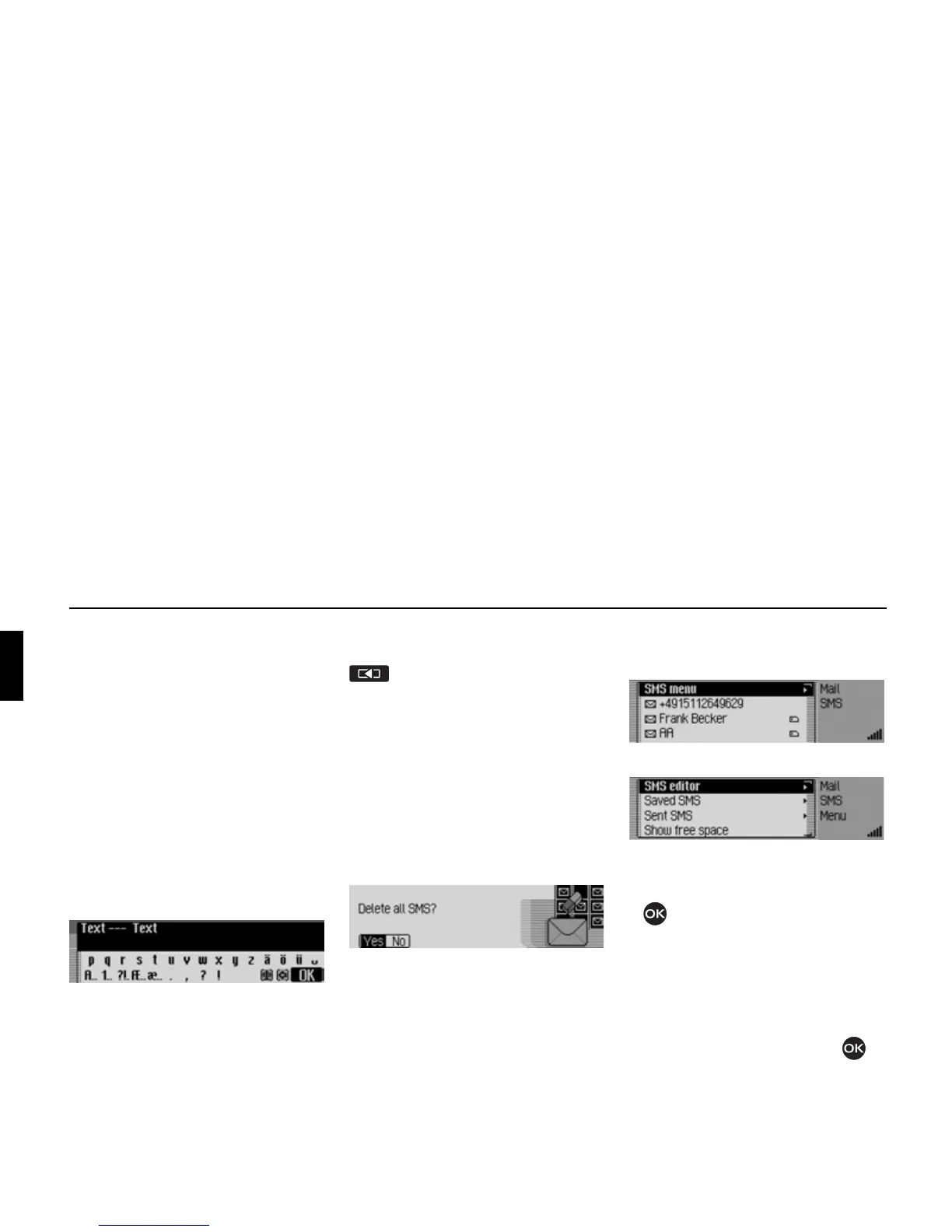
! In the SMS Options menu, select the
Delete all SMS entry.
! When the prompt appears, select Yes
to delete all the SMS or No if you do
not want to delete them.
Opening SMS main menu
! Open the SMS fast access function.
! Select the SMS menu entry.
The SMS main menu appears.
! Turn the rotary control/push button
to select one of the following op-
tions:
SMS editor,
Saved SMS,
Sent SMS or
Show free space.
! Confirm your selection by pressing
the rotary control/ push button .
5110
5111
5112
5113















 To Next Page