161
Address book
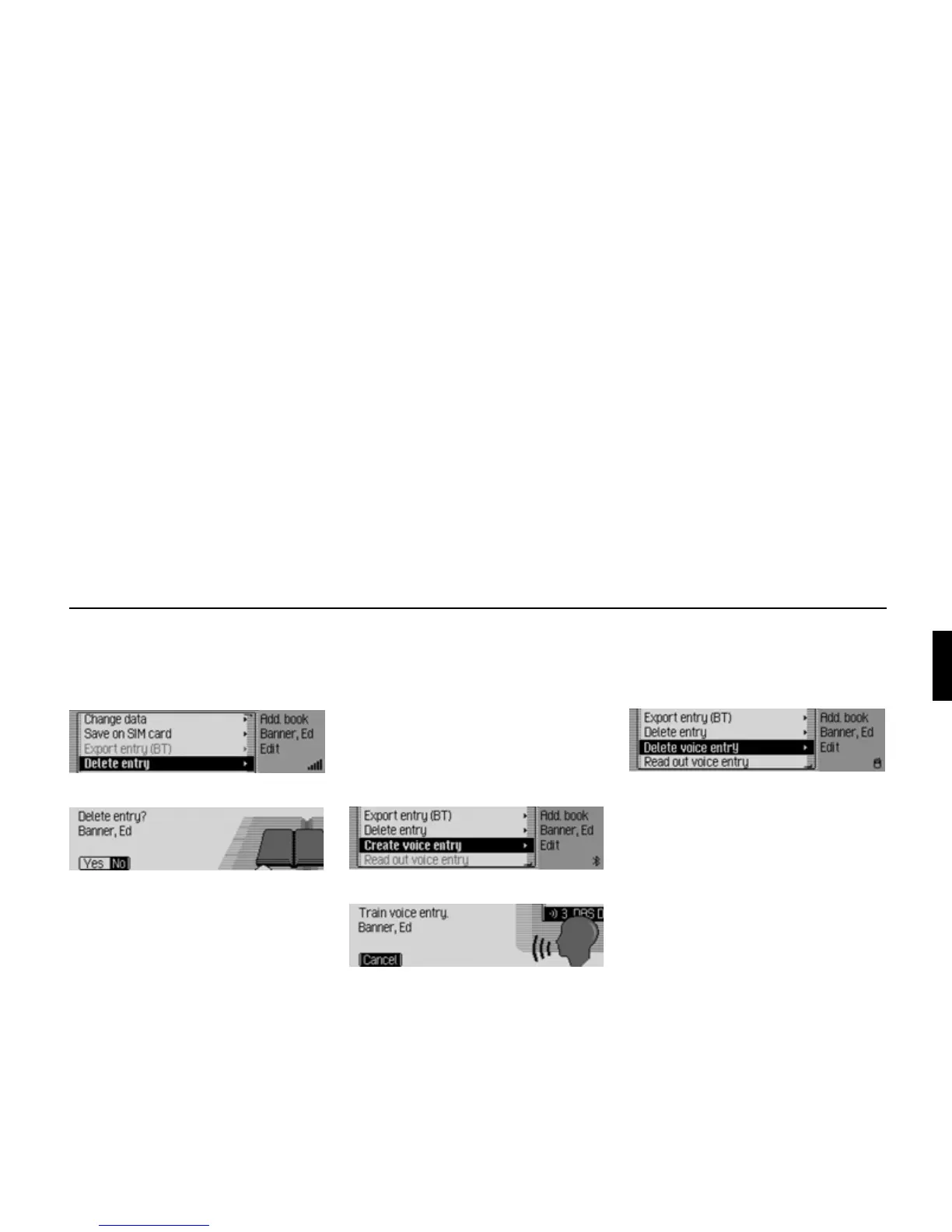
Deleting an entry
! Find the address book entry to be
deleted.
! Select the Edit entry.
! Select the Delete entry entry.
! Select Yes (delete) or No (do not delete).
If you select
Yes, the address book entry
will be deleted.
Creating/Deleting voice entries
You can record a voice entry or delete an
existing voice entry for the selected
address book entry.
Create
! Find the address book entry for which
you wish to record a voice entry.
! Select the Edit entry.
Select the
Create voice entry entry.
The recording procedure starts.
Delete
! Find the address book entry for which
you wish to delete a voice entry.
! Select the Edit entry.
Select the
Delete voice entry entry.
! When the next prompt appears, select
Yes (delete) or No (do not delete).
If you select
Yes, the voice entry will be
deleted.
Reading out voice entries
! Find the address book entry, the voice
entry of which you wish to have read
out.
! Select the Edit entry.
! Select the Read out voice entry entry.
The voice entry is read out.
6019
6020
6021
6008
6022















 To Next Page