104
Telephone mode
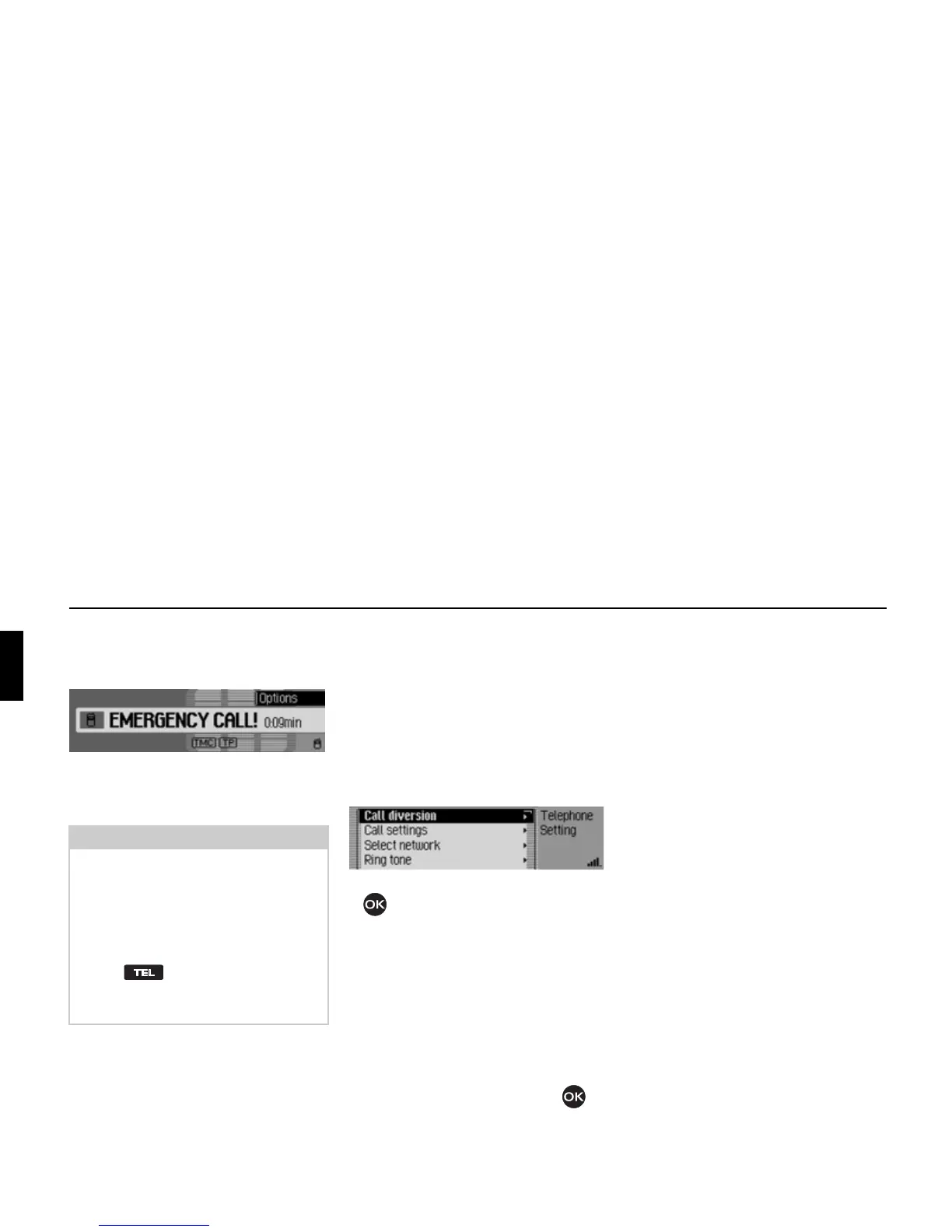
Following initiation of the emergency
call, the following information is dis-
played in the status bar.
After the emergency call has been made,
you can end the call as described in
“Ending a call” on page 114.
Settings
In the settings you can set the “Call di-
vert”, “Call settings”, “Select network”,
“Ring tone”, “PIN settings” and acti-
vate/ deactivate the “Dialogue with call”
functions.
! In the Telephone main menu, select
the entry
Setting.
! Turn the rotary control/push button
to select one of the following op-
tions:
Call diversion,
Call settings,
Select network,
Ring tone,
PIN settings,
Auto. call answering or
Dialogue for calls.
! Confirm your selection by pressing
the rotary control/ push button .
The desired function is called up.
•
Call diversion
(
internal phone and SIM-Access only
)
With this function you can divert calls to
your mailbox or to another telephone
number depending on the settings.
•
Call settings
(
internal phone and SIM-Access only
)
Here you can activate or deactivate the
“Call waiting”, “Automatic redial”, “Au-
tomatic call answering” and “Transmis-
sion of own number” functions.
•
Select network
(
internal phone and SIM-Access only
)
With this function you can specify the
provider/telephone network you want to
use for phone calls.
Note:
With the internal phone, even if the PIN
has not been entered or a SIM card is
not inserted it is still possible to make
an emergency call.
However, reception must also be ade-
quate.
! Press .
! In the following menu, select the
Emergency call entry.
5062
5063















 To Next Page