112
Telephone mode
Switching the telephone off
(internal phone and SIM-Access only)
You can switch off the telephone using
this function.
! In the Telephone main menu, select
the entry
Switch off telephone.
! Select the OK entry and press the rotary
control/ push button .
The telephone will then be switched off.
Telephone calls
Below, you can find information on the
operating options available to you dur-
ing an active telephone call.
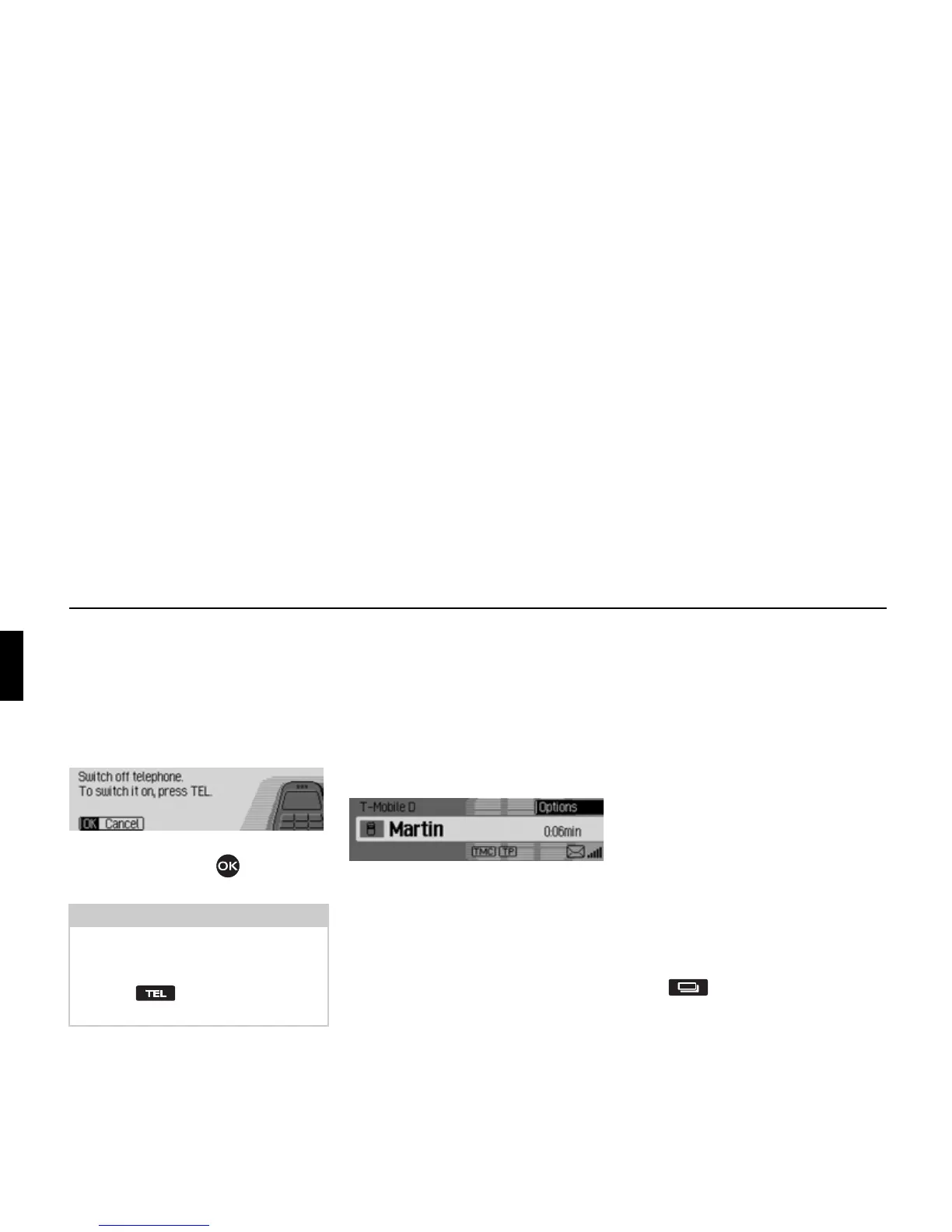
Status display
The status display appears automatically
during an active telephone call.
The status display shows the following
information:
• At the top left
GSM netw. (mobile
phone only) or the name of the pro-
vider (internal telephone and SIM-
Access only) to indicate that you are
in the telephone status display.
• A telephone symbol will be displayed
in the centre left and, if available, the
name of the caller/ the person you are
calling. If the name is not available the
number will be displayed. If the
number has not been transmitted
Un-
known
will be displayed.
• The name of the telephone currently
connected will be displayed at the bot-
tom left (mobile phone only).
• The length of the call will be shown on
the centre right of the display.
• The strength of the received telephone
signal is displayed at the bottom right,
if available.
Data connection via WAP is displayed
as an @-icon.
Press to switch to the status dis-
play for radio mode or media mode. You
can also switch to the navigation status
display if route guidance is active.
Note:
If the telephone is switched off during
operation, the telephone is not started
automatically when Cascade is started
next. The button must be pressed
in this case to activate it.
5075
5076















 To Next Page