3-36 BMP
®
61 Label Printer
User’s Manual
List
List
The List function enables you to produce multiple labels with variable information
from a single, formatted label (main document) and a structured data source. The
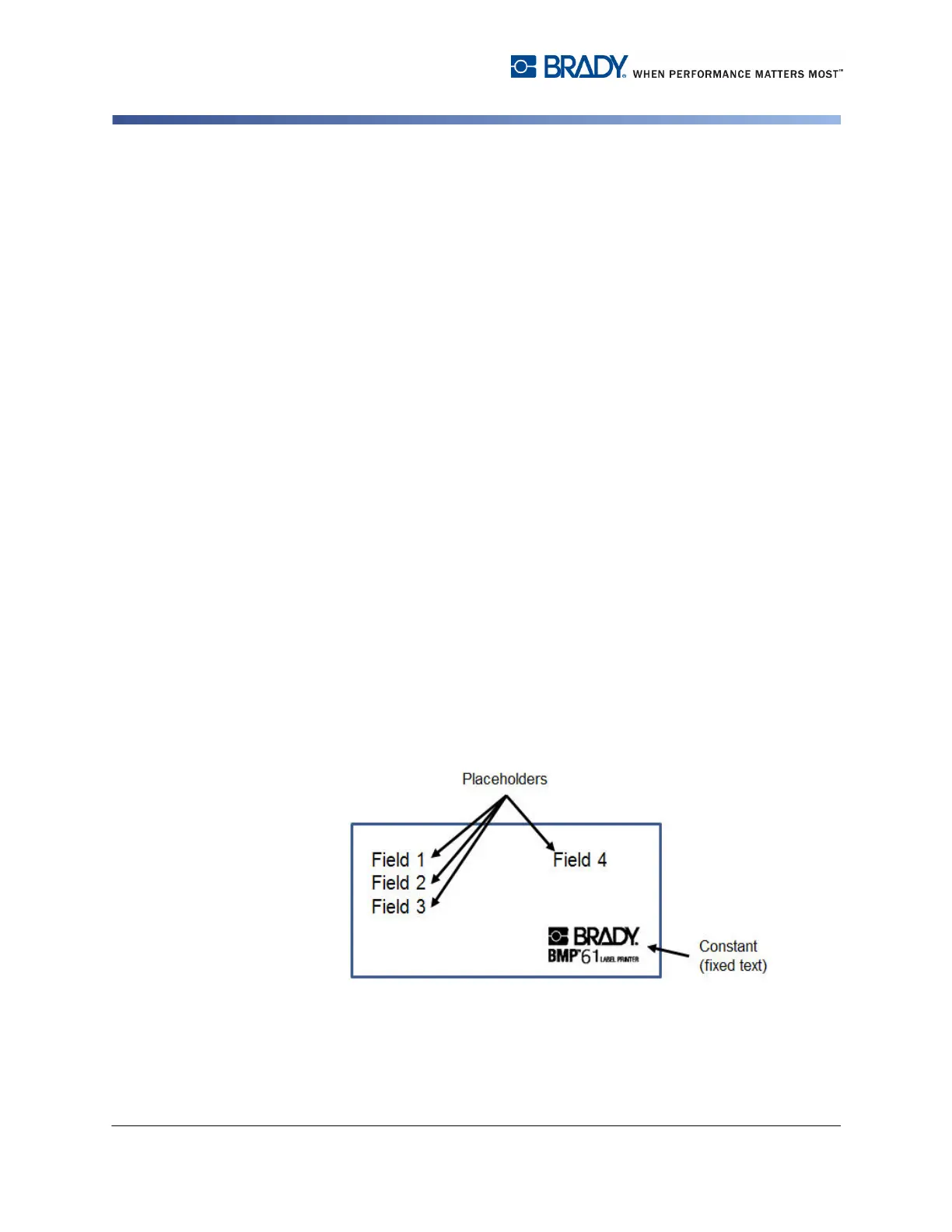
label format contains fixed text or graphics, which are the same in each output
label, and placeholders that are replaced by the variable text from the data source.
The data source (or database) is a collection of organized, related data. It is often
set up in the form of a table, containing fields (columns) and records (rows). A field
is one category of information for each record, while the record is the combination
of all the field information for one label.
When the merge is run, the system creates an output label for each record (row) in
the data source, using the fixed text exactly as it appears in the formatted label,
but substituting the placeholders on the label with the values from the matching
fields (columns) in the data source.
Use the List function when you want to create a set of labels, with each label
containing the same type of information. For example, address labels containing
the customer name and address. Rather than entering the customer information
each time you need the address label, you enter the customer information one
time in a data source. Then, whenever you need the information, you merge it onto
the formatted label.
The List function involves the following steps:
1. Set up the main, formatted label. The formatted label can contain constant,
fixed text and graphics that will be the same for each label printed. The
formatted label will also contain generic "placeholders" that tell the printer
where to place the variable data contained in the data source. Fields are
placed in different areas of the label. You must have a defined area on the
formatted label for each field you want to merge from the data source.
Figure 3-14. Formatted Label (main document)



 To Next Page