BMP
®
61 Label Printer
User’s Manual
3-29
Barcode
Add a Barcode
The barcode key acts as a toggle between a barcode and text. Press once to turn
it on, press again to turn it off.
To add a barcode:
1. Position the cursor where you want to add the barcode.
2. Press Barcode .
3. Enter the barcode data.
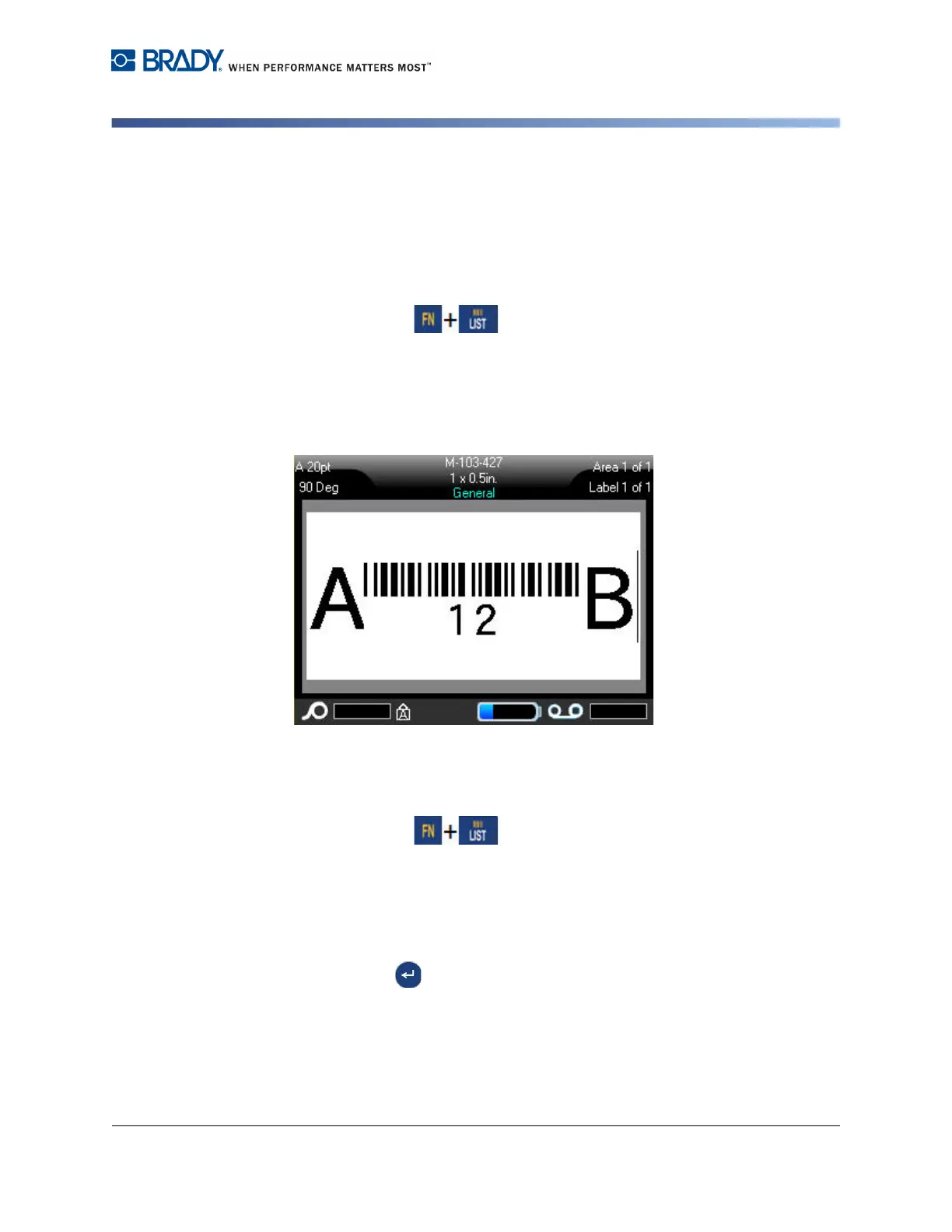
The barcode displays on the screen as the data is being entered.
Figure 3-13. Barcode in line of text
When finished with the barcode entry, if you want to enter more data on the same
line of text as the barcode:
1. Press Barcode again.
This turns the Barcode mode off and returns to text mode.
OR
When finished with the barcode entry, if you want to start a new line of text
BELOW the barcode entry:
2. Press Enter .
Pressing Enter moves the cursor to the next line, automatically turning off the
Barcode function.



 To Next Page