BMP
®
61 Label Printer
User’s Manual
1-19
Media
Loading Bulk Media
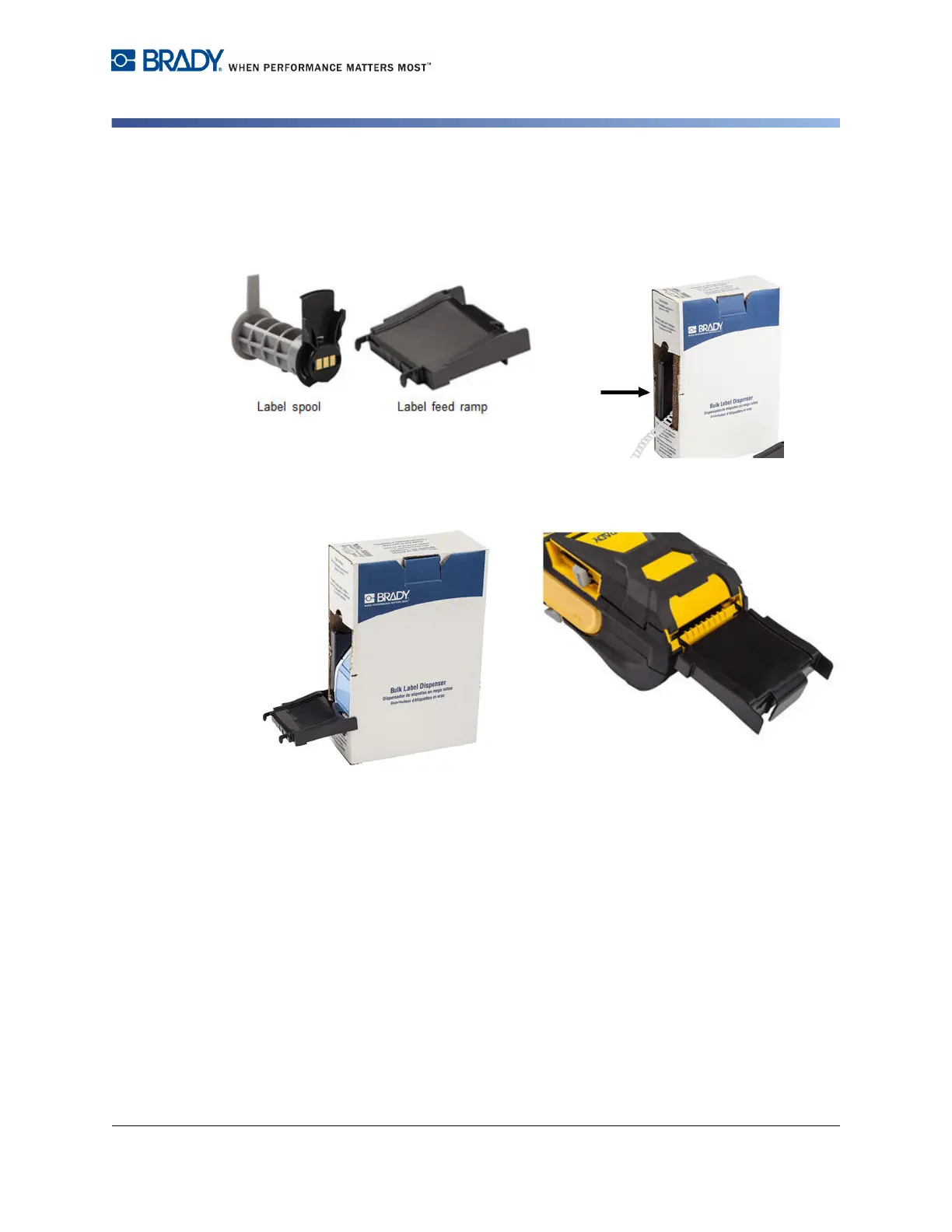
1. Remove the BMP61 label spool and the
label feed ramp from the box.
2. On the bulk media box, push Tab A and
C in, then pull the perforated flap down
and tear off.
3. Attach the label feed ramp to the
bottom of the perforation, with the ramp
arms on the outside of the box.
4. Attach the ramp hooks to the outside of
the bulk label feed path on the printer.



 To Next Page