BMP
®
61 Label Printer
User’s Manual
3-33
Serialization
Add Serialization
To add serialization to labels:
1. Position the cursor on the label where you want the serialization to display.
2. Press Serial .
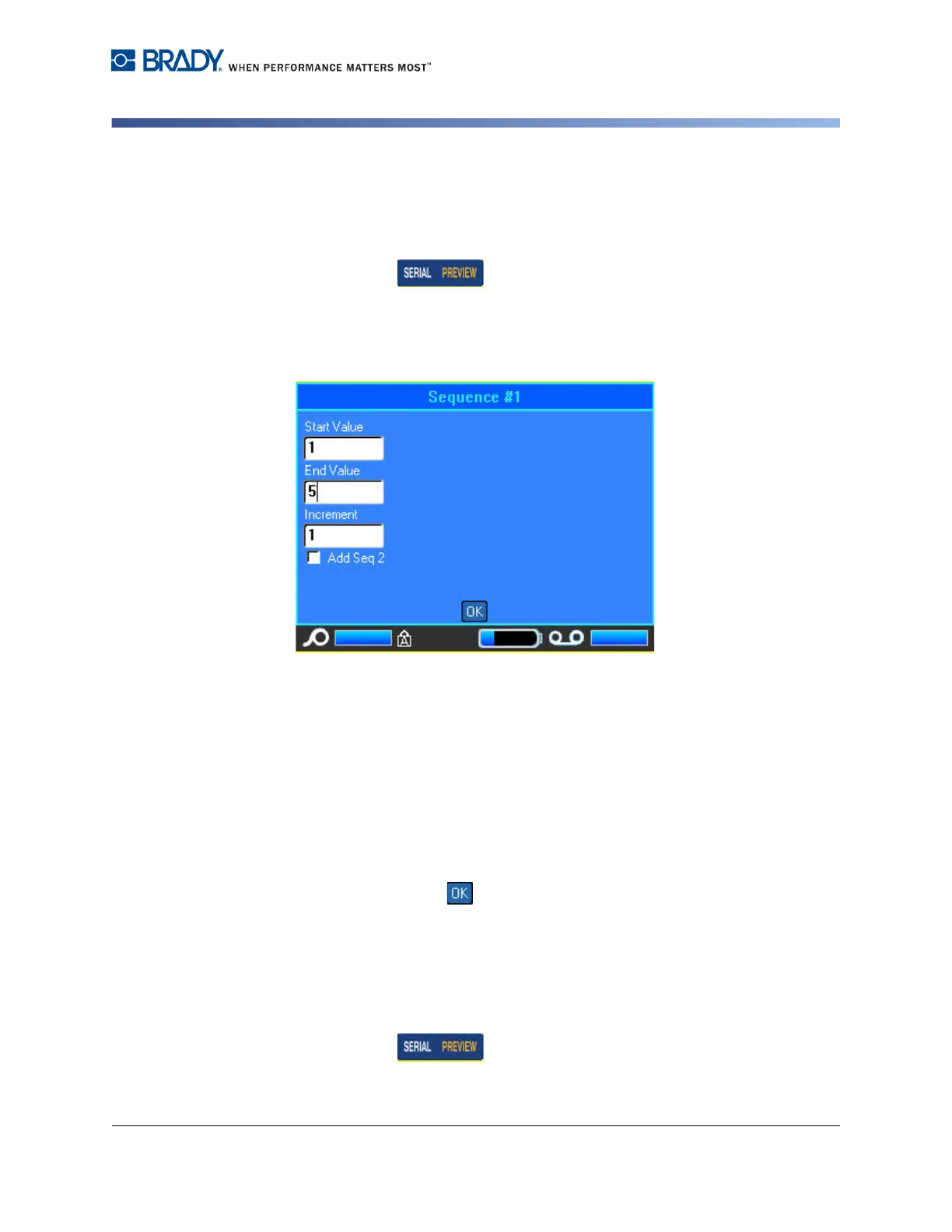
A dialog box displays where you can enter the start value of the serialization, the
end value, and the increment value.
For simple serialization:
3. With the cursor immediately displayed in the Start Value field of Sequence #1,
enter the start value of the sequence.
If the start value is larger than the end value, the series will decrement
automatically.
4. In the End Value field, enter the end value of the sequence.
5. In the Increment field, enter the increment value.
6. When ready, select .
For multiple serialization, displayed at different locations on the label:
7. Complete Steps 1 through 6 above.
8. On the Editing screen, navigate to the next sequence location (cursor
position) on the label. (Skip this step if creating a compound serialization
displaying at the same cursor position.)
9. Press Serial .



 To Next Page