6-14 BMP
®
61 Label Printer
User’s Manual
Vial
Vial
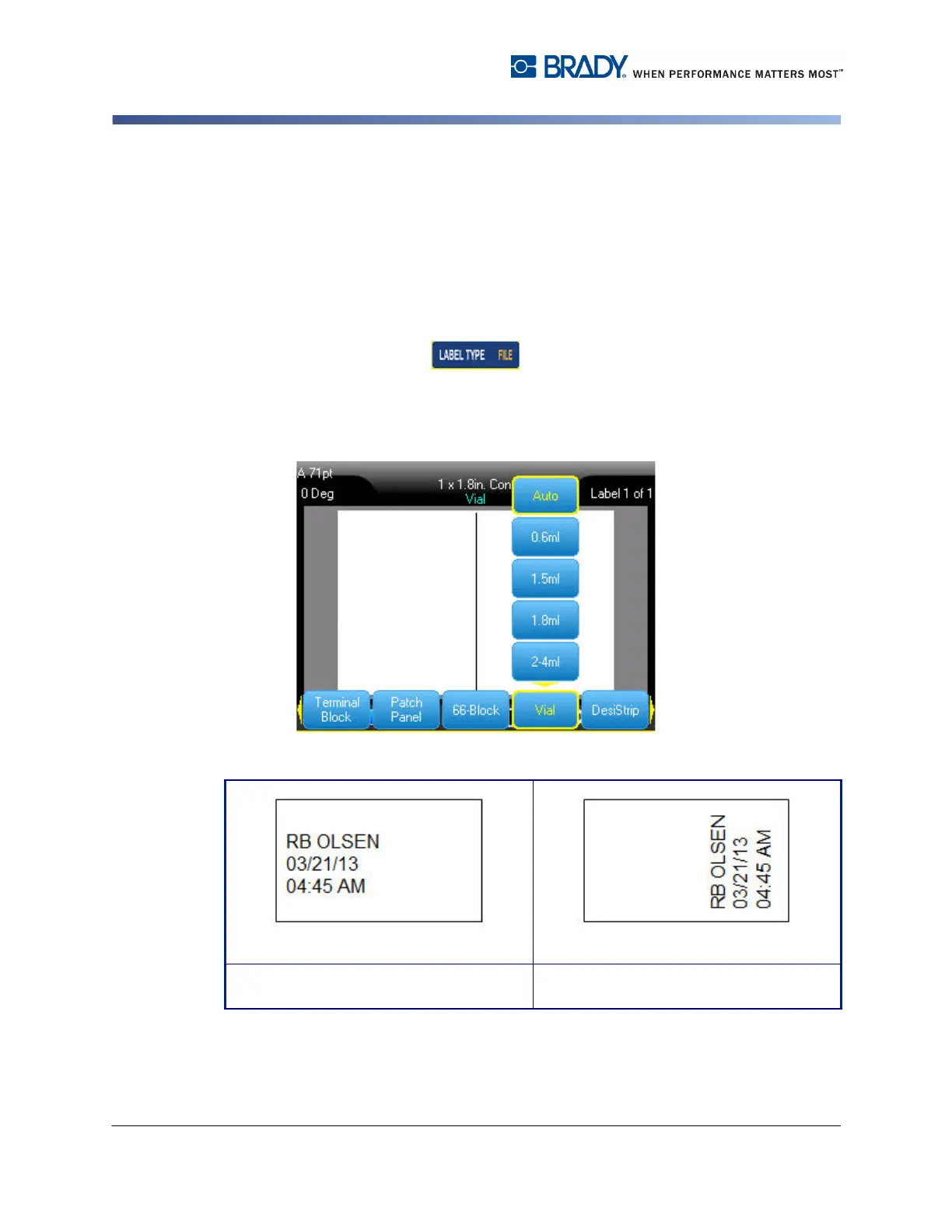
The Vial label type can be used with any media except SelfLam or Permasleeve.
(If SelfLam or Permasleeve media is installed, the Vial label type does not
display.) The Vial label type fixes the length of the label based on the vial size
selected and formats the data horizontally or vertically.
To create a label using the Vial label type:
1. Press Label Type .
2. Select Vial, then select the vial size.
3. Enter the data to display on the vial label.
1. .
Landscape (horizontal on printed label) Portrait (vertical on printed label)



 To Next Page