BMP
®
61 Label Printer
User’s Manual
3-19
Labels and Areas
Delete Label or Area
Deleting a label removes all data and formatting on that particular label. If multiple
areas exist on one label, when that label is deleted all the areas associated with
that one label are also deleted. Deleting an area removes all data and formatting
from that one area on one particular label. It does not delete that area on all
labels.
To delete a label or area:
1. Navigate to the label or area you want to delete.
2. Press Label if deleting a label OR press Area if deleting
an area.
3. Choose Delete.
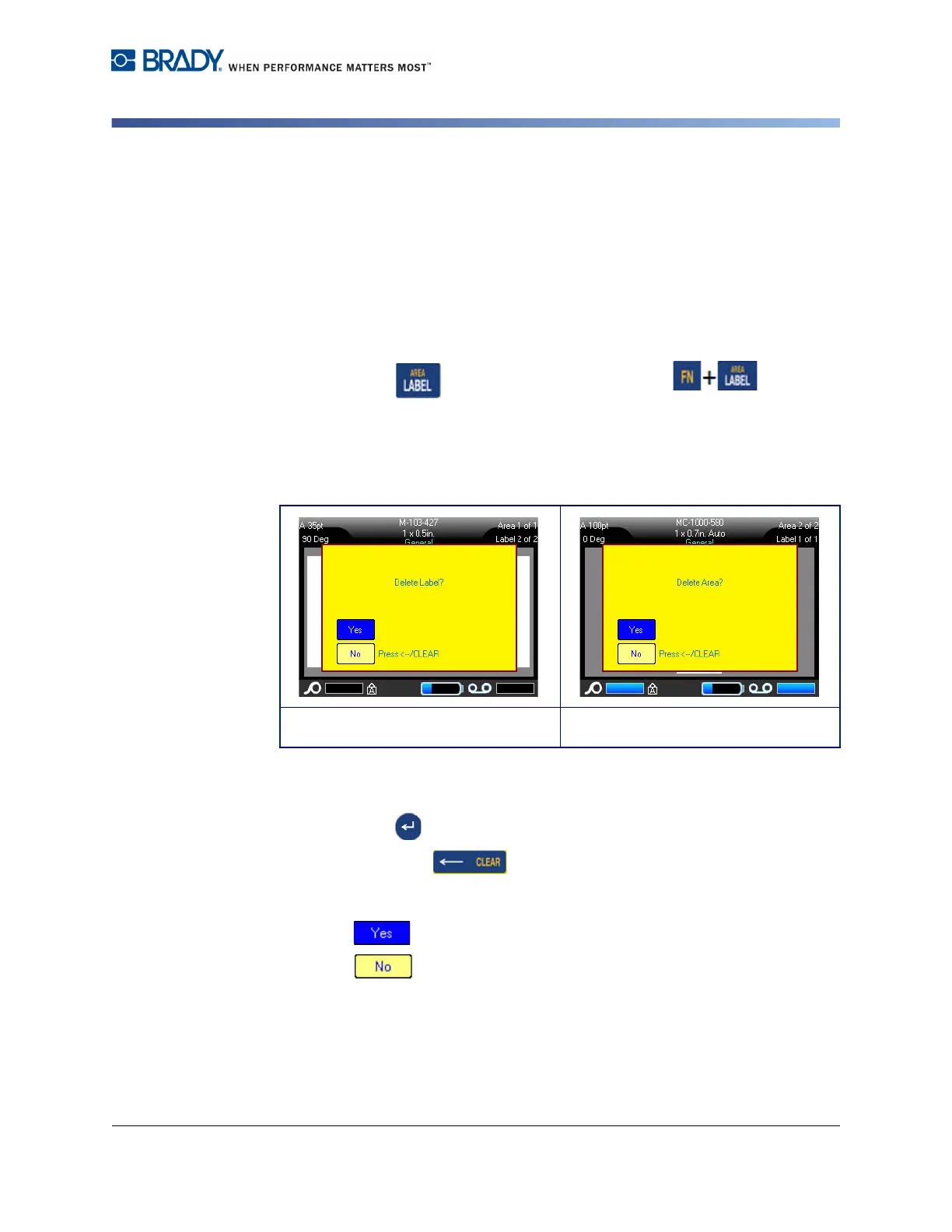
A Delete Label or Delete Area confirmation message displays.
To delete the label or area, using the keyboard:
1. Press Enter to confirm deletion.
2. Press Backspace to cancel the delete function.
To delete the label or area, using the touch screen:
1. Touch to confirm deletion.
2. Touch to cancel the delete function.
Delete label confirmation Delete area confirmation



 To Next Page