BMP
®
61 Label Printer
User’s Manual
2-3
Creating a Text Label
Clear
[CLEAR] is used to clear data from the screen or cancel a function.
To Clear data:
1. Press Clear .
You are presented with two options:
• Clear Label Data
• Clear All
Clear Label Data removes all data on the label, but leaves the formatting in place
(e.g., font size, number of areas, etc.)
Clear All removes all data and formatting from the label.
2. Select the desired option.
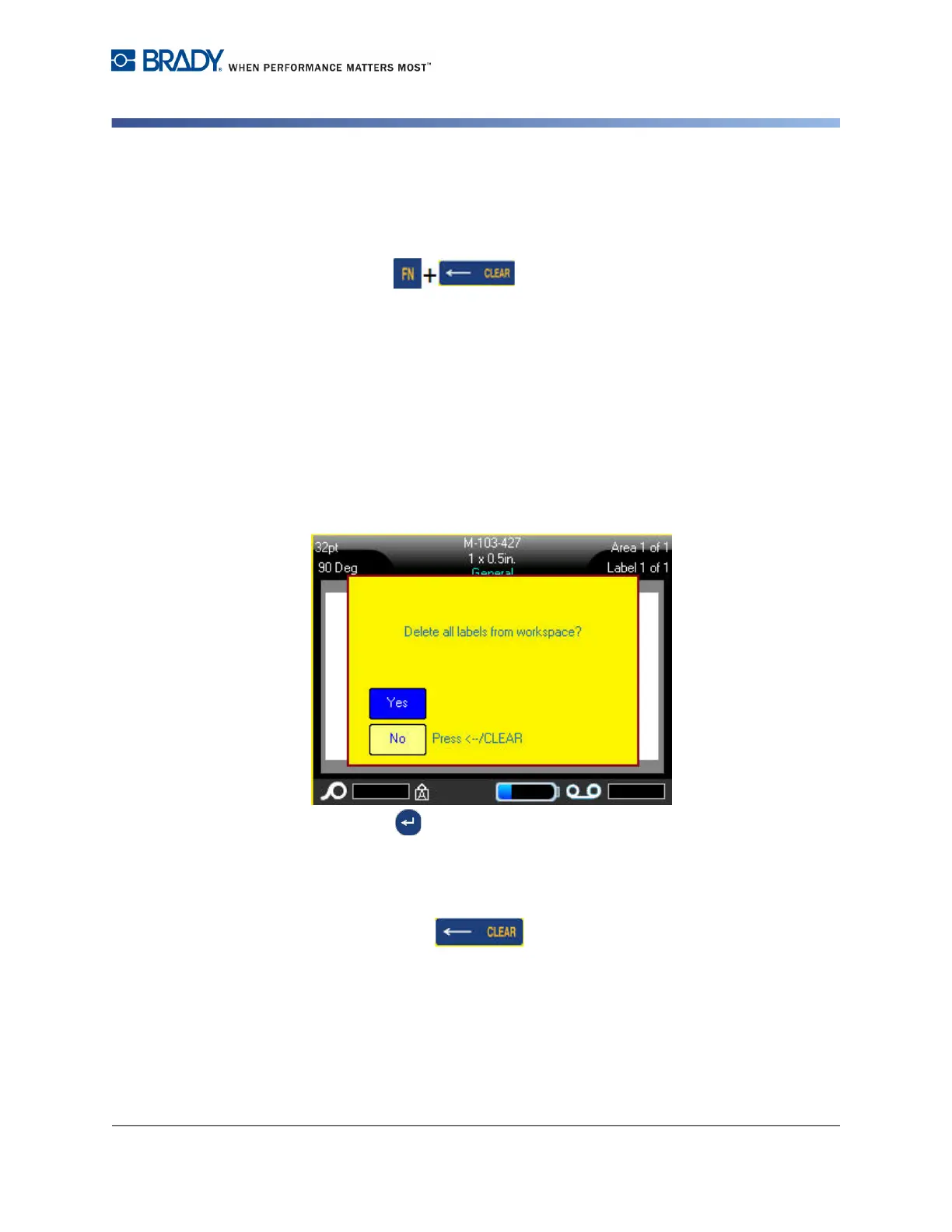
If using Clear All, a message displays asking confirmation.
3. Press Enter to confirm the deletion.
OR
Touch Yes.
If you do not want to delete the labels:
4. Press Backspace to cancel the Clear All function.
OR
Touch No.
You are returned to the screen with all labels and data intact.



 To Next Page