BMP
®
61 Label Printer
User’s Manual
4-7
Open a File
Open a File
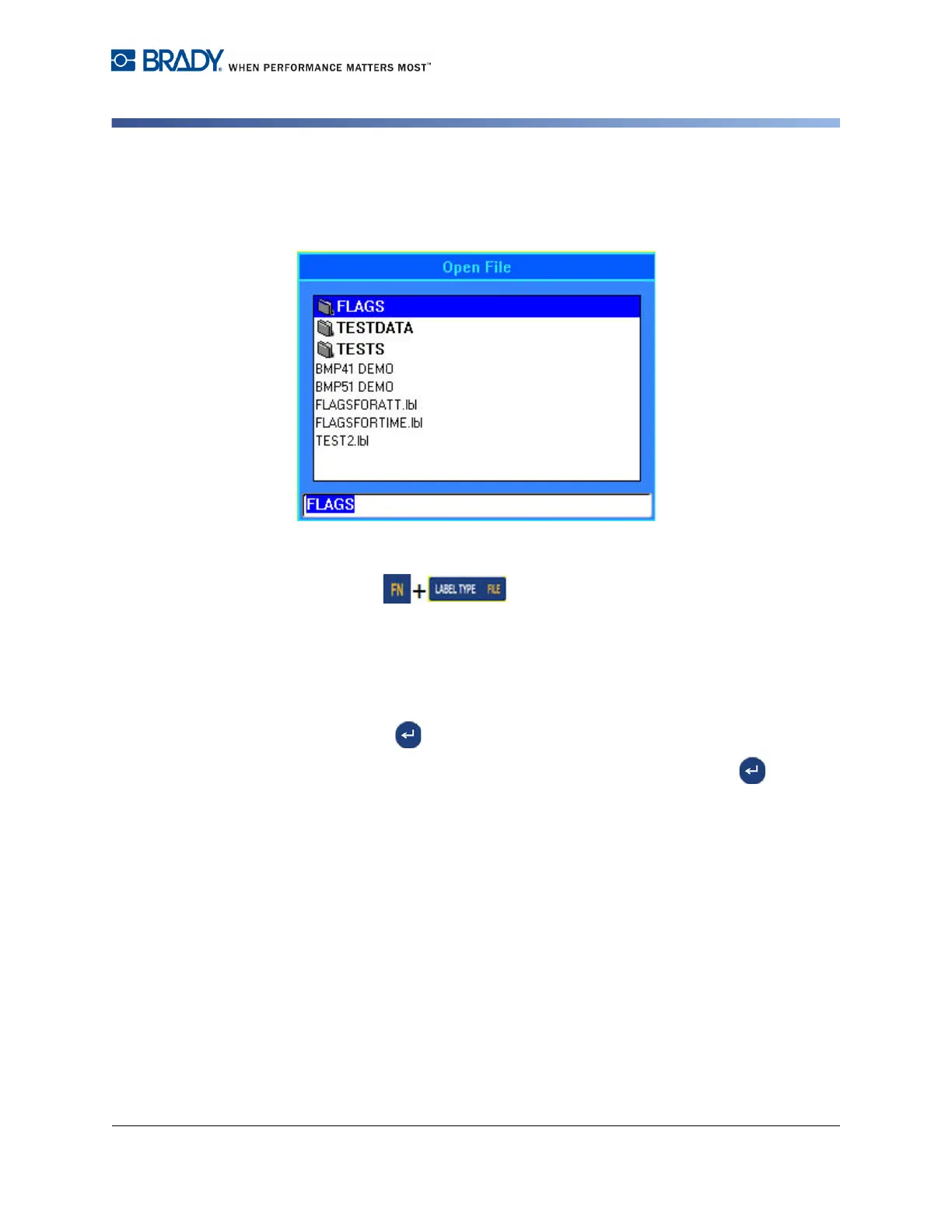
To open (recall) a saved file:
1. Press File .
2. Choose Open.
A list of previously saved folders and files displays.
To open a folder, using the keypad:
3. Navigate to the folder to open.
4. Press Enter .
5. Within the folder, navigate to the file to open, then press Enter .
To open a folder, using the touch screen:
6. Double Tap the folder.
7. Within the folder, Double Tap the file to open.



 To Next Page