2-2 BMP
®
61 Label Printer
User’s Manual
Creating a Text Label
Existing data positioned to the right of the cursor moves progressively to the right
to make room for the inserted text. As more data is added to a line of text, the font
size automatically decreases a point at a time until the smallest font size is
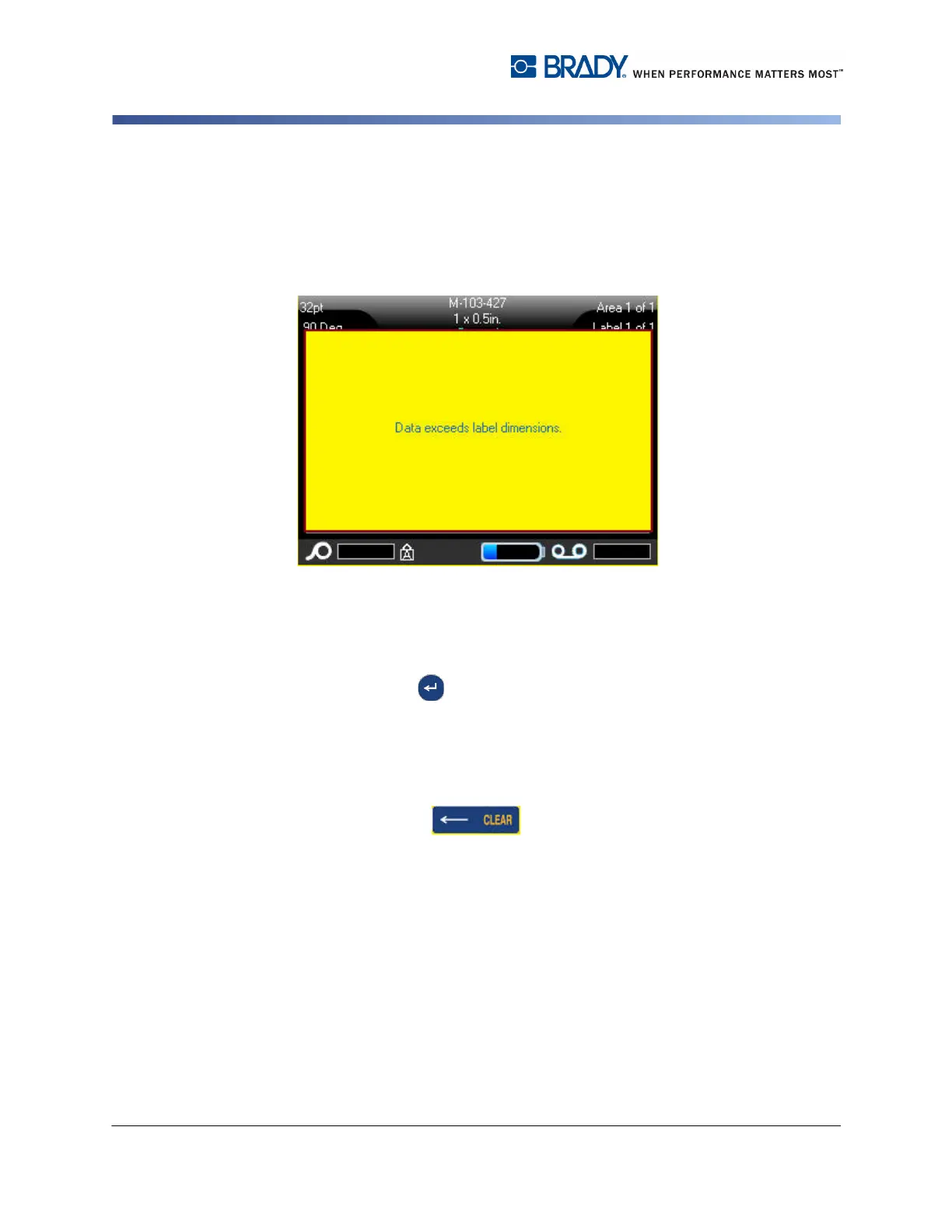
reached. At that point you cannot add anymore data to that line of text and the
following error message displays.
To remove the error message:
1. Press Enter .
OR
Touch the error message screen.
2. Press [ENTER] to start another line of text.
Deleting Text
To remove characters, one at a time, from the position of the cursor TO THE
LEFT (backwards):
1. Press Backspace .



 To Next Page