BMP
®
61 Label Printer
User’s Manual
3-11
International Character Sets
International Character Sets
The BMP61 printer contains hundreds of internationally recognized characters,
complete with diacritical marks.
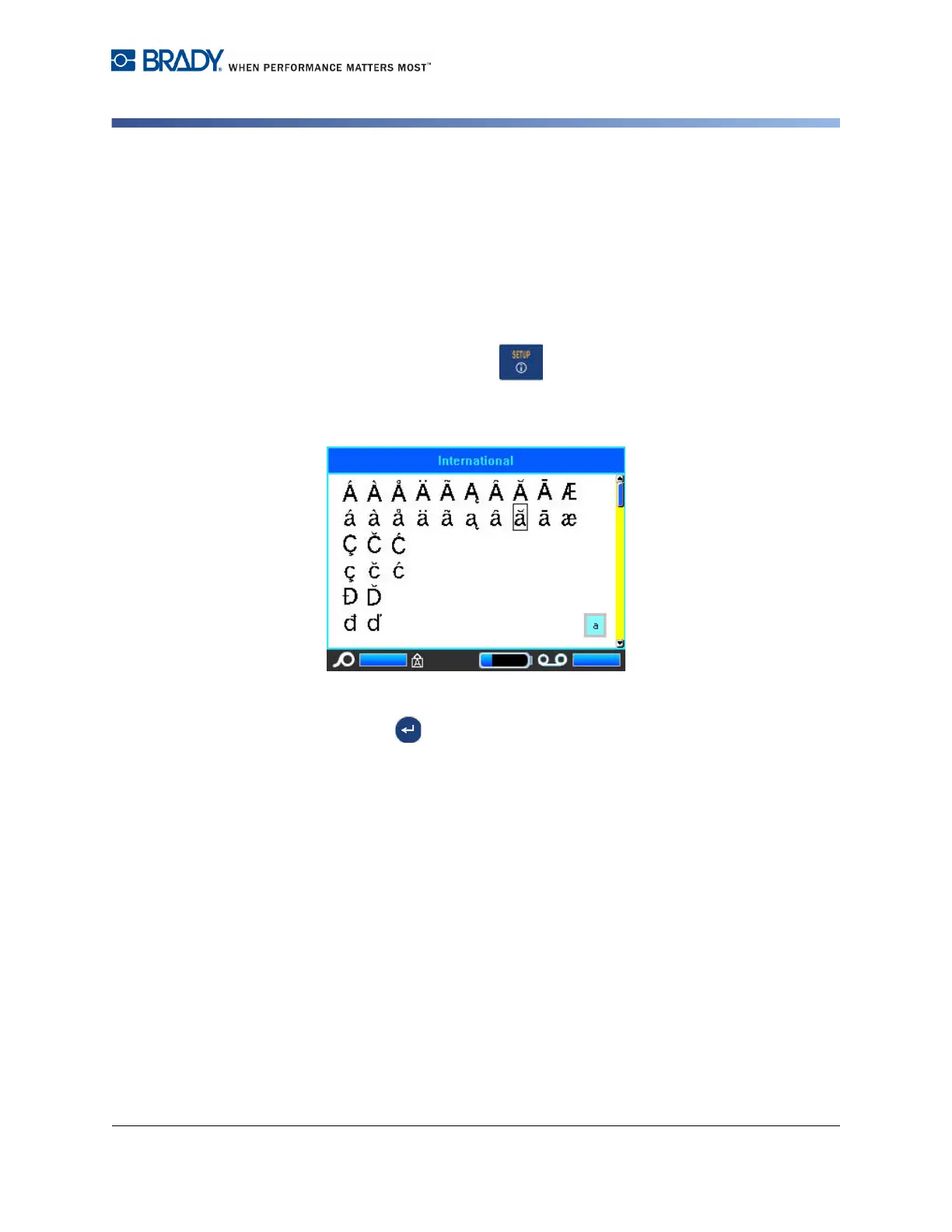
To add an international character to your label:
1. Position the cursor at the point where you want the international character to
display.
2. Press the International key .
A list of international characters displays.
3. Scroll through the list until the desired character is found.
4. Press Enter .
OR
Double tap the desired character.
The character displays with the same font size that is currently in use.



 To Next Page