BMP
®
61 Label Printer
User’s Manual
4-5
Folders
Folders
To better organize your data, place similar label files into folders. Similar files
could consist of all labels for a specific project, or all files that use the same
media, or specific label applications, etc.
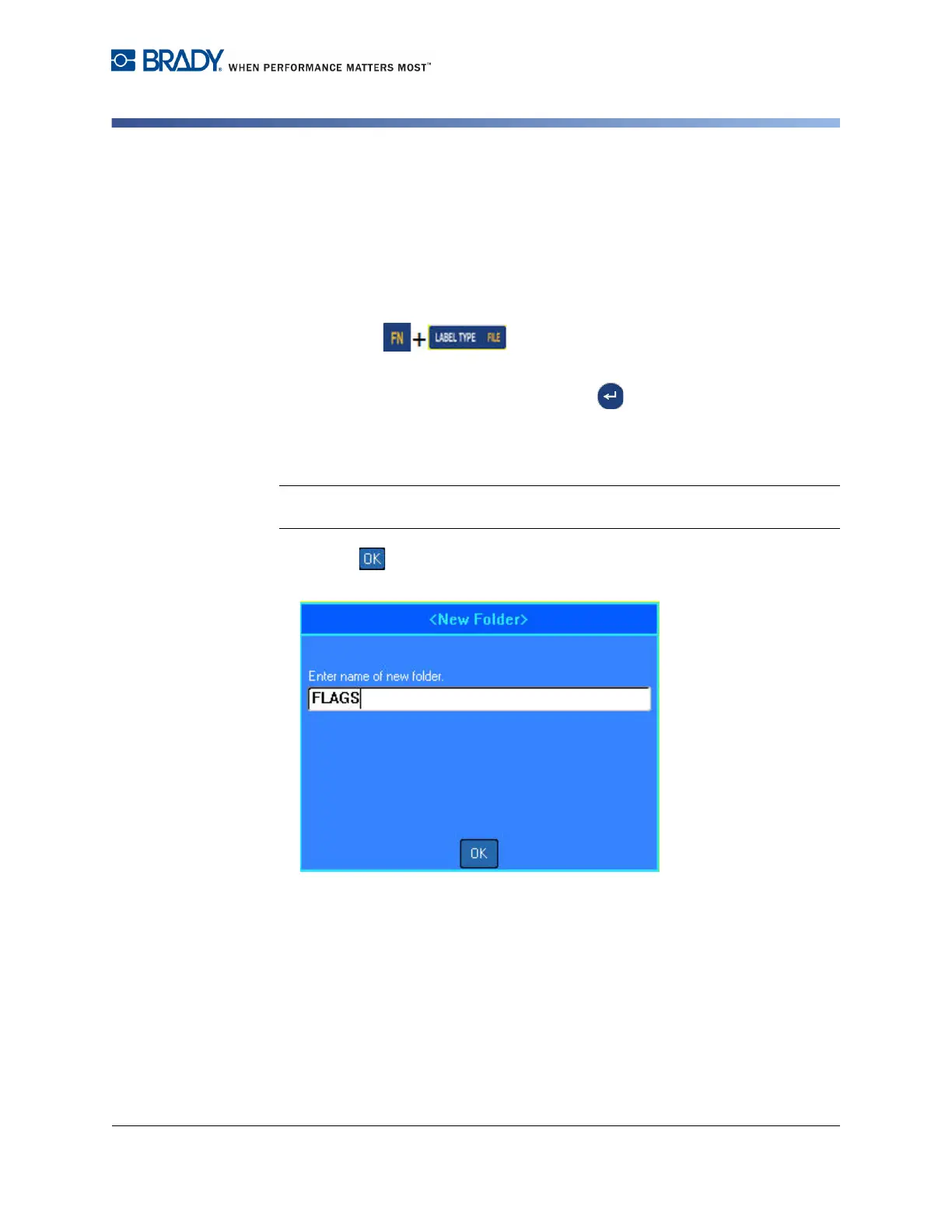
To create a label file folder:
1. Press File .
2. Select Save.
3. With <New Folder> selected, press Enter .
OR
Double Tap <New Folder>.
4. Enter a name for the folder.
Note: For faster access of files, it is a good idea to assign a name that conveys the
contents of the label file folder.
5. Select .



 To Next Page