4-2 BMP
®
61 Label Printer
User’s Manual
Label Files
Internal vs. External
You can save labels as internal or external files. Internal files are labels stored
directly on the BMP61 printer. External files are labels stored on some external
device, such as a flash drive.
To save labels:
1. Press File .
2. Select Save.
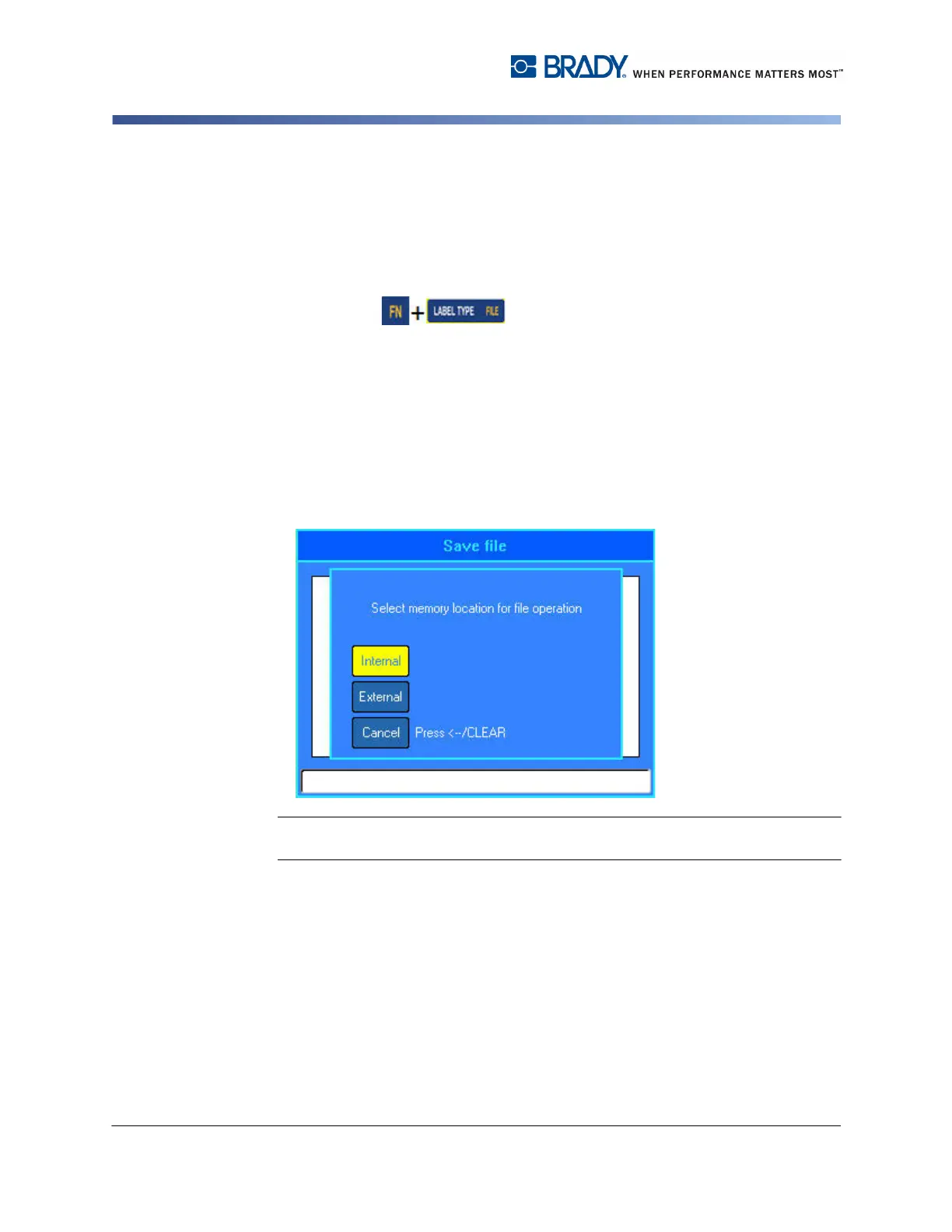
The memory location dialog box displays ONLY if an external source is attached
to the printer.
3. Select Internal to save directly to the printer.
OR
Select External to save to the attached external source.
Note: If no external device is attached, the above memory location dialog box does
not display.
4. In the displayed text entry box, enter a name for the file.



 To Next Page