1-38 BMP
®
61 Label Printer
User’s Manual
Dialog Boxes
Dialog Boxes
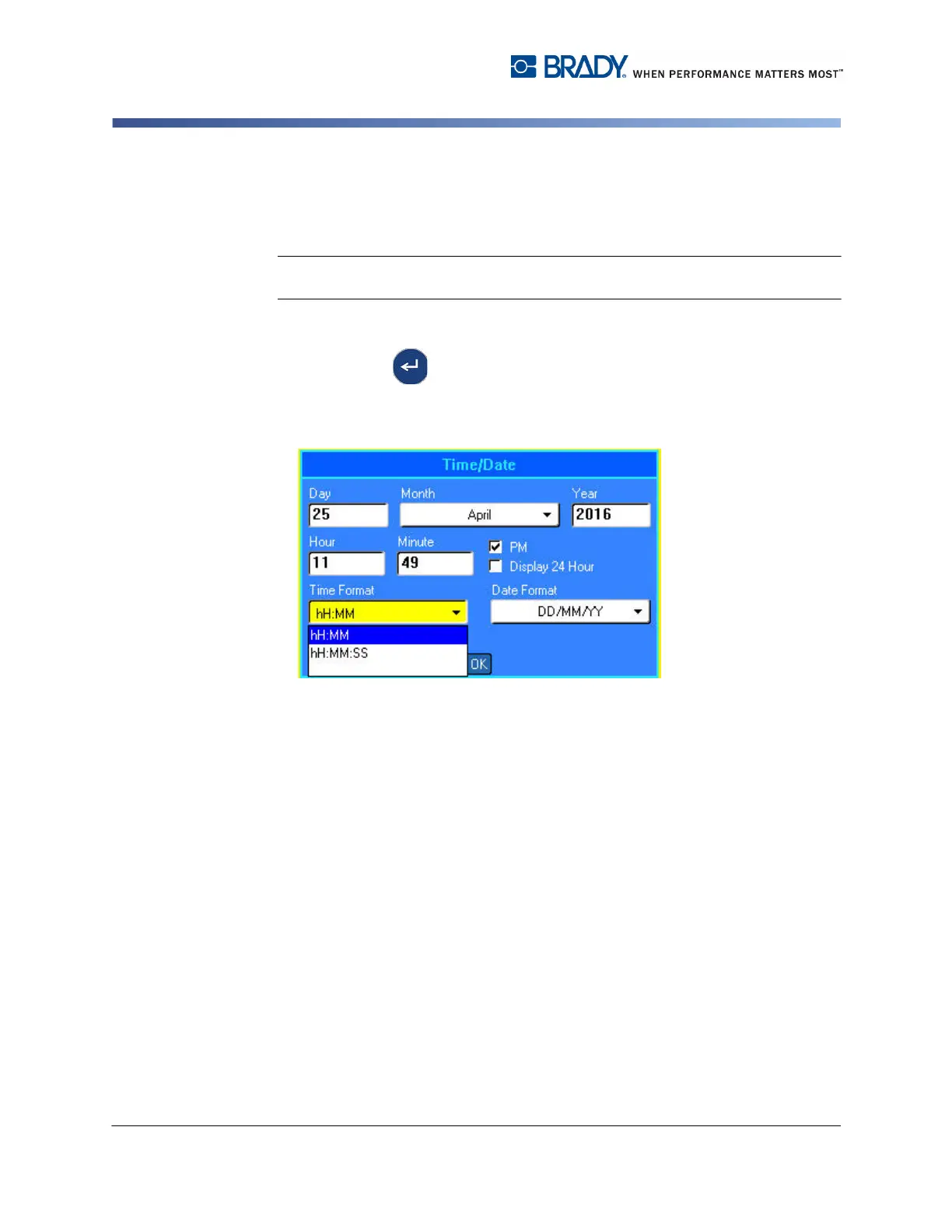
Some function keys display dialog boxes, rather than sub-menus.
Note: You will know that a dialog box is associated with a menu if a sub-menu does
not immediately pop up when highlighting or selecting the main menu option.
To access a menu’s dialog box using the keypad:
1. Press Enter on the menu item.
A dialog box displays.
Figure 1-2. Dialog box
2. Press the up/down and left/right navigation keys to move to the different fields.
To access a menu’s dialog box using the touch screen:
1. Touch the menu item.
2. Touch the desired field you want to edit.



 To Next Page