2-6 BMP
®
61 Label Printer
User’s Manual
Printing a Label
Printing a Label
DO NOT insert fingers near cutter. It could pinch or cut.
To print a label:
1. Press Print .
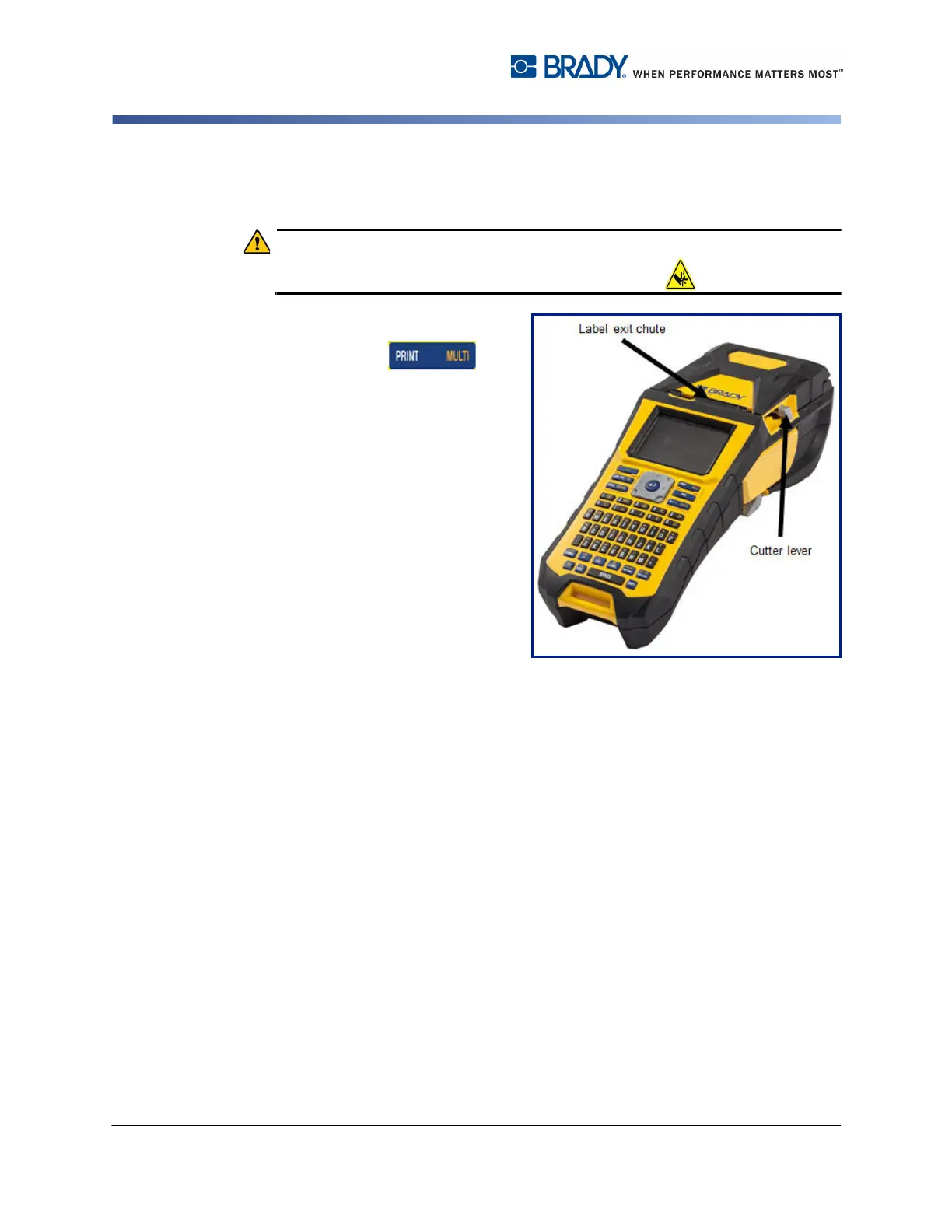
After printing, to cut the label:
2. Pull the cutter lever forward
(towards you) as far as it will
go.
Printing from the BMP
®
61 printer
occurs in the background, meaning
you can continue to edit or create
new labels while a label is printing.



 To Next Page