BMP
®
61 Label Printer
User’s Manual
3-39
List
Setting up the Data Source
The data source must be a .csv file created in a spreadsheet or database program
on a PC and imported to the BMP61 printer via the USB port and a flash drive.
You can also create the .csv file directly on the BMP61 printer. If you have created
the .csv file on a PC, you must import the file to the printer before you can use the
List function. (See "Using Files from an External Source” on page 4-11 for
information on importing files using a flash drive.)
To create the data source directly on the BMP61 printer:
1. Press List .
2. Select Create.
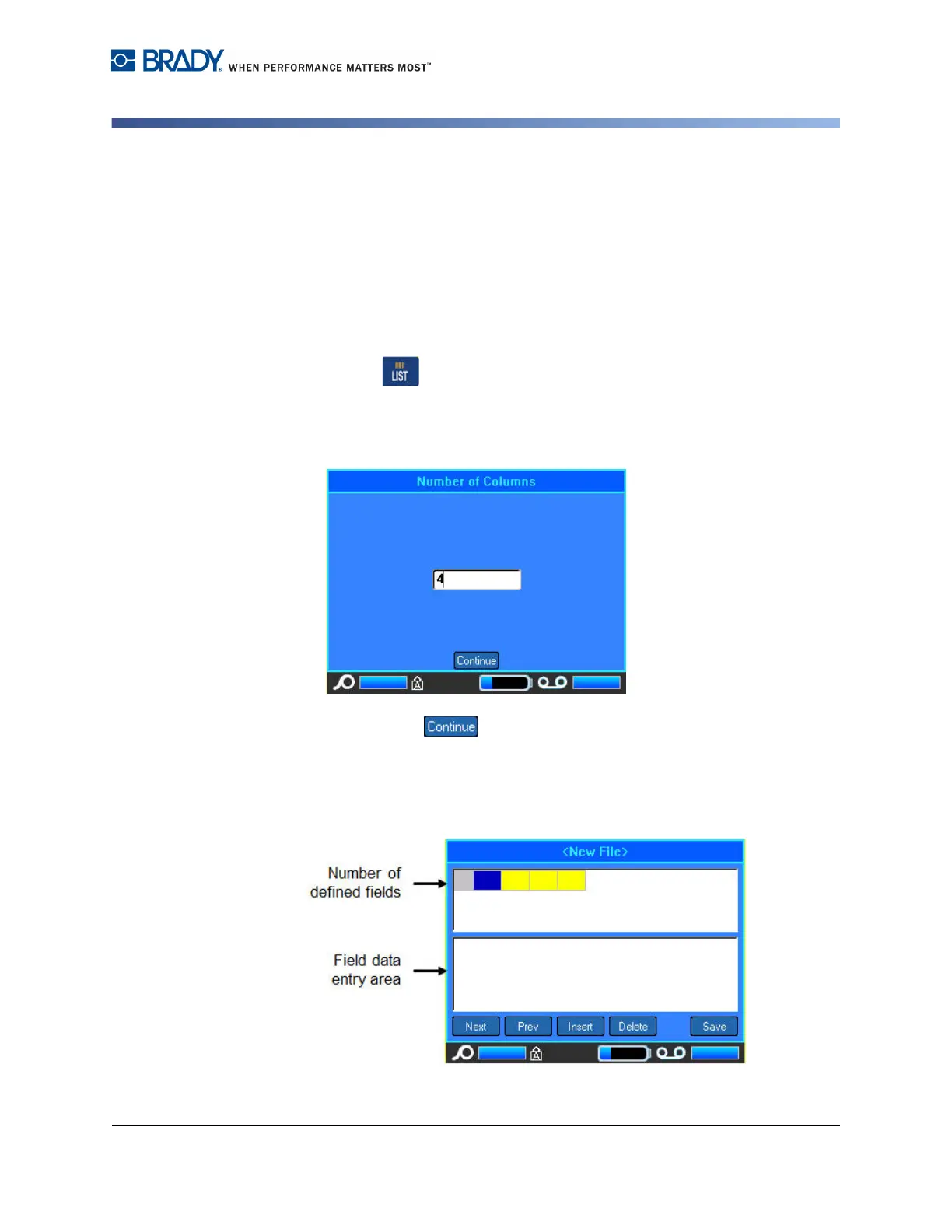
3. Enter the number of fields (columns) the data source will contain.
4. Select Continue .
The number of defined fields displays as blue and yellow squares at the top of the
screen. The blue field is the current field. The gray square displays the record
number as data is entered into the data source.



 To Next Page