1-48 BMP
®
61 Label Printer
User’s Manual
Setup
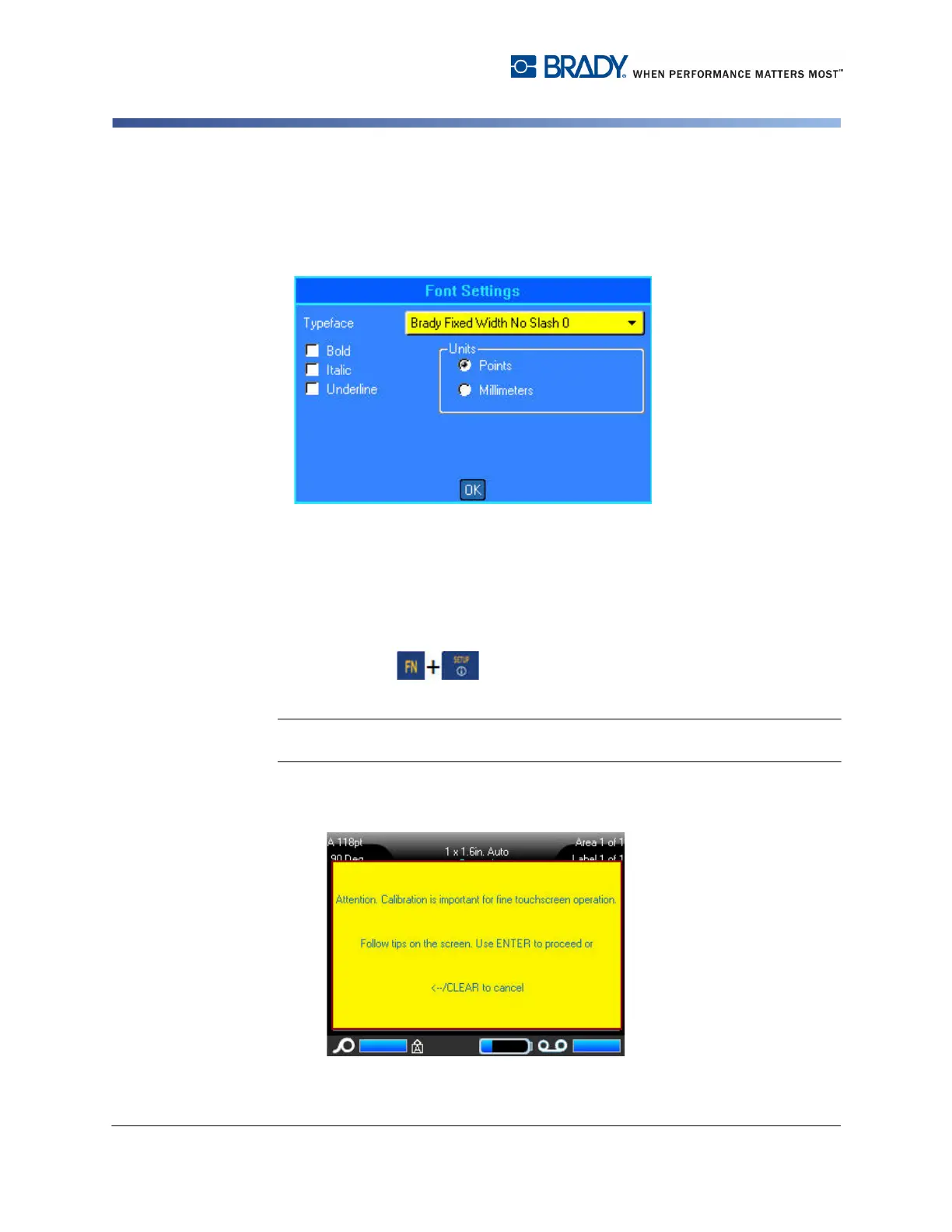
Font Settings
Use the Font Settings to indicate if you want the font size to be measured in points
or millimeters.
Figure 1-10. Font settings in Setup function
Touchscreen Calibration
Calibrate the touchscreen to the desired sensitivity (soft or hard touch).
To calibrate the touchscreen:
1. Press Setup .
2. Select Touchscrn Calibr .
Note: Touchscreen calibration is located to the right of Font Settings. Scroll to the
right to access Touchscrn Calibr button.
3. Follow the instructions on the screen.



 To Next Page