5-2 BMP
®
61 Label Printer
User’s Manual
Print
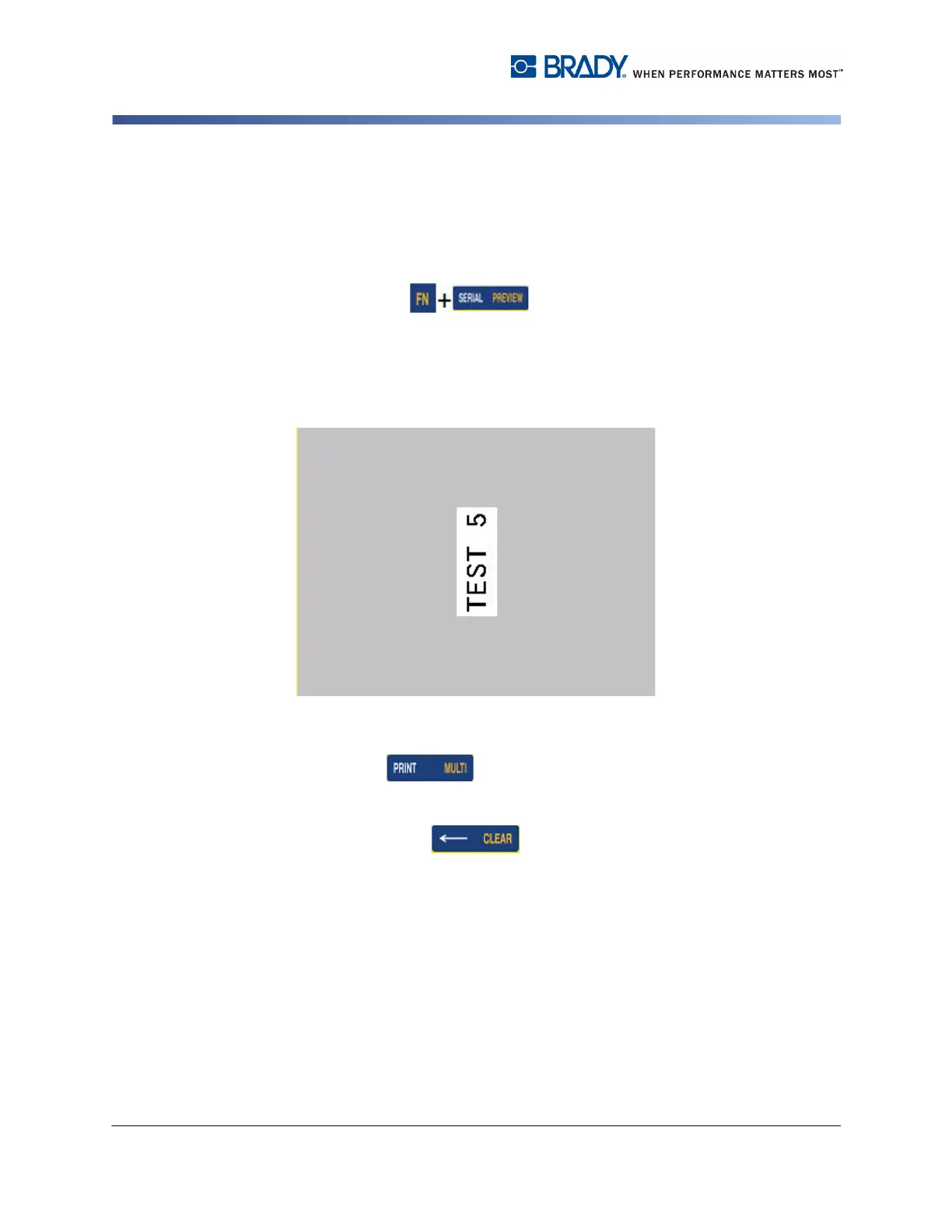
Print Preview
The Print Preview function of the BMP61 printer enables you to view your label file
prior to printing.
To preview the label:
1. Press Preview .
OR
Double Tap the data in the Editor screen.
The label contents display.
To print directly from Print Preview:
2. Press Print .
To exit Print Preview and return to the editing screen:
1. Press Backspace .
OR
Tap the print preview screen.
You are returned to the editing screen.



 To Next Page