BMP
®
61 Label Printer
User’s Manual
2-5
Font AutoSize
Font AutoSize
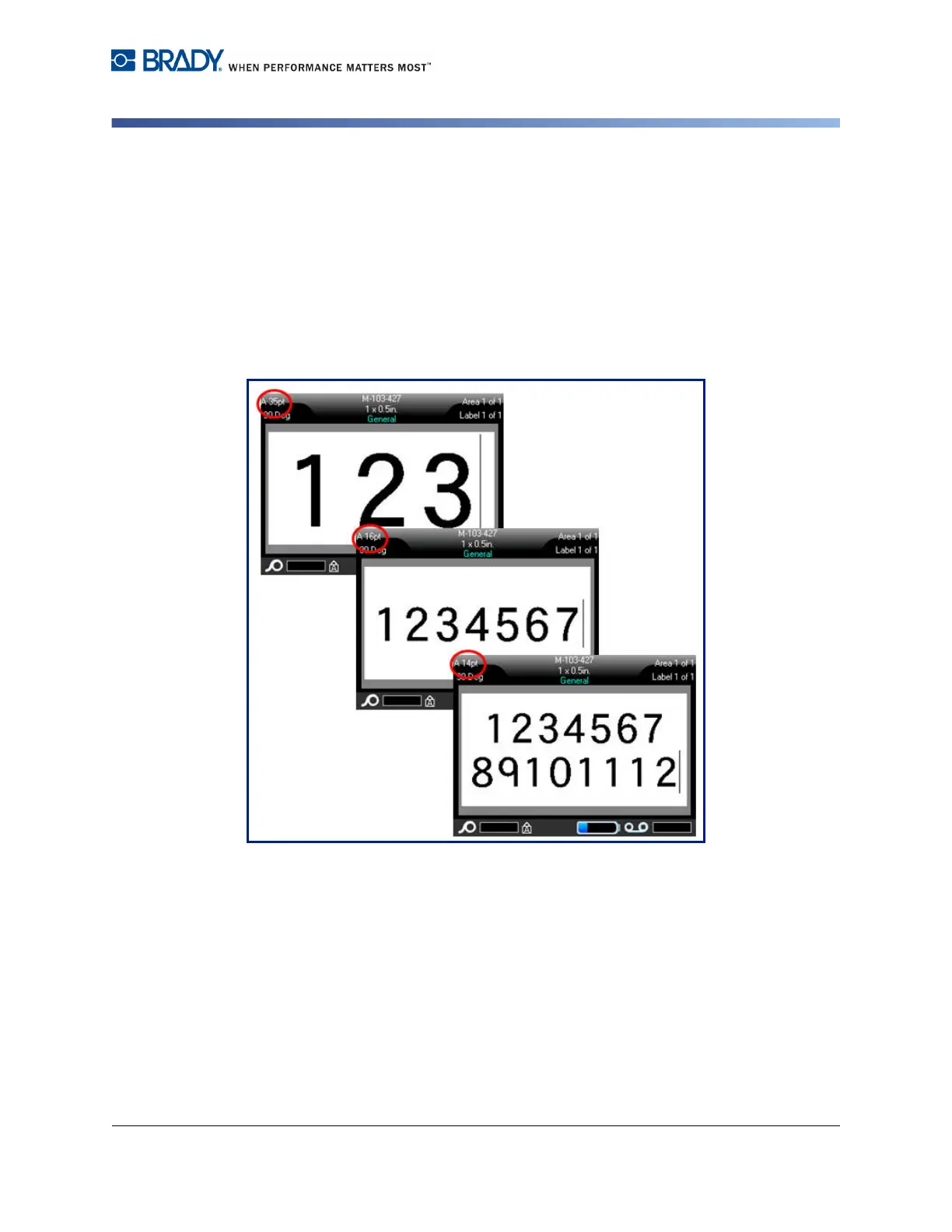
Autosize starts with the largest font size that fits on the label. When a line of text
reaches the edge of a label it scales downward until you press [ENTER] or the
minimum font size is reached. When working with autosize and multiple lines of
text, all lines on a label maintain the same size.
Autosize is turned on for all labels and is displayed as an ‘A’ in front of the font
size in the upper left corner of the Header bar.
Figure 2-1. Text entered with Autosize turned on



 To Next Page