BMP
®
61 Label Printer
User’s Manual
1-25
Recycling the Label and Ribbon Cartridge
Dismantling the Cartridge
To open the cartridge:
1. Unwind any remaining label meda from the spool, then gently peel the end of
the media off of the spool to separate.
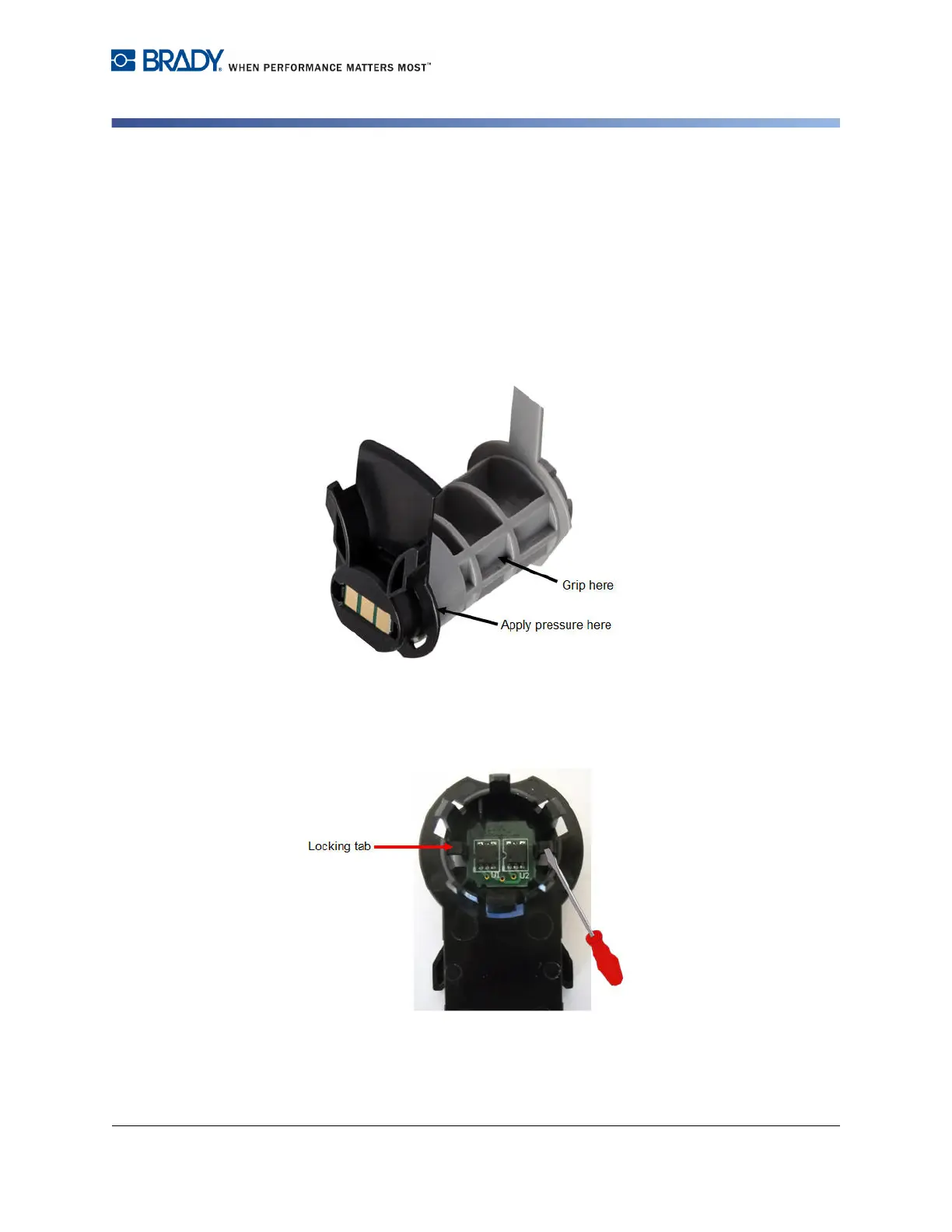
2. Grip the media assembly just behind the black end cap (containing the smart
cell).
3. With your thumb, apply pressure to the back of the black end cap to separate
the cap from the media cartridge core.
4. From the back side of the black end cap, press the blade of the screwdriver
against the locking tabs, applying outward pressure. This will release the
smart cell.
5. Slide the cardboard core off of the plastic cartridge core.



 To Next Page