3-20 BMP
®
61 Label Printer
User’s Manual
Labels and Areas
Justification
Justification refers to the alignment of data between boundaries (margins) on a
label or in an area. There are two types of justification: horizontal and vertical.
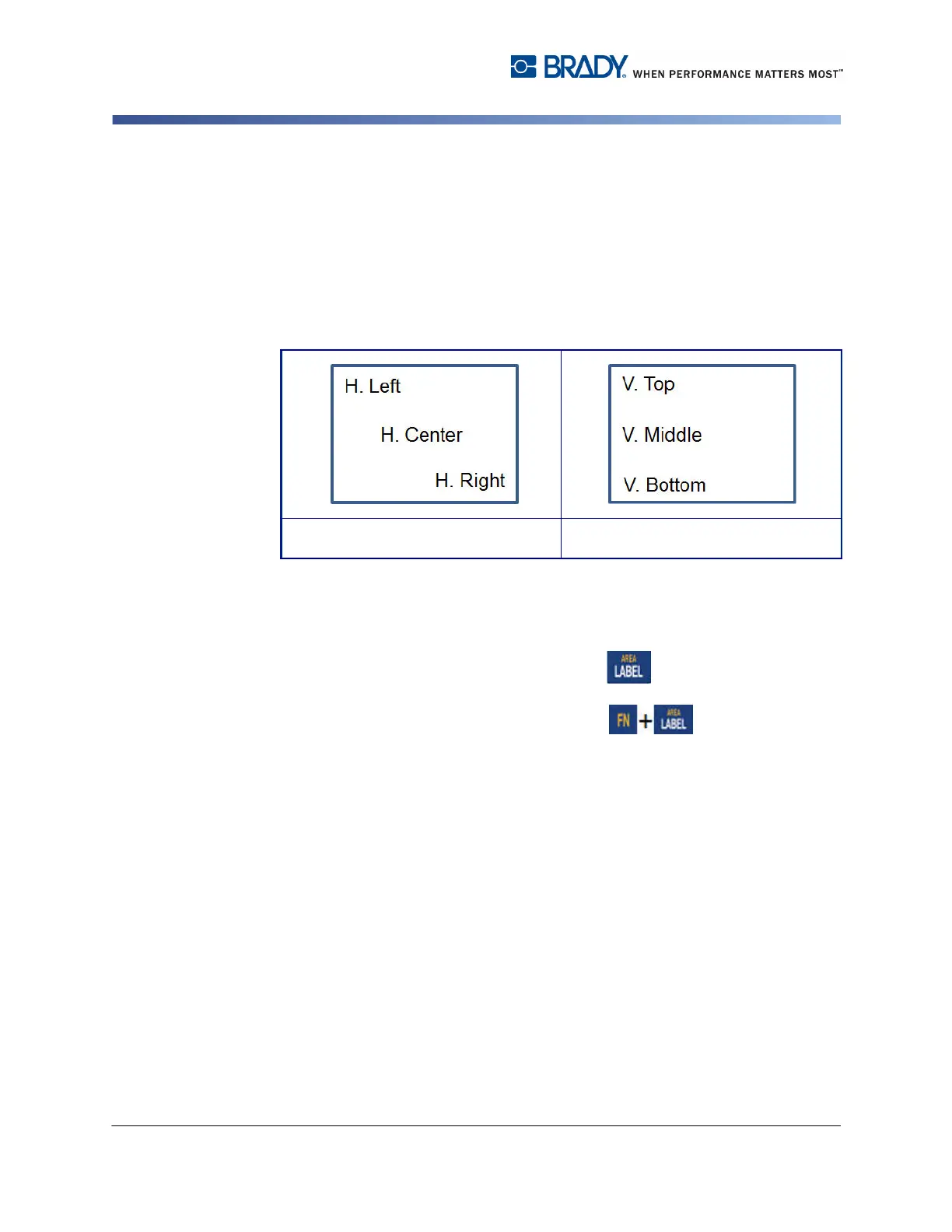
Horizontal justification (H. Justify) aligns data between the left and right
boundaries of a label or area, while Vertical justification (V. Justify) aligns data
between the top and bottom boundaries of a label or area. Justification is applied
to an area or a label. It cannot be applied line-by-line.
Figure 3-8. Justification examples
To apply justification:
1. Navigate to the label or area where justification is to be applied.
2. To apply justification to a label, press Label .
OR
To apply justification to an area, press Area .
3. Choose H. Justify or V. Justify.
4. Choose the horizontal or vertical justification desired.
Every line of data on the label or in an area is justified according to the option
selected. When adding a new label, the justification maintains the current
justification settings, but you can change it again. Different justification can be
applied to individual labels in a multi-label file or different areas on one label.
Horizontal Justification Vertical Justification



 To Next Page